#1 Enterprise GPS Tracking for Field Service Teams
Total Fleet Visibility, Zero Hardware Costs
Stop relying on expensive OBD dongles. FieldServicely gives you real-time visibility into technicians, grey fleets, and job context. It simplifies operations by integrating location data directly with your ERP and payroll systems.

No Hardware Required
SSO Ready
Easy Upgrade
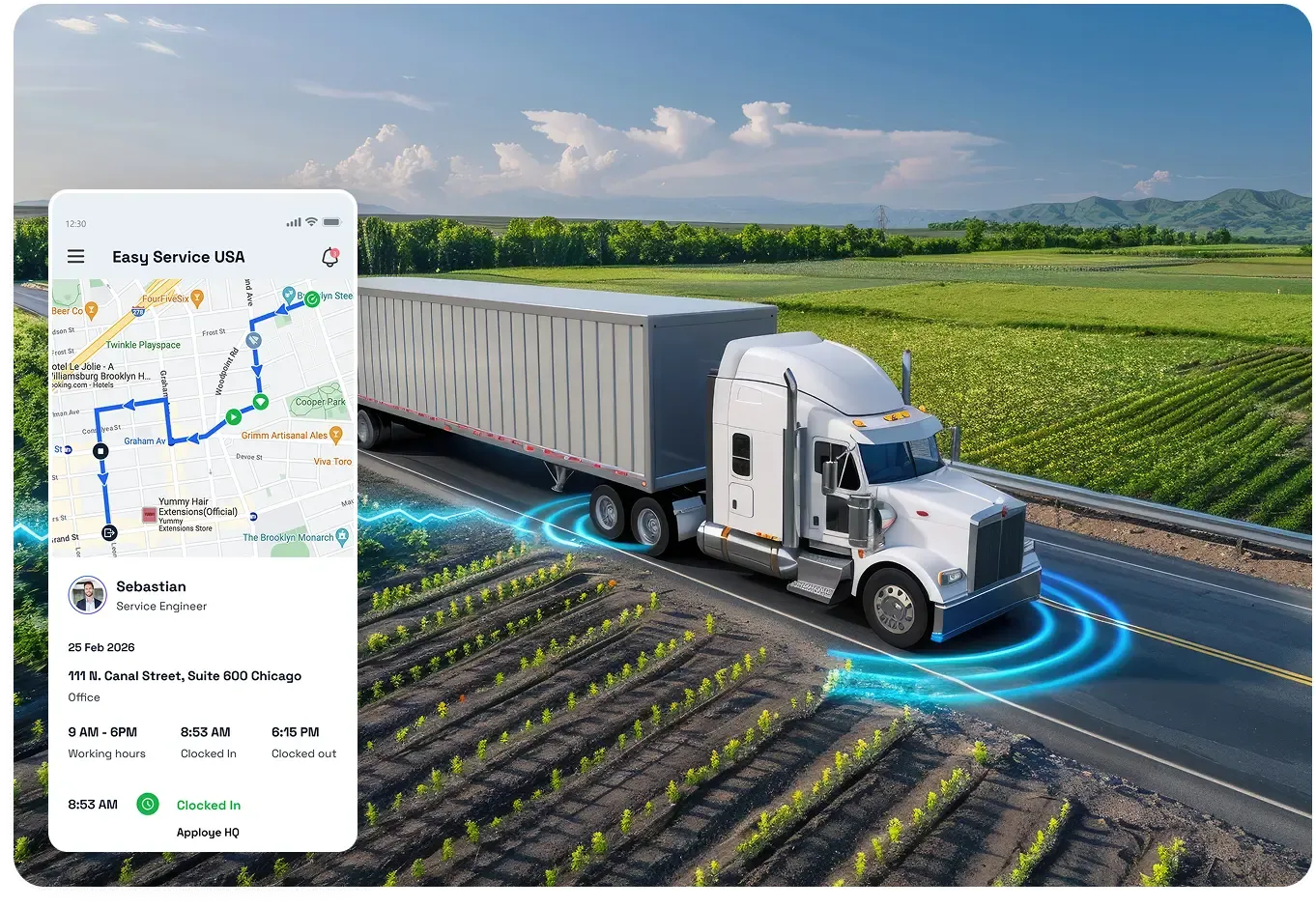
DESIGNED FOR ECONOMIC FLEET & TECH MANAGEMENT
Enterprise GPS tracking software that connects fleet location, jobs, and time on one dashboard

Sam Hosea
Fleet Director

We had a hard time getting the details on our contractual fleet during the day. FieldServicely’s enterprise GPS tracking changed that immediately. We can now see exactly where my 50+ technicians are. It also helped us cut down extra costs on dedicated hardware.
Don’t Lose Grey Fleet Visibility Relying Only on Hardwired Telematics
FieldServicely separates the tracker from the truck. Use the secured mobile app to see what your workforce is up to, regardless of the vehicle they drive. So you don’t lose visibility when a contractor steps into their own or rental car.
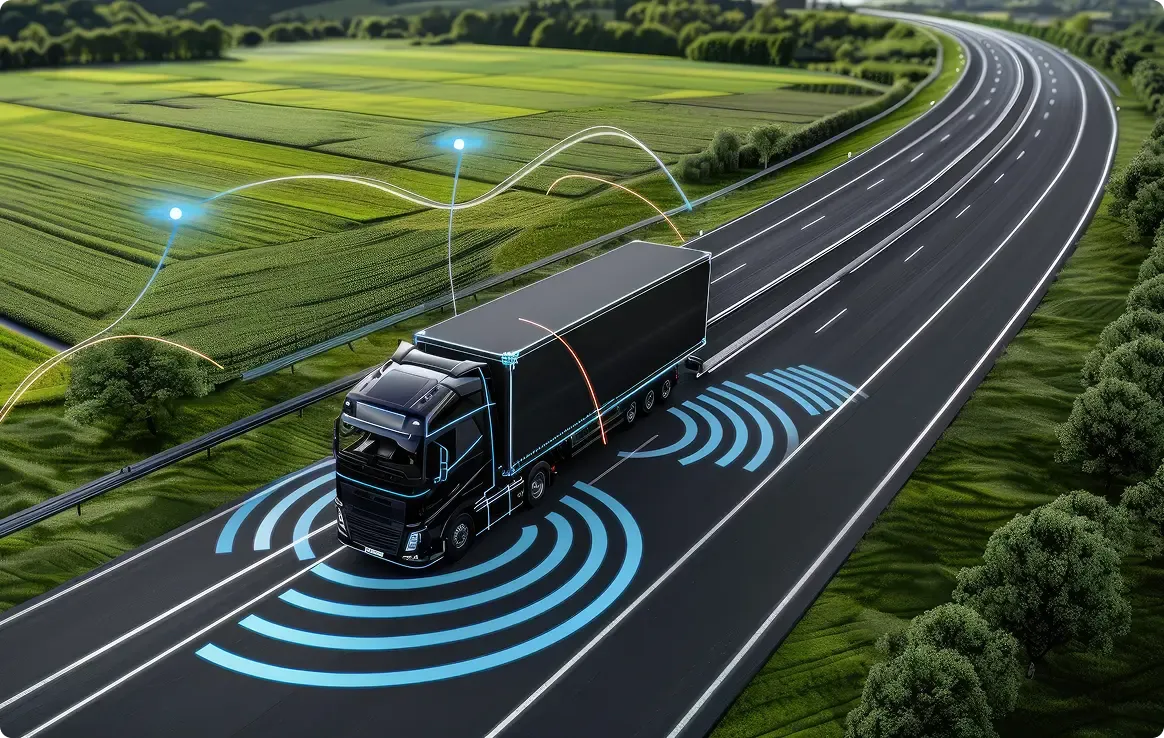
Seamless Enterprise GPS Tracking for Field Service Operations
Scale Service Fleet
Deploy to 1,000+ Drivers in Minutes
Onboard new territories and temporary crews instantly via mobile apps or shareable links. No hardware installation required.
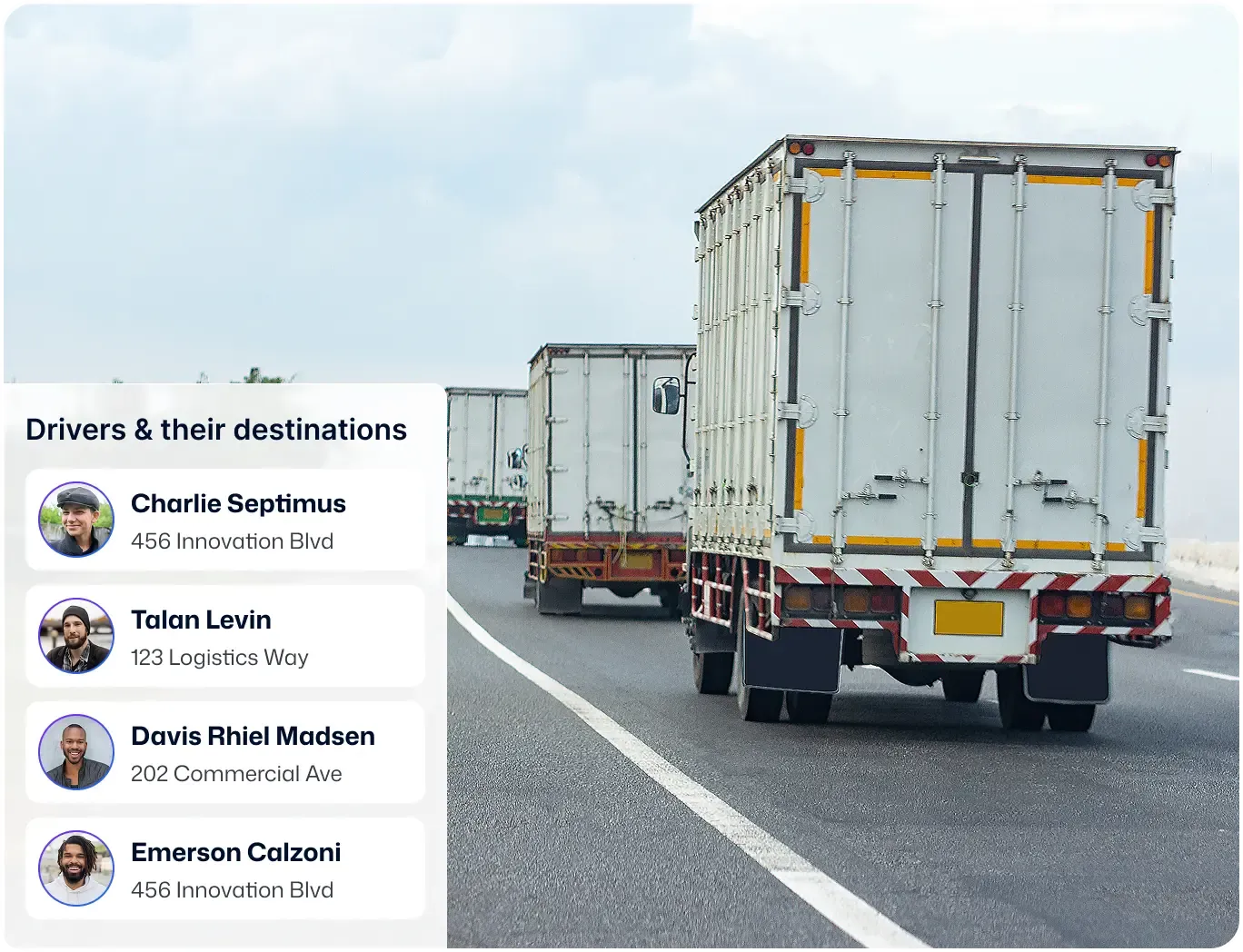
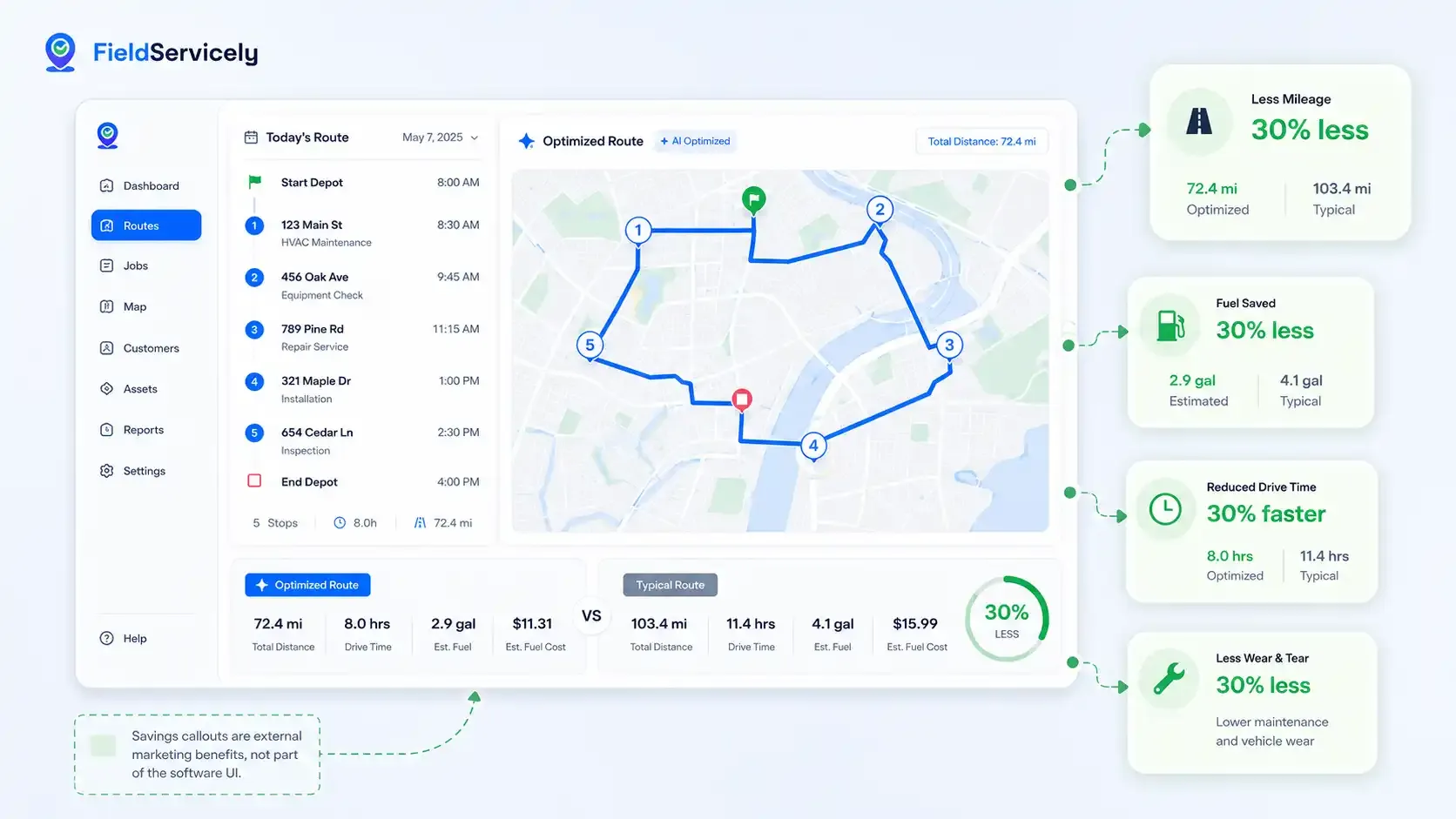
Route Optimization
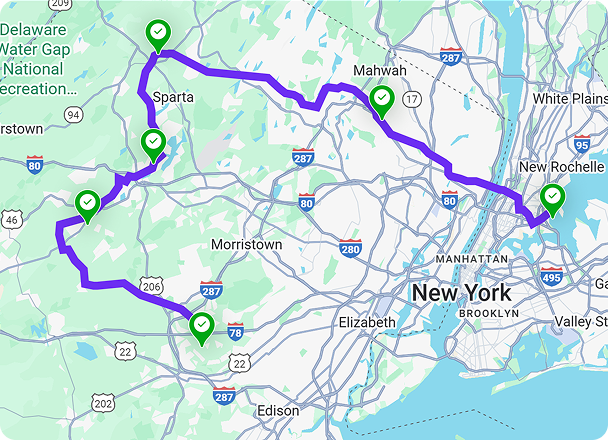
Plan the Best Route with Fleet Management System
Gain operational efficiency and save transportation costs up to 30%. Deliver on time to ensure customer satisfaction with smart vehicle dispatching.
Instant Tech Visibility
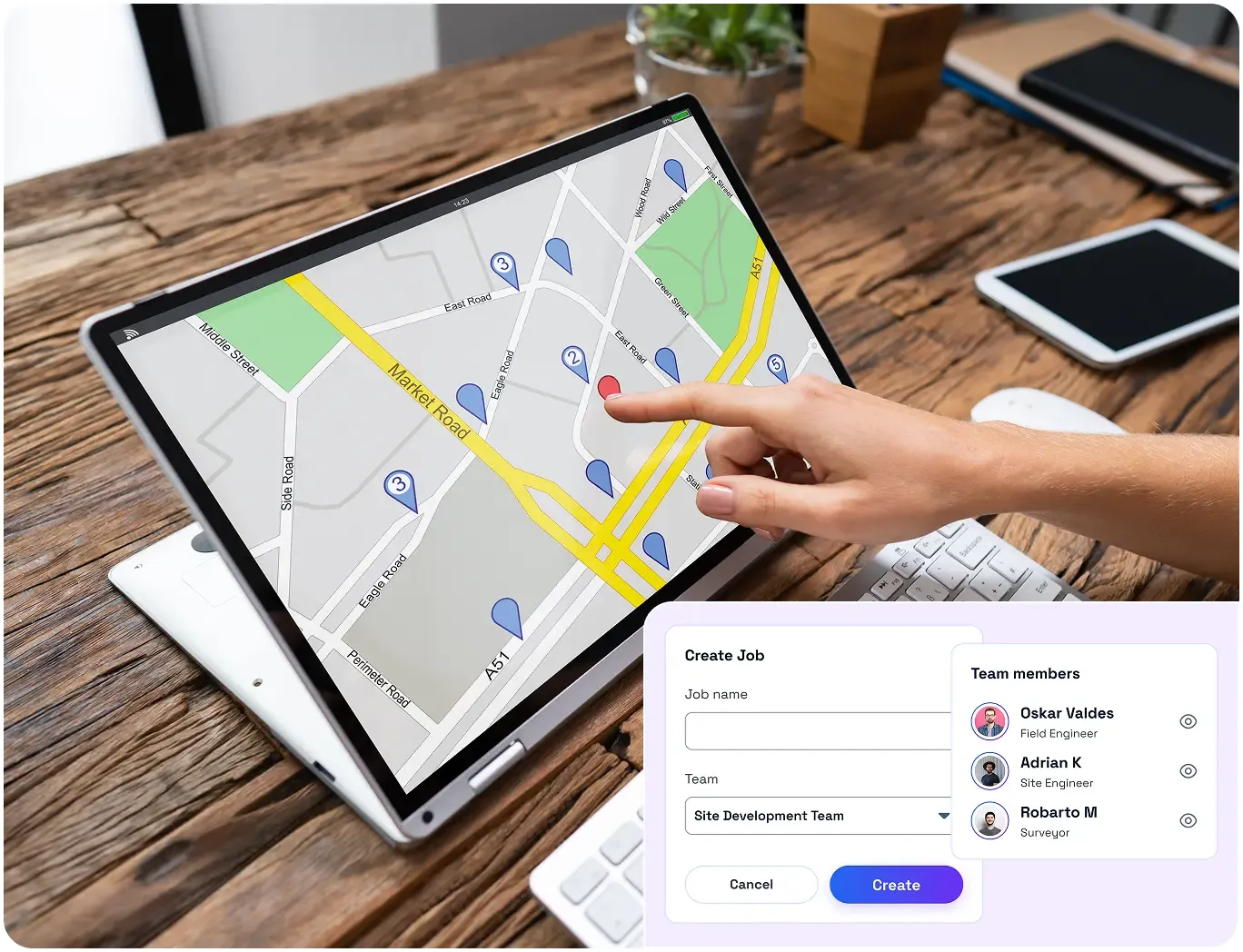
Real-Time Technician GPS Tracking with Live Map View
See where every crew is in seconds. Use live locations of the fleet to minimize check-in calls and make faster dispatch decisions.

Improve Prouctivity
Location-based Job Dispatching with GPS Tracking Software
Cut empty miles by assigning the nearest available driver to the job. Minimize idle time and increase technician utilization by up to 20%.
Geofenced Attendance
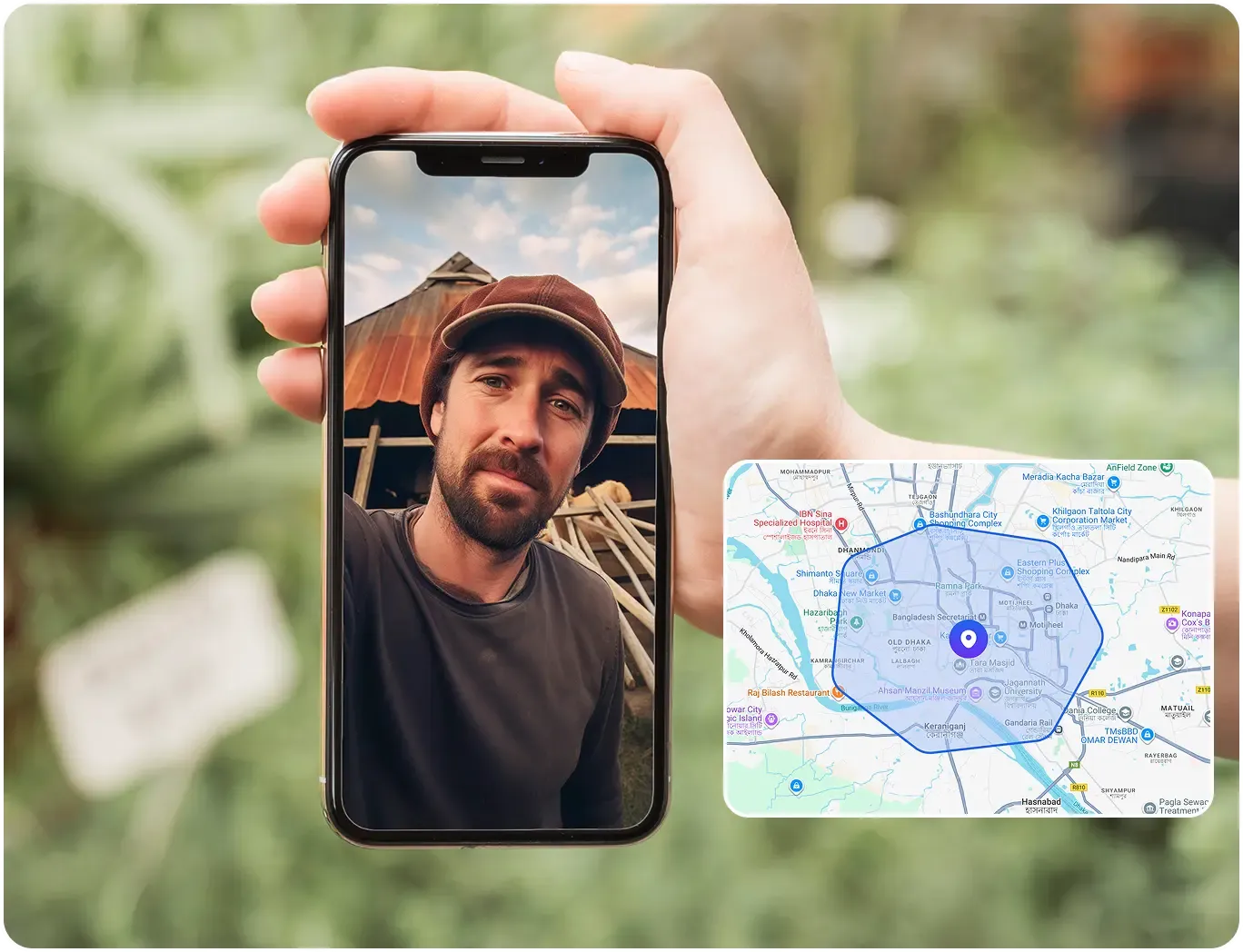
Ensure Presence with Photo Verified GPS Tracking
Restrict clock-ins only to the approved job sites. Only register check-ins when a selfie is taken and eliminate buddy punching.
Customer stories
How Teams Like Yours are "Winning"

Mid-market
“We needed a system that gave us control and real-time insight into what was happening on the ground, without chasing people or spreadsheets.”


See FieldServicely in Action
Just schedule a demo and see how FieldServicely makes field operations and job management smarter, faster, and easier.
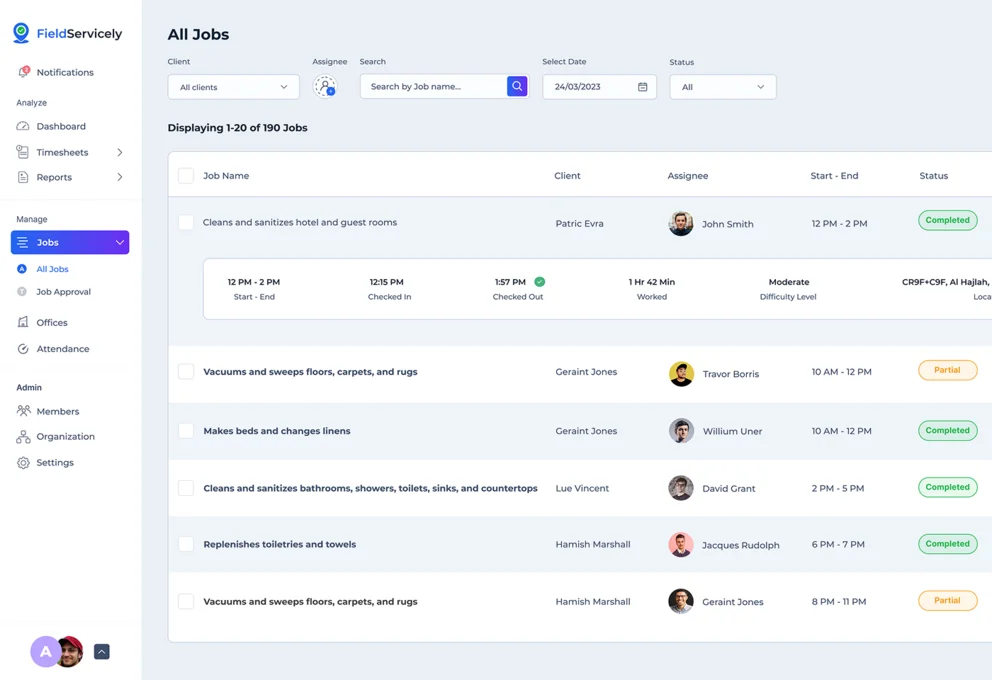
Enterprise Ready GPS Fleet Tracking App
Never lose sight of your service fleet without installing devices
GPS Tracking
Monitor live driver locations on an interactive map to verify routes and ETAs.
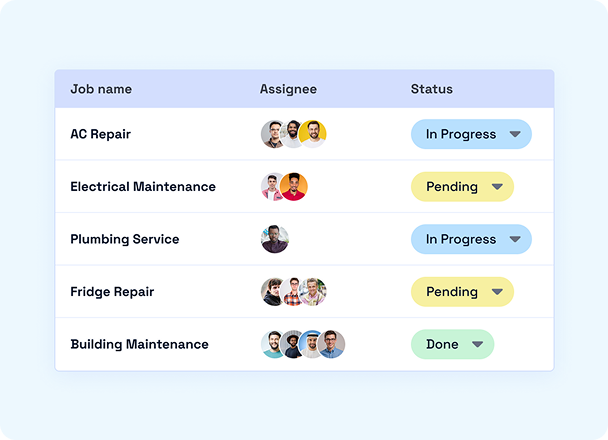
Job Management
Collect Proof of Service with photos, notes, and e-signatures from the job site.
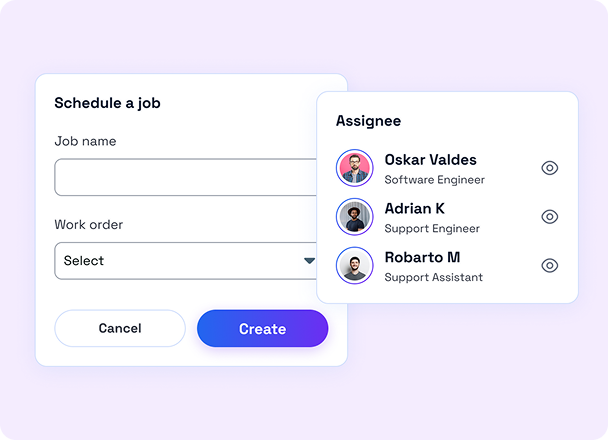
Scheduling
Assign tasks to open calendar slots to get the right tech to the right job.
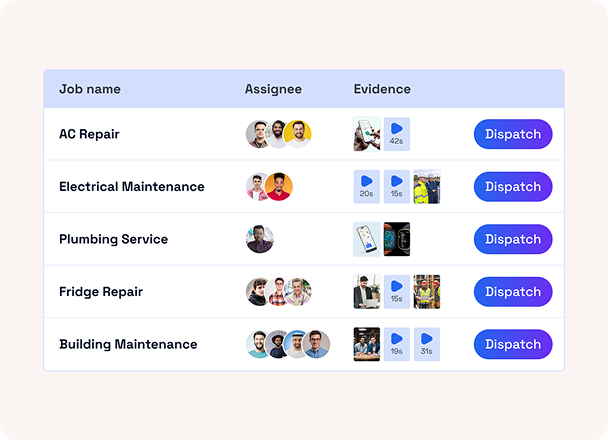
Dispatching
Send job details directly to drivers' mobile apps for instant schedule updates.
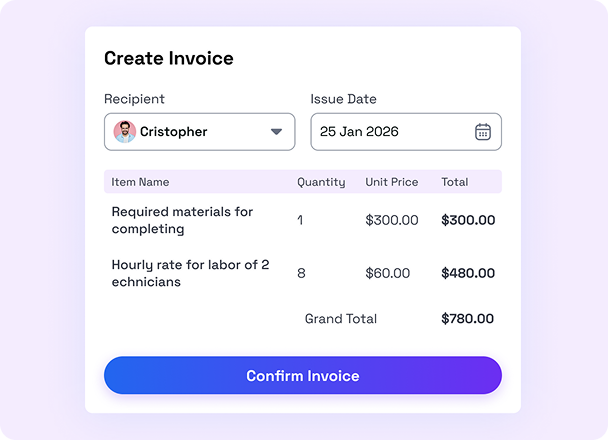
Invoicing
Automatically convert completed job data into professional invoices.
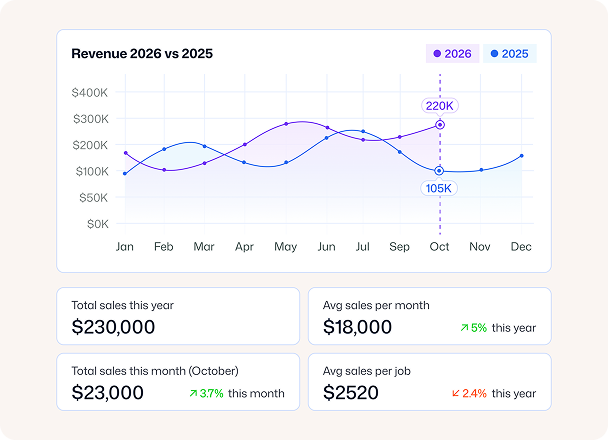
Analytics & Reporting
Track key performance indicators (KPIs) to find scope to improve efficiency.
How it Works
Get Started with Enterprise GPS Tracking in 3 Simple Steps
Invite Employees & Assign Jobs
Send email invites to your drivers and delegate tasks with location.
Start GPS Tracking
Go to the GPS Tracking tab from the dashboard. Click on Live Location, and you’re all set!

Use GPS Tracking Software for Fleet Vehicles and Simplify Operations

Marcus H.
Regional Service Head
"Managing teams across three different cities was a real nightmare, especially for our dispatchers. Then we tried FieldServicely for their tracking features. And I’m happy I ever came across it. We can now manage everything from one dashboard, and it saved us 10 hours of manual check-ins every week."
FAQS
Frequently Asked Questions about GPS Tracking for Enterprise
Is FieldServicely GPS tracking really worth it for very small fleets?
Yes, FieldServicely GPS tracking is worth it even for very small fleets. It helps you see where vehicles are, cut wasted miles, and keep jobs on time without extra work. You can start small and scale up as your fleet grows.
Is FieldServicely GPS Tracking Free?
Yes, FieldServicely has a free version, but that does not include GPS tracking. However, you can try 10 day free trial without hassle and see the full value before you commit. You get the core tracking features that help you reduce missed jobs, improve ETAs, and stay in control.
How large a fleet size can the FieldServicely enterprise platform support?
FieldServicely can support fleets of any size, from a few vehicles to thousands across multiple teams and locations. The platform scales smoothly as you grow. If you manage a growing or complex fleet, it’s built to fit you.
Can FieldServicely's enterprise GPS tracking system support a mixed fleet?
Yes. FieldServicely can support a mixed fleet, so you can track different vehicle types and assets from one place. It keeps location, routes, and activity consistent across your whole fleet, making it easy to manage as you grow.
Is it possible to manage an enterprise fleet from my mobile device?
Yes. You can manage your enterprise fleet from your mobile device with real-time location tracking, alerts, and job updates in one place. FieldServicely is built for mobile-first fleet control, so you can monitor vehicles, respond fast, and keep teams on track even when you’re away from your desk.
The Ultimate Guide for Field Service Management App
This guide answers all your questions and queries on field service management solutions. Get a firm grasp on field employees management and performance optimization techniques for your entire team.
The Ultimate Guide to Field Work Management Software
|
FieldServicely
What is Enterprise GPS Tracking?
Enterprise GPS tracking is a vehicle tracking system that shows where your fleet is, in real time, and on one map. It combines GPS tracking systems, location history, and alerts so you can manage hundreds or thousands of assets with less manual work. Most teams run it as fleet tracking software inside a fleet management platform.
Enterprise setups also go beyond dots on a screen. They add rules, roles, reports, and integrations. So your dispatch, ops, and finance teams all use the same data. That’s why people also call it a fleet management system or fleet management technology.
Who is Enterprise GPS Tracking for?
Enterprise GPS tracking is for teams that must control cost, safety, and service across many vehicles or assets. It fits field service fleets, delivery fleets, and commercial fleet management. This is because timing and visibility decide the customer experience. It also fits companies that need reliable fleet monitoring across regions, depots, and job sites.
Operations leaders use it to reduce chaos during daily execution. And dispatchers use it to locate drivers in seconds using fleet vehicle tracking. Owners and finance teams use it to spot waste and prove ROI with clean data. Thanks to the fleet tracking system.
How Does GPS Tracking Work for Tracking a Fleet?
A GPS fleet tracker collects location signals from a device and sends them to a cloud dashboard. A hardwired unit, a phone app, or a GPS fleet tracking device shares coordinates, speed, and trip data through cellular networks. Your team then views it in vehicle tracking software or a fleet management app.
Just so you know, a modern fleet tracking solution turns raw points into actions. It creates route views, stop summaries, and geofence alerts so you can manage work as it happens. It can also track non-vehicle assets when you add a GPS tracker for equipment or a GPS equipment tracker.
Benefits of Enterprise GPS Tracking Software
Enterprise GPS tracking software improves day-to-day fleet control. It helps you minimize late arrivals with live ETAs, route progress, and exceptions through fleet GPS tracking. It also improves route planning because you base decisions on history.
Key benefits you can expect:
- GPS tracking software lowers fuel and overtime by fixing detours, long stops, and poor routing.
- Faster dispatch by using fleet trackers to send the closest vehicle to the next job.
- Better compliance and safety by tracking speeding and harsh driving. Also, after-hours use in the fleet monitoring system reports.
- Asset protection by tracking trailers and tools with fleet asset management software.
Stronger customer updates by using accurate arrival windows.
What to look for in an enterprise GPS tracking Tool?
A strong tool must show accurate location and also support real operations. It should work as a full fleet management solution with permissions and easy reporting. It should also scale without slowing down when your fleet grows.
Focus on these must-haves:
- Reliable live map and history. This way, your fleet tracking solutions stay useful during busy hours.
- Geofences and geo-tracking alerts. It will help you catch yard exits, site arrivals, and off-route events.
- Dashboards and reporting features. It will cost drivers, such as idle time and route variance.
- Asset and vehicle support, so one fleet software covers trucks, vans, and equipment.
- Integrations with dispatch, maintenance, and payroll.
Hardware vs. App-Based GPS Tracking Solutions: Which is Right for You?
Hardware GPS fits fleets that need always-on tracking with strong tamper resistance. It works well for commercial trucks and high-value vehicles that run all day. It also supports deeper vehicle data when you connect it to diagnostics.
App-based tracking fits teams that need speed and flexibility. It works well when drivers already carry phones, and you want a fast rollout of GPS fleet management without installs. FYI, many companies use both. They use hardware for trucks and an app for contractors, rentals, or temporary vehicles.
Here's a breakdown of when to choose one over the other:
Choose hardware when you need:
- Consistent tracking, even when drivers forget their phones.
- A dedicated truck tracking system for long-haul or regulated fleets.
- Strong control over data capture and device health.
Choose app-based when you need:
- A quick start with low upfront cost.
- A simple fleet management app for growing teams.
- Easy scaling across new regions and seasonal fleets.
What is the Difference Between Enterprise GPS tracking and Telematics?
Enterprise GPS tracking answers one main question: "Where is the vehicle or asset?” It powers fleet tracking software and vehicle tracking solutions that focus on location, trips, and geofences, and basic behavior alerts. Plus, it helps dispatch and ops teams act faster.
Fleet telematics, on the other hand, answers deeper questions: “How is the vehicle performing and how is it being driven?”
It can include engine diagnostics, fault codes, battery voltage, and maintenance signals. But it depends on the device. That’s why many teams shop for fleet telematics solutions when they want safety programs. Besides, real vehicle data is crucial for preventive maintenance.
How to Measure the ROI of the Software First GPS Tracking?
Software-first GPS tracking ROI starts with a simple baseline. You measure cost before and after you adopt GPS tracking software. Then tie the change to fewer miles, less idle time, and lower admin work. And don't forget to track results weekly so you spot quick wins early.
Use these ROI drivers as your scorecard:
- Fuel savings: Compare total miles and idle hours before and after fleet tracking.
- Labor savings: Measure dispatch time per job and overtime hours with reports.
- Utilization: Track vehicles per completed job and reduce underused units using fleet management solutions data.
- Asset recovery and loss reduction: Track equipment usage and movement with a GPS tracker for equipment.
- Customer impact: Compare on-time rate and missed appointments using historical data.
FYI, A clean ROI statement stays simple. You add up savings, subtract the monthly cost of your fleet management system, and report the payback period. If you can show even small savings per vehicle each week, the math usually scales fast across a fleet.
