FREE Mobile Workforce Management Software
Schedule. Track. Pay. Run Your Team with Total Control.
Manage your entire field operation in real time, without the endless back-and-forth. FieldServicely brings scheduling, GPS tracking, timesheets, payroll, and invoicing together in one simple platform.
No Credit Card Required
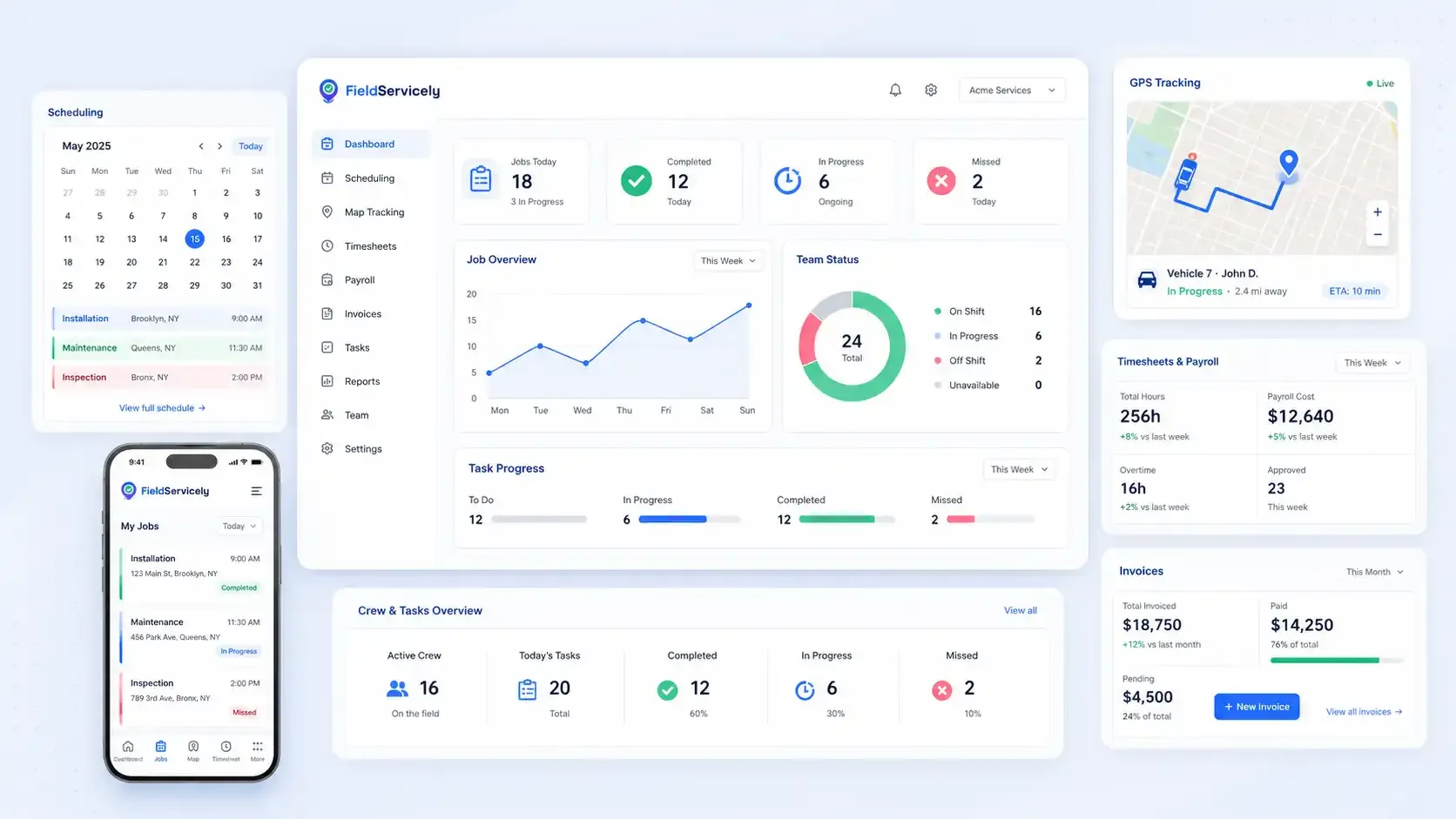
Service Teams Manage Entire Field Teams on FieldServicely
Bring Together Everything You Need to Run a Mobile Team
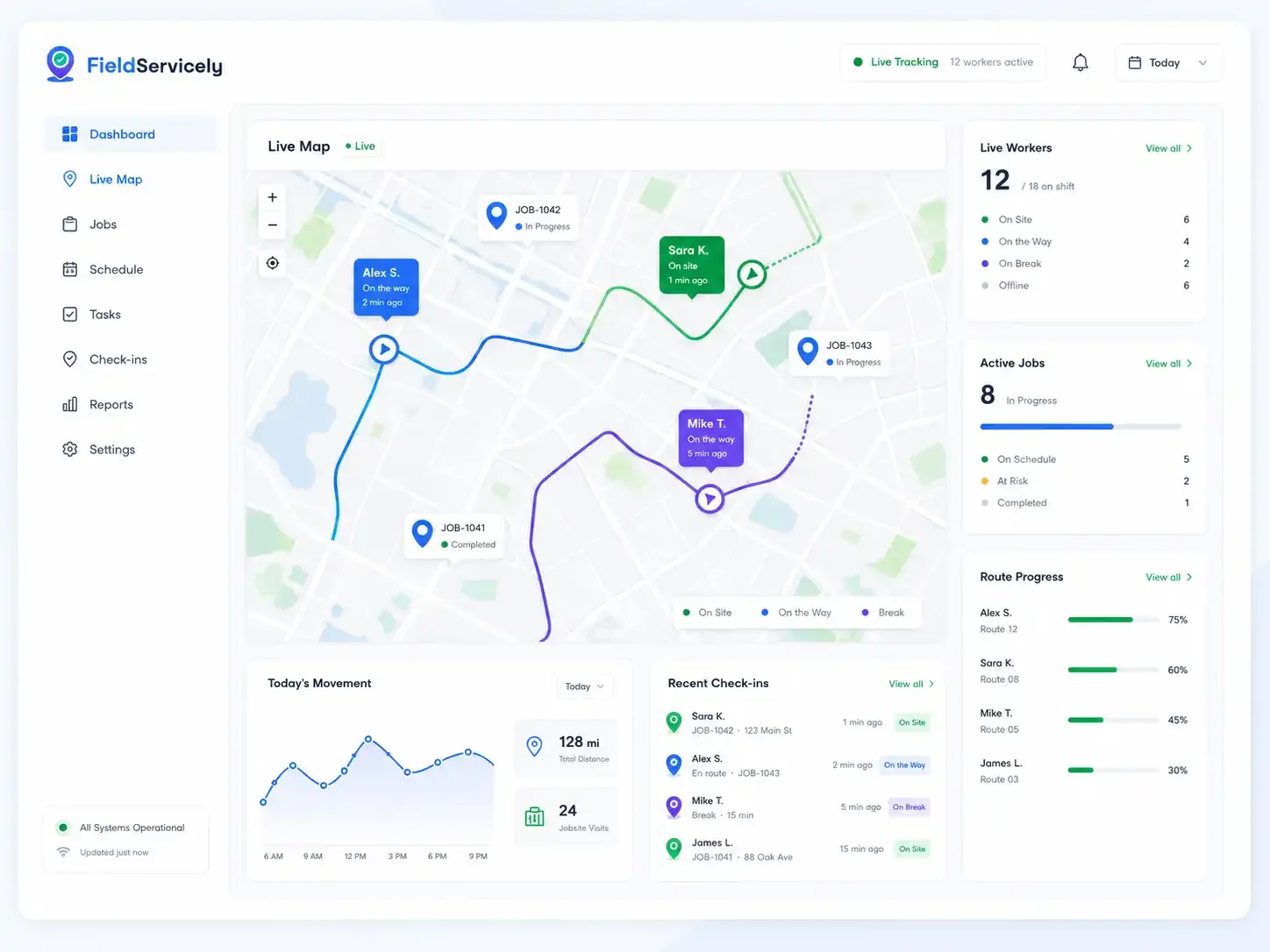
Real-Time Tracking
See Every Mobile Worker Live on the Map.
Track employee locations, routes, jobsite movement, and active work from the app dashboard.
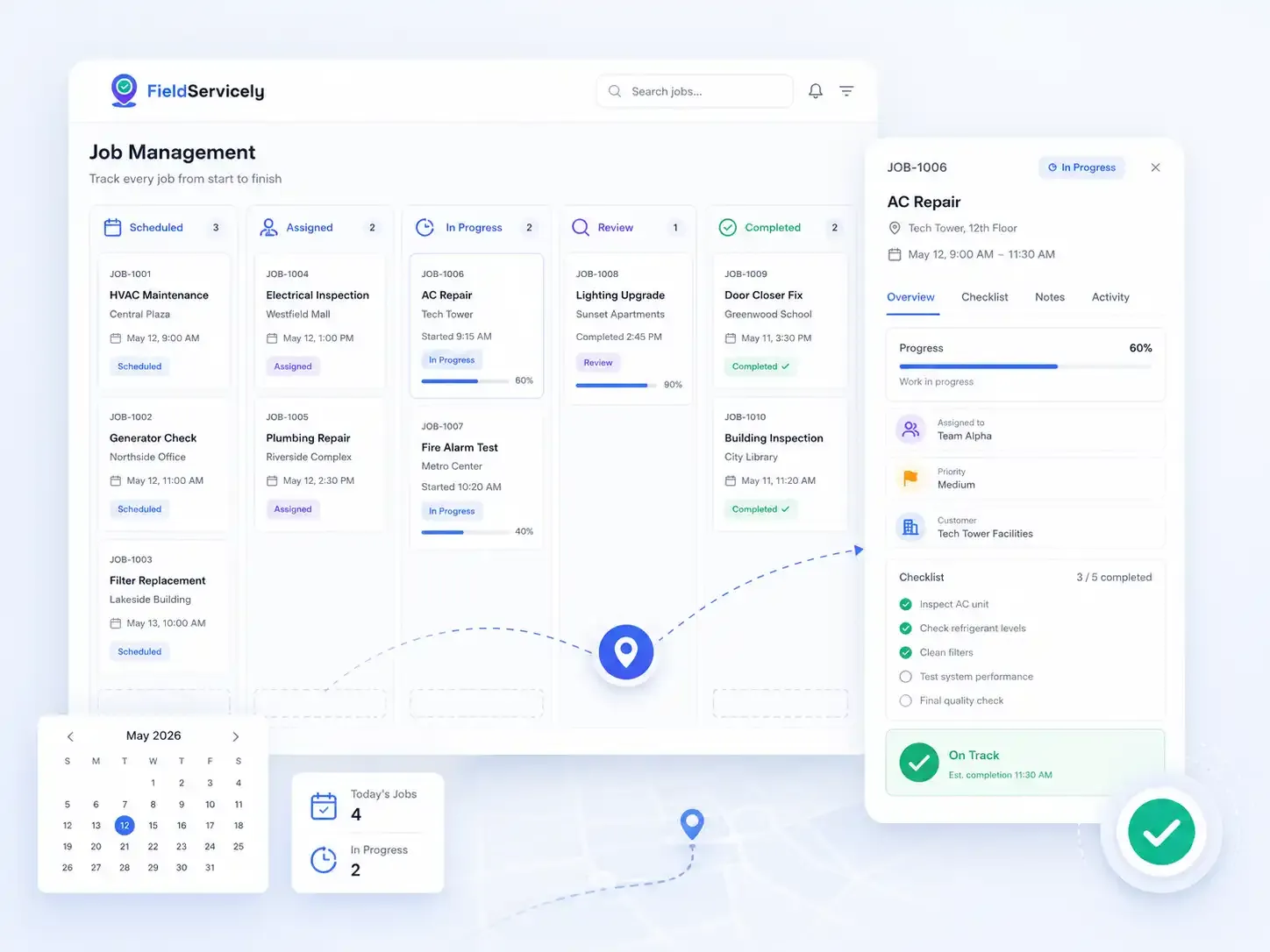
Job Management
Every job. Start to finish. Always Visible.
Watch each job move from the moment you schedule to the moment it gets completed. Check how each job progresses through each stage, so nothing slips.
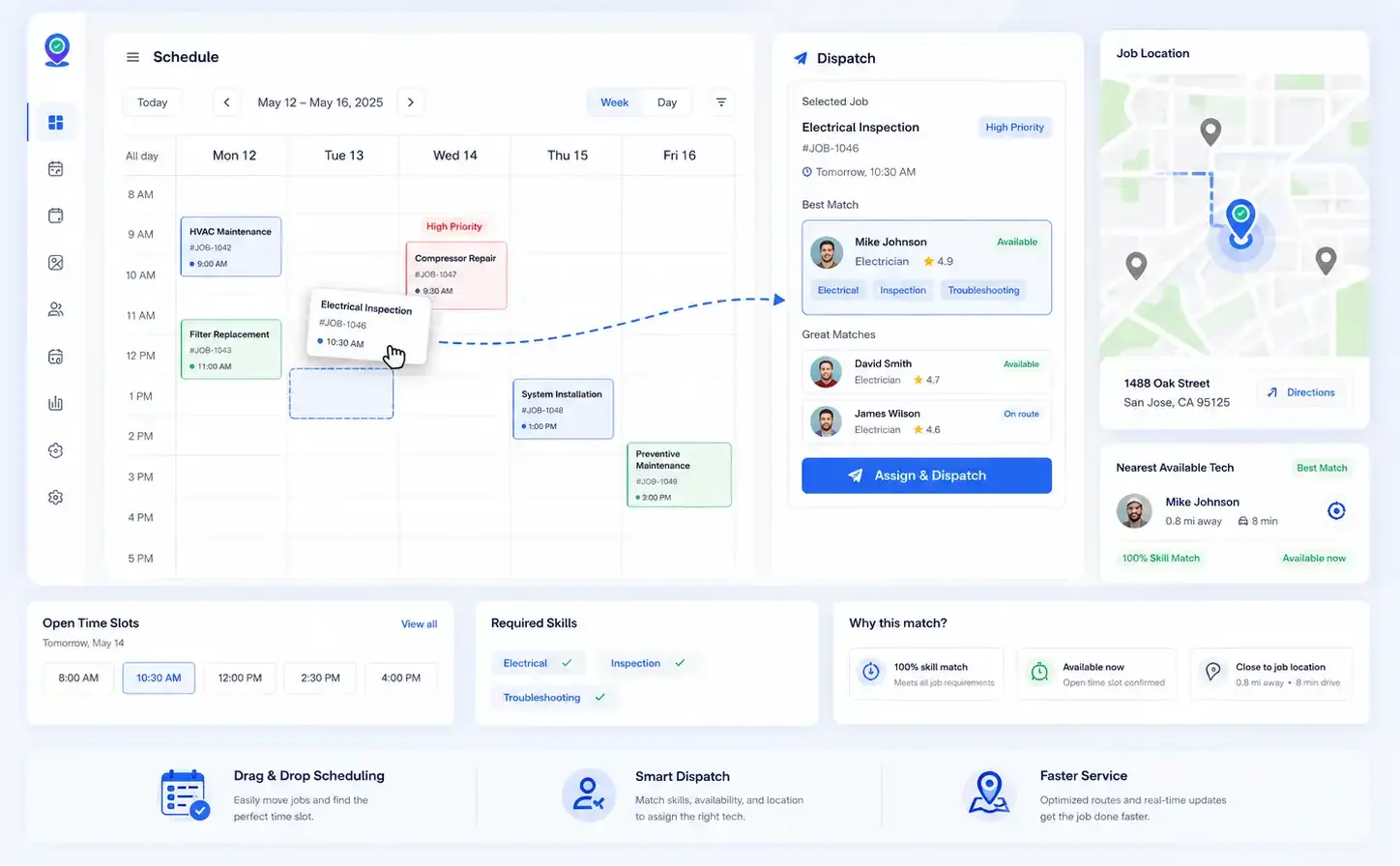
Scheduling & Dispatch
Send the Right Person, in Seconds.
Drag and drop jobs in the scheduling calendar. Assign work based on skill, availability, and location. Control who you send to a job location from the desk.
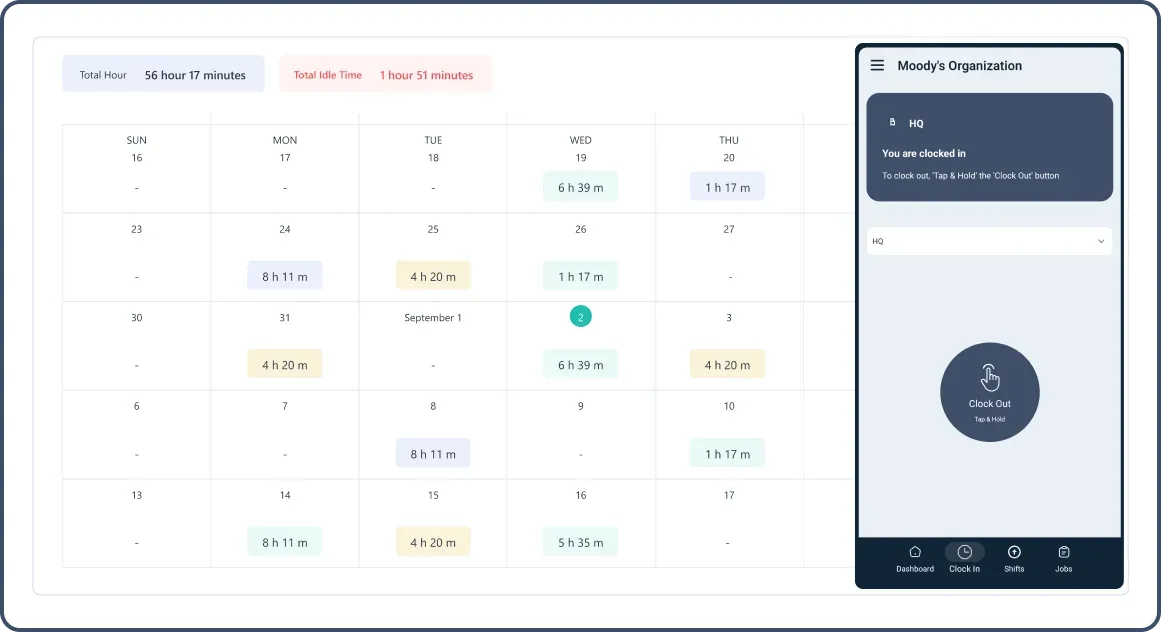
Time & Attendance
Track Mobile Workforce Hours Automatically.
Transform workforce tracking with geofenced check-ins/check-outs. Mobile workforce management software solutions automatically capture work hours, generate smart timesheets, and provide comprehensive productivity analysis. Access everything through an intuitive WFM mobile interface.
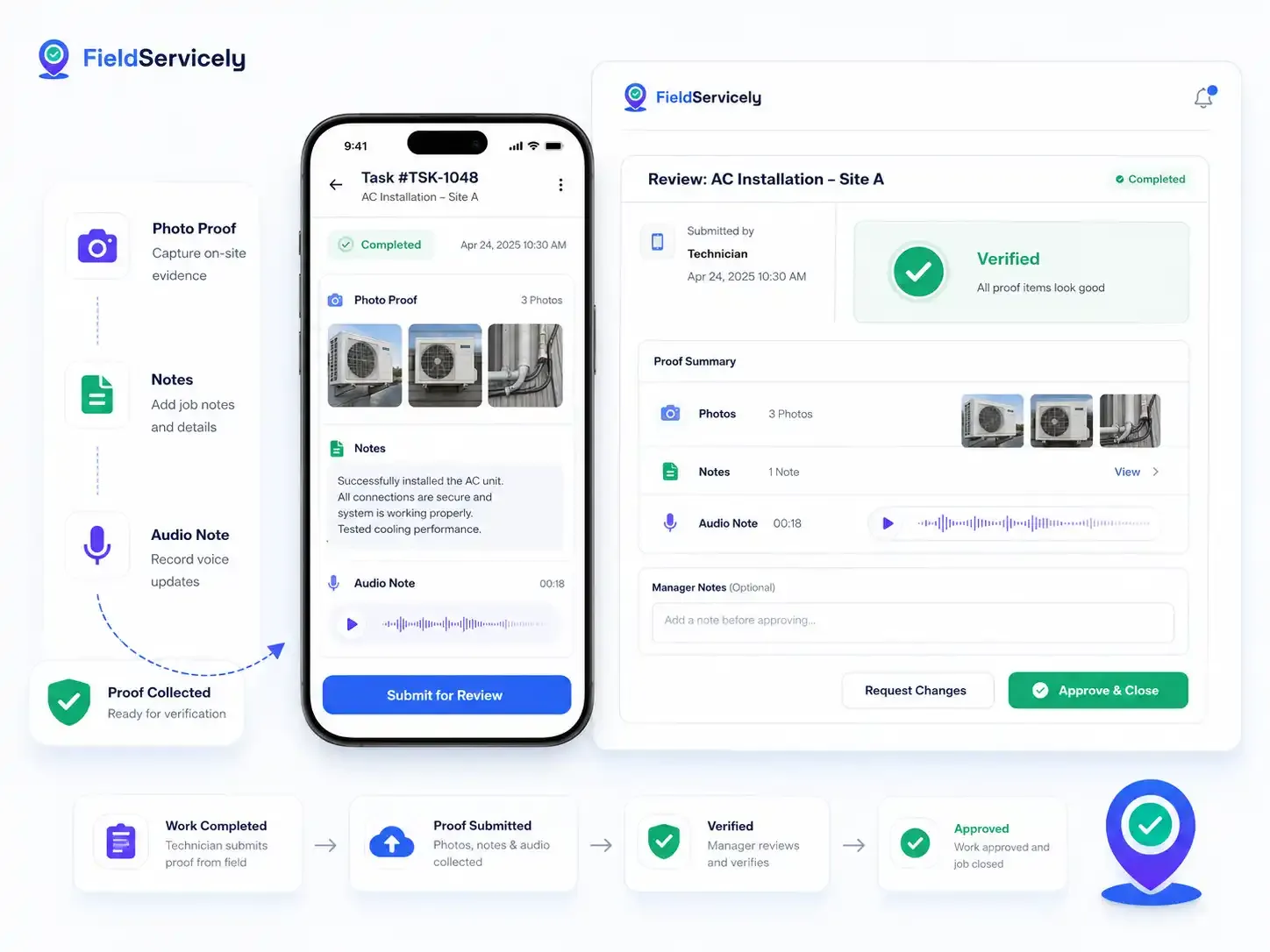
Proof of Work
Verify Work Before You Approve It.
Collect photos, notes, and audio from the field to verify work. So, you can maintain the highest quality in every job your mobile workforce does.
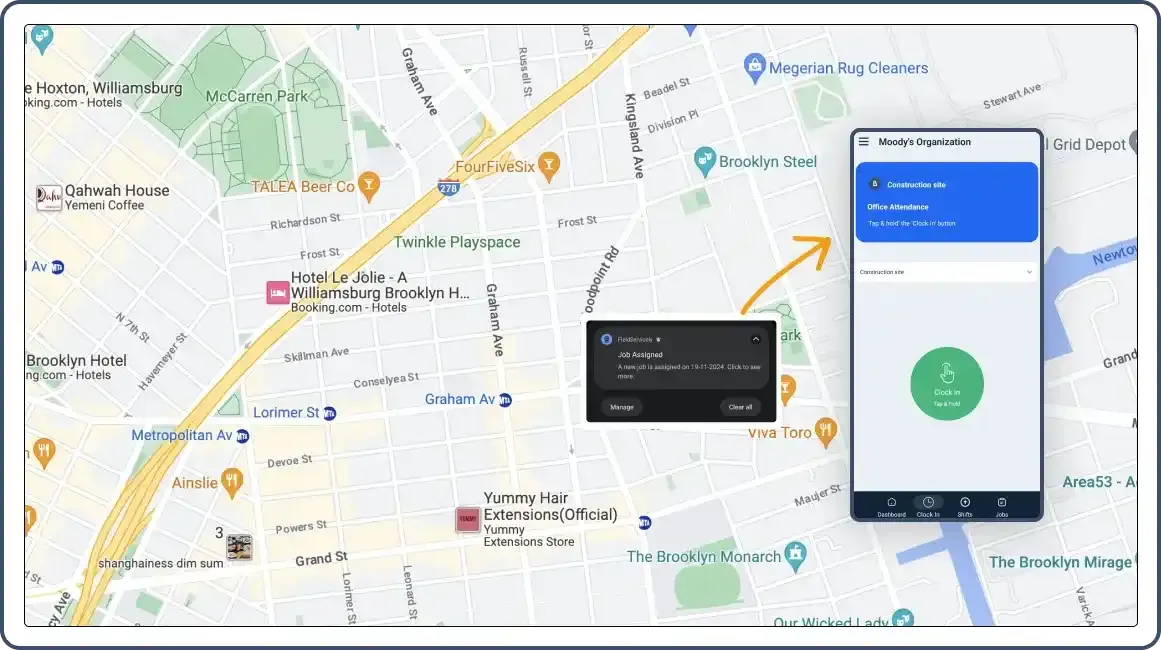
Real Time Notifications
Your Workforce Knows the Moment Anything Changes.
Never miss critical updates with robust mobile WFM alerts. Job assignments, schedule changes, and task completions trigger immediate notifications. Field teams stay coordinated while managers maintain complete visibility of operations.
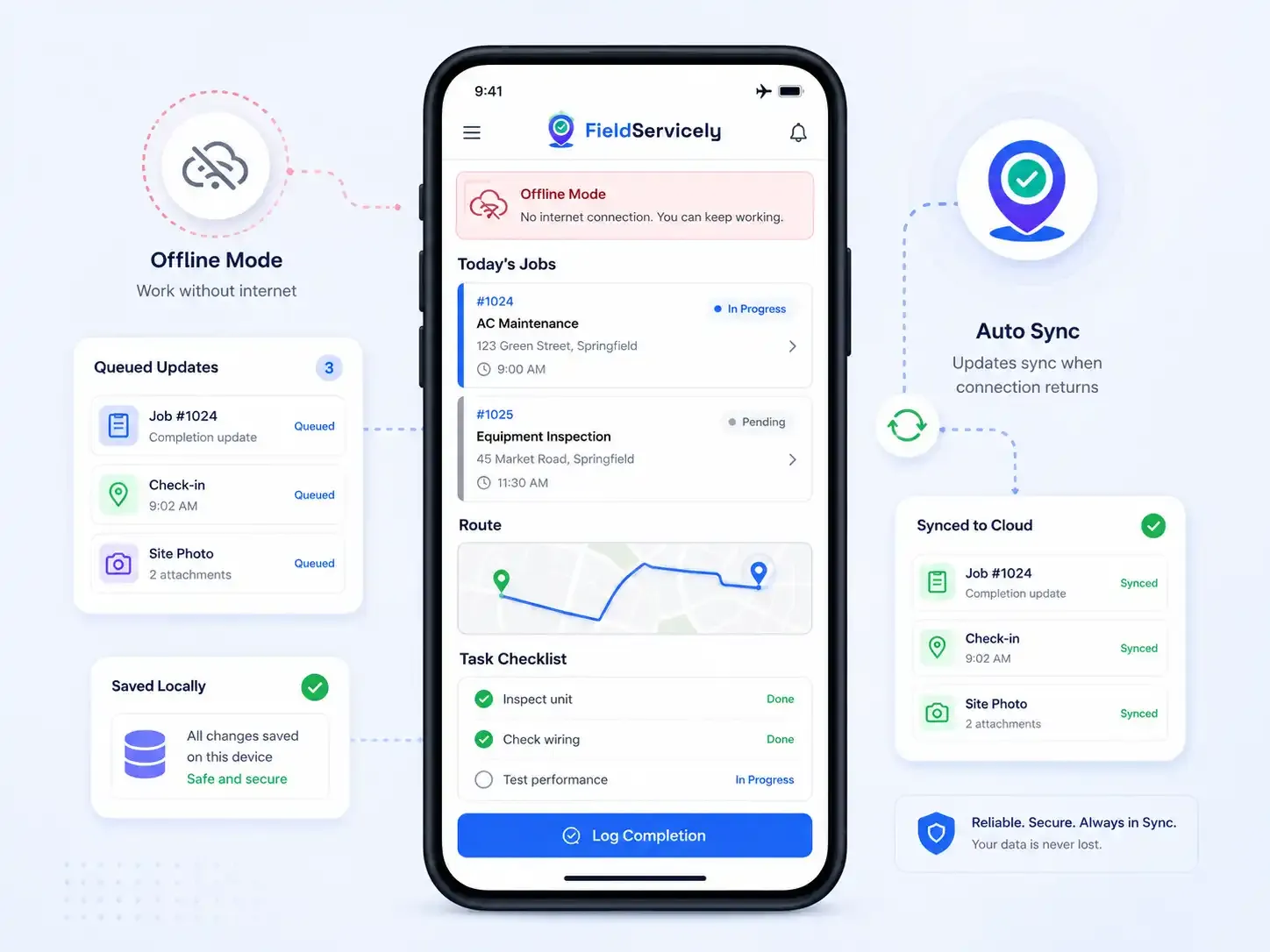
Offline Mode
Enjoy Uninterrupted Field Operations.
Keep work flowing even without an internet connection. The WFM mobile app continues functionality offline, automatically syncing data when connectivity returns. Perfect for remote locations and areas with limited coverage.
See FieldServicely in Action
Everything about managing a mobile workforce is simplified
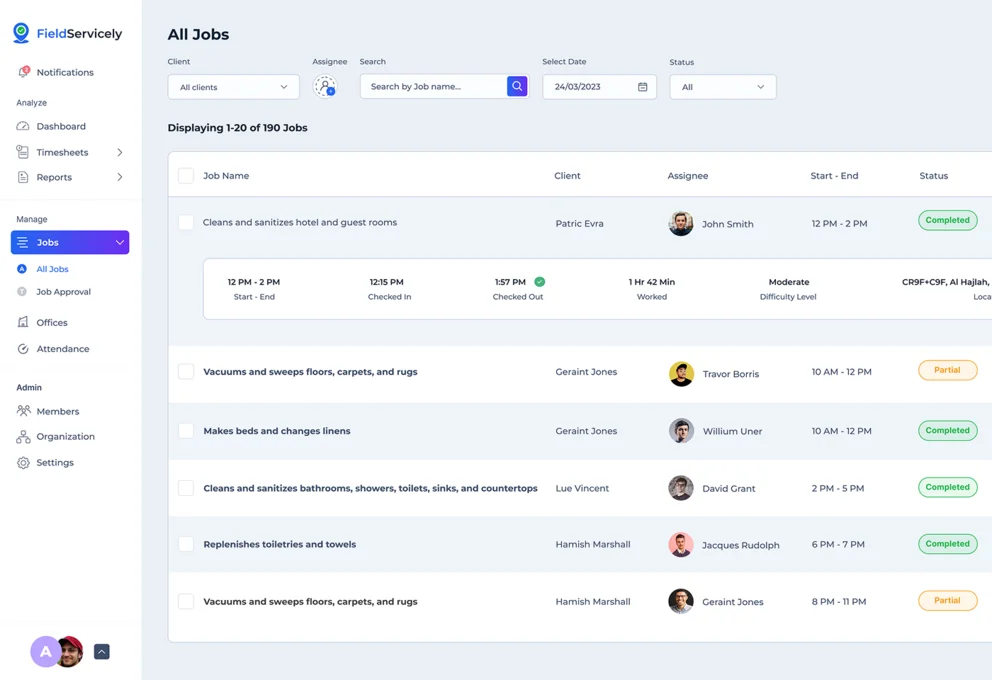
Get Started with the Mobile Workforce App with Simple Steps
Step 1: Set up your workspace
Create your FieldServicely account.
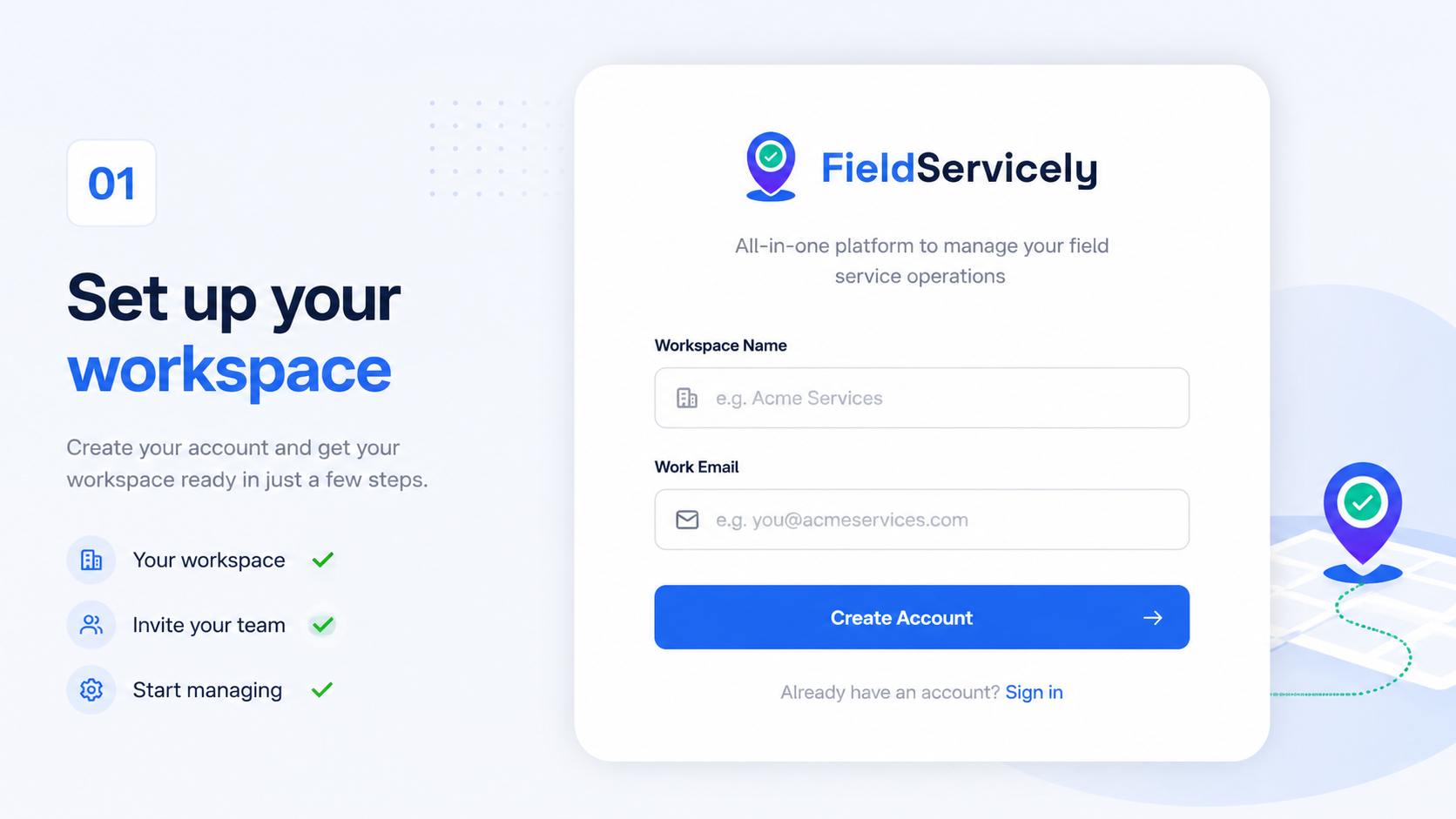
Step 2: Invite your team
Send an email invite. Your crew downloads the app on any iPhone or Android and signs in
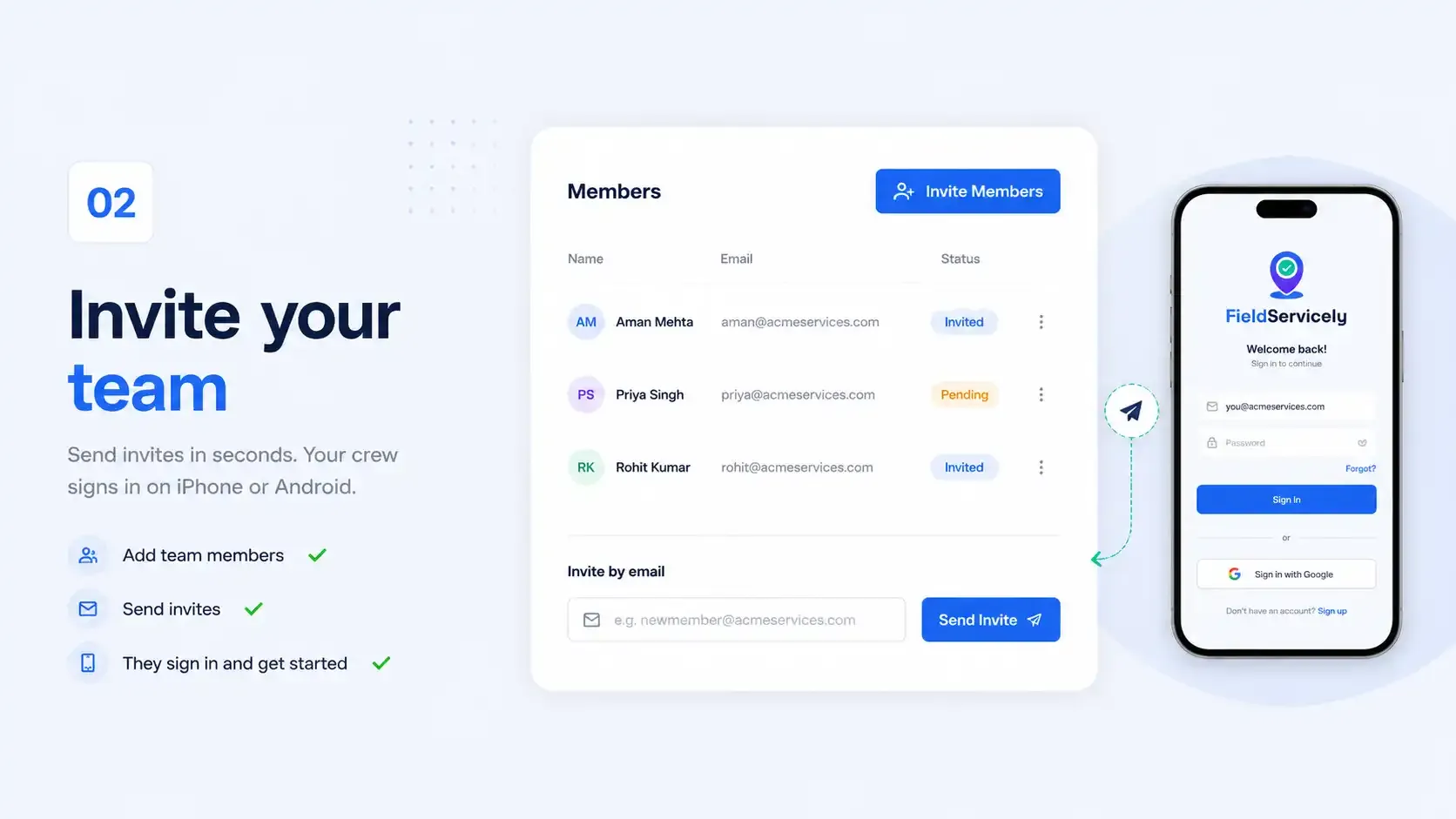
Step 3: Map your job sites
Drop geofences around your sites so check-ins, check-outs, and time tracking happen automatically.
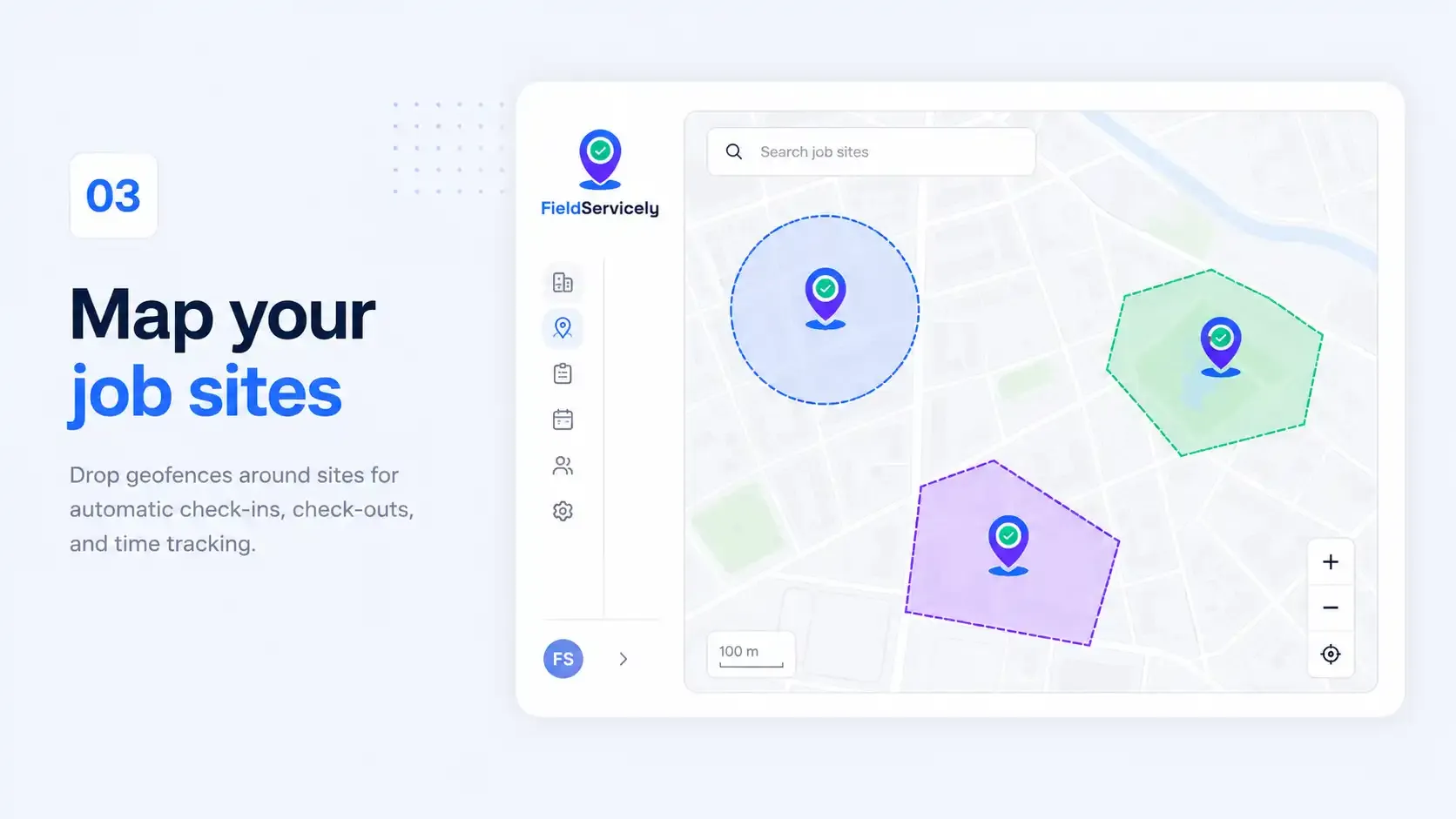
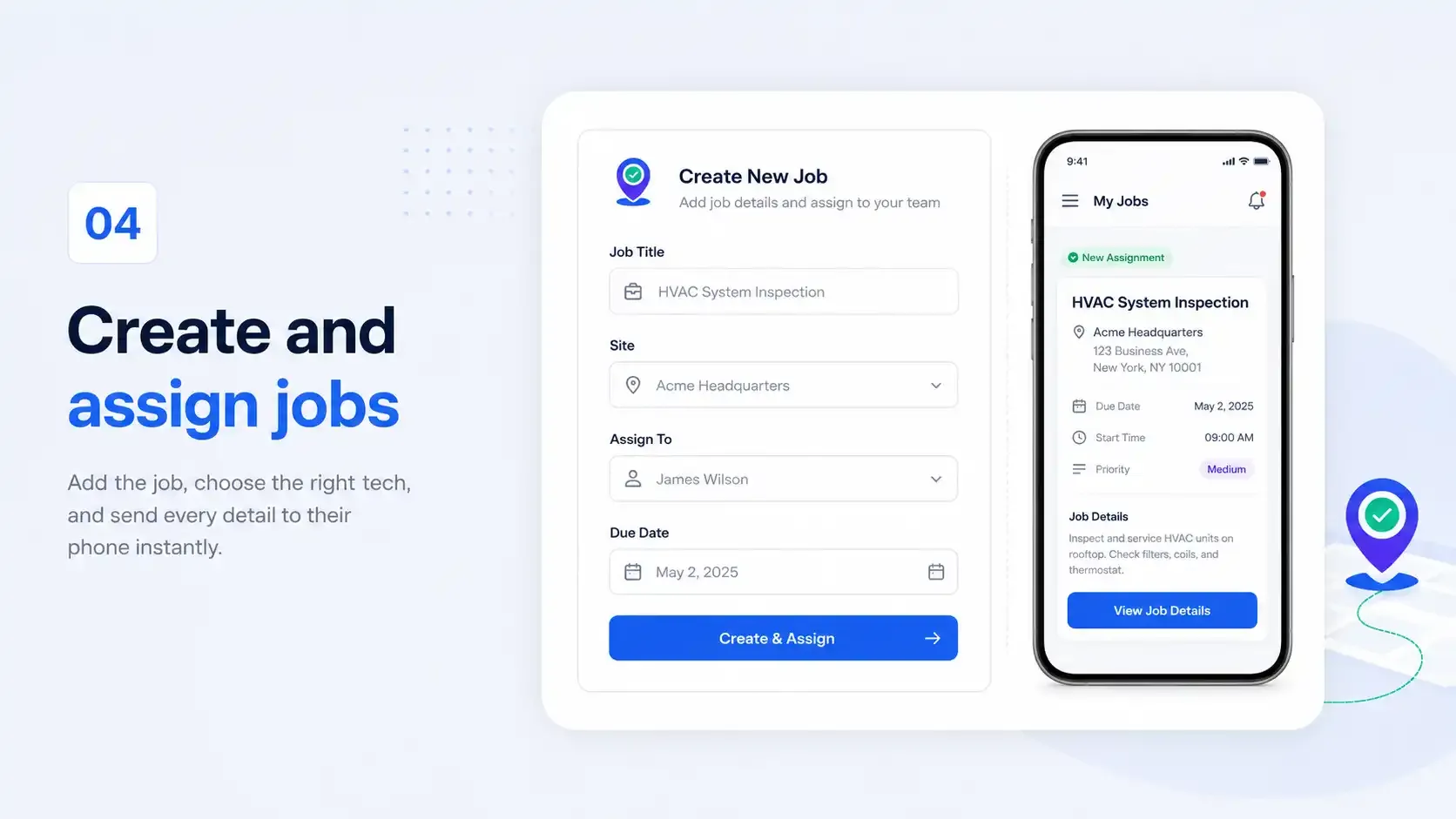
Step 4: Create and assign jobs
Add the job, pick the right tech, and send it. They get every detail on their phone instantly.
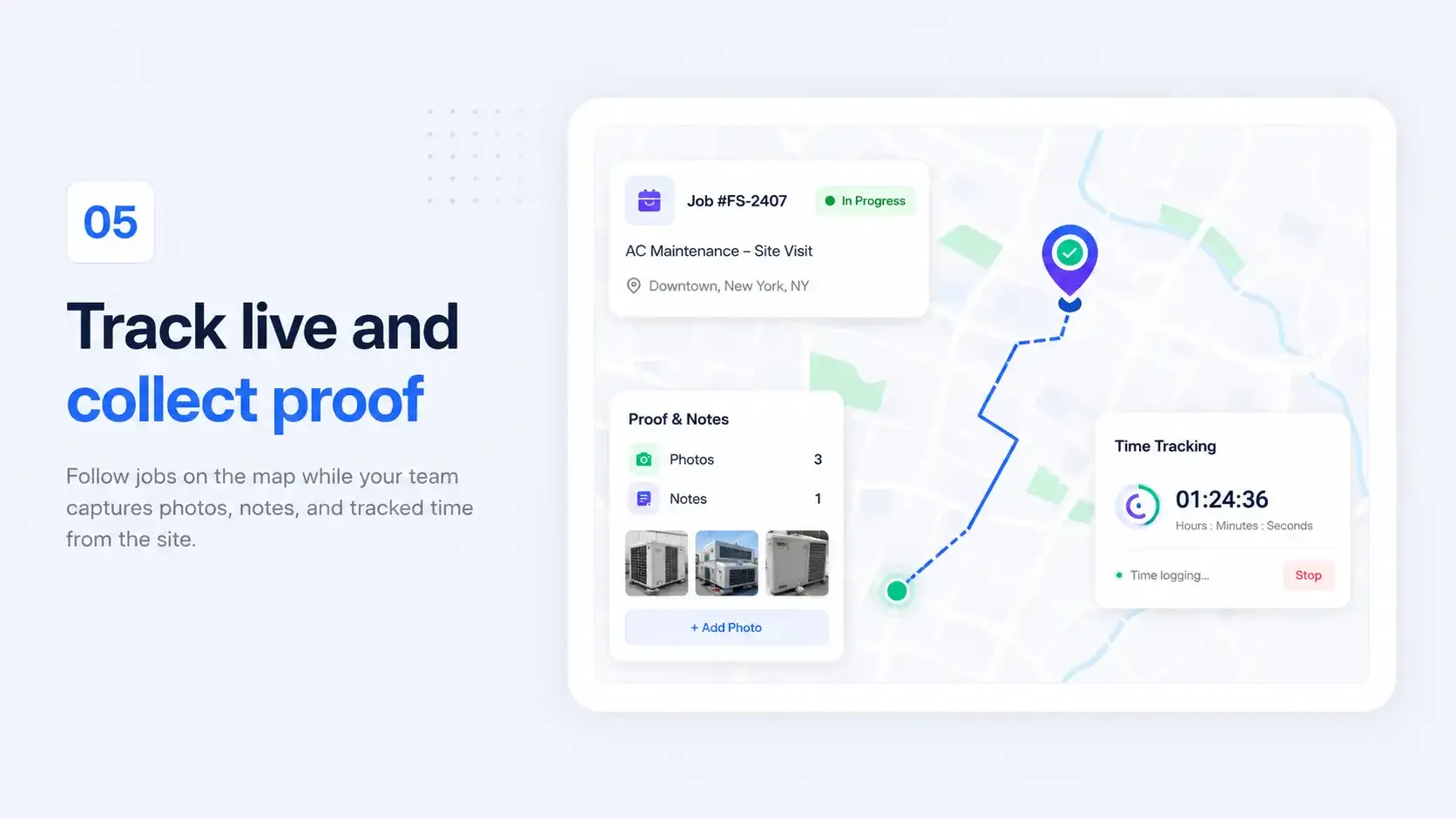
Step 5: Track live and collect proof
Follow every job on the map. Your team captures photos, notes, and time from the site as they work.
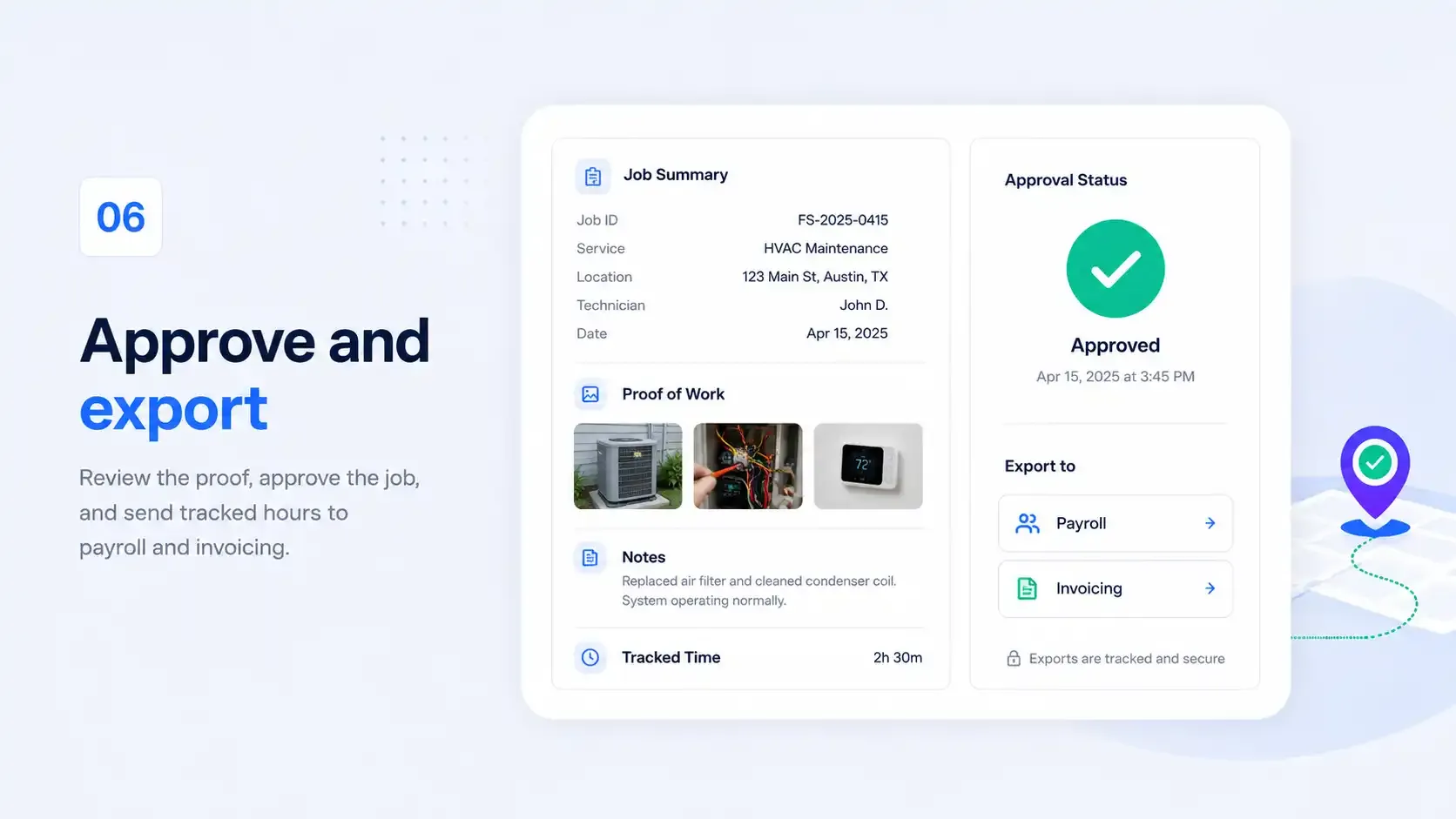
Step 6: Approve and export
Review the proof, approve the job, and send tracked hours straight to payroll and invoicing.
Why Teams Pick FieldServicely over Generic Workforce Management Tools

Other Tools
Real-time GPS visibility

See every worker and job site live on one map.

Location is often delayed, manual, or missing.
Geofenced clock-in / out
Time captures itself the moment crews arrive and leave.
Manual entry leaves room for error and buddy punching.
Job assignment & dispatch
Match the right tech by location, skill, and workload.
Built for desk tasks, not real field crews.
Free to start
Free plan available with no credit card requirement.
Trials expire, then the wall goes up.
Built for the Mobile Teams that Keep the World Running.
CONSTRUCTION · CLEANING · PLUMBING · ELECTRICAL · LANDSCAPING · PEST CONTROL · JANITORIAL · HVAC
Mobile Workforce Management Software FAQs
What is WFM app?
A WFM (Workforce Management) app is a mobile application that helps organizations track, manage, and coordinate their field teams. It enables real-time location tracking, time logging, job documentation, and communication between field workers and office staff through their smartphones or tablets.
What is mobile workforce management software?
Mobile workforce management software is a comprehensive solution that enables organizations to efficiently manage employees working outside traditional office settings. It combines GPS tracking, scheduling, time management, job dispatch, and performance monitoring tools in one integrated platform, accessible through both web and mobile interfaces.
What features should it have?
Look for real-time GPS tracking, geofenced clock-in/out, job assignment and dispatch, proof of work, offline mode, automated timesheets, and a mobile app simple enough that your crew uses it without training. FieldServicely includes all of them.
How is it different from field service management (FSM) software?
Basically, they overlap. FSM software centers on managing service jobs and work orders. Mobile workforce management centers on managing the people doing the work — where they are, when they're working, and what they've completed. FieldServicely does both, built for mobile field teams.
Does it track my team with GPS?
Yes. You see every worker and job site live on one map, with location updating as they move. It helps you dispatch the closest tech, confirm site arrival, and keep field visibility you'd otherwise have to call for.
What is geofencing, and how does it help?
A geofence is a virtual boundary around a job site. When a worker enters or leaves it, the app can clock them in or out automatically. That means accurate hours, verified site visits, and no manual timesheets.
Will it work without internet?
Yes. The app keeps running offline, which is useful in basements, rural routes, and dead zones. And syncs all the data the moment a connection returns. Nothing is lost.
Is it difficult for non-technical employees to learn FieldServicely?
FieldServicely is designed for ease of use with intuitive mobile apps and simple interfaces. Most mobile workers become comfortable with basic functions within 1-2 days. Comprehensive training materials and support are provided to ensure smooth adoption across your organization.
What devices does FieldServicely run on?
Any iPhone or Android phone or tablet for the field, plus a full web dashboard for the office. No special hardware needed.
Does FieldServicely help with payroll and invoicing?
Yes. Tracked hours, completed jobs, and labor cost flow into clean reports you can export to payroll and use to bill customers accurately.
Is my team's data secure?
Yes. Your data is encrypted in transit and storage, and access is controlled by role, so people see only what they need to.
Is FieldServicely good for small businesses?
Yes. FieldServicely is built for small and growing service teams. The free plan lets you run real operations with no upfront cost, and you upgrade only when you need more.
Is there a free version of FieldServicely?
Yes. FieldServicely offers free mobile workforce management software with full core features.
Try FieldServicely #1 Software for Mobile Workforce Management
Try for free - No credit card required!
