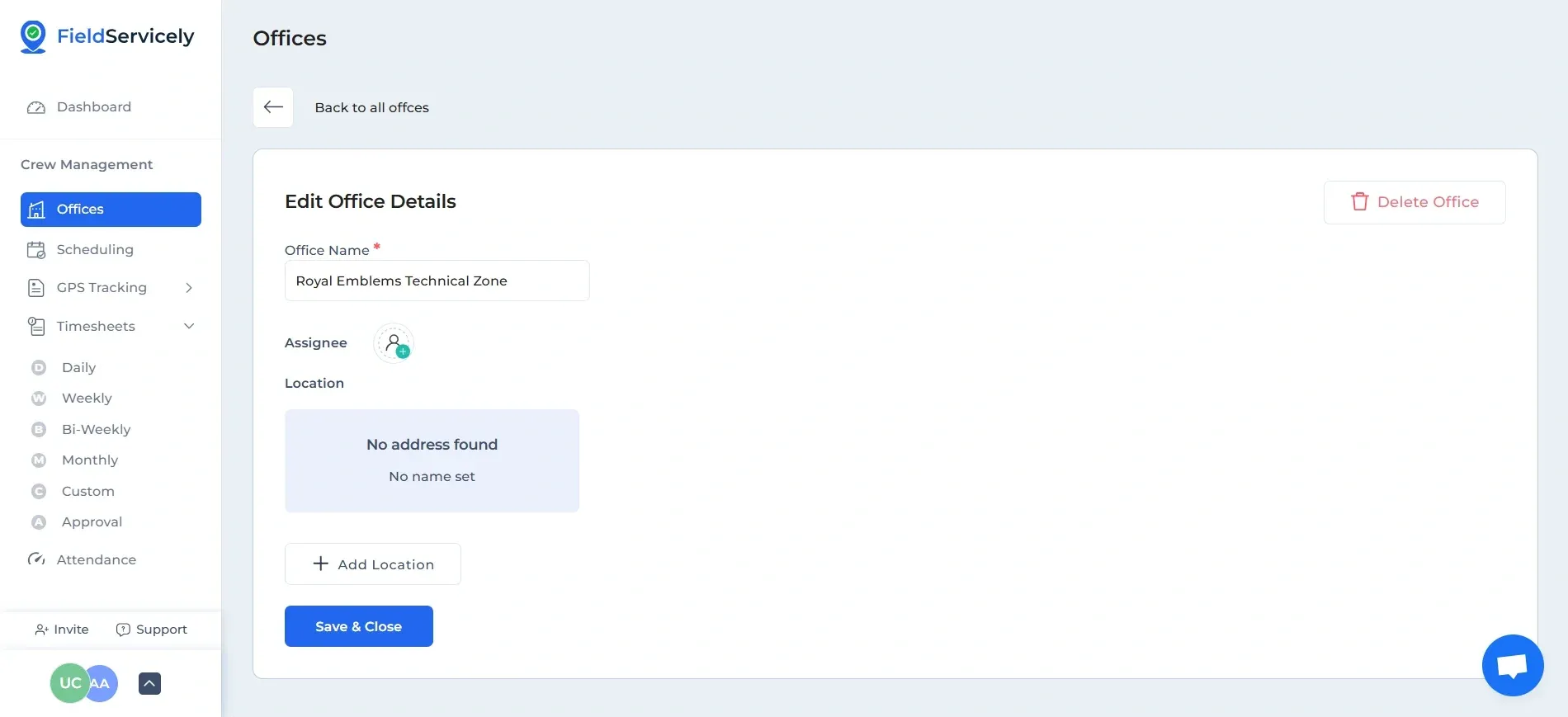
How to edit an Office on FieldServicely?
Learn how to edit an office on FieldServicely to update details, manage locations, and keep your workspace information accurate.
To edit an Office, right-click on ‘Teams’ on the left side bar, and then on the 'Edit’ option on the right-most section of the chosen office.
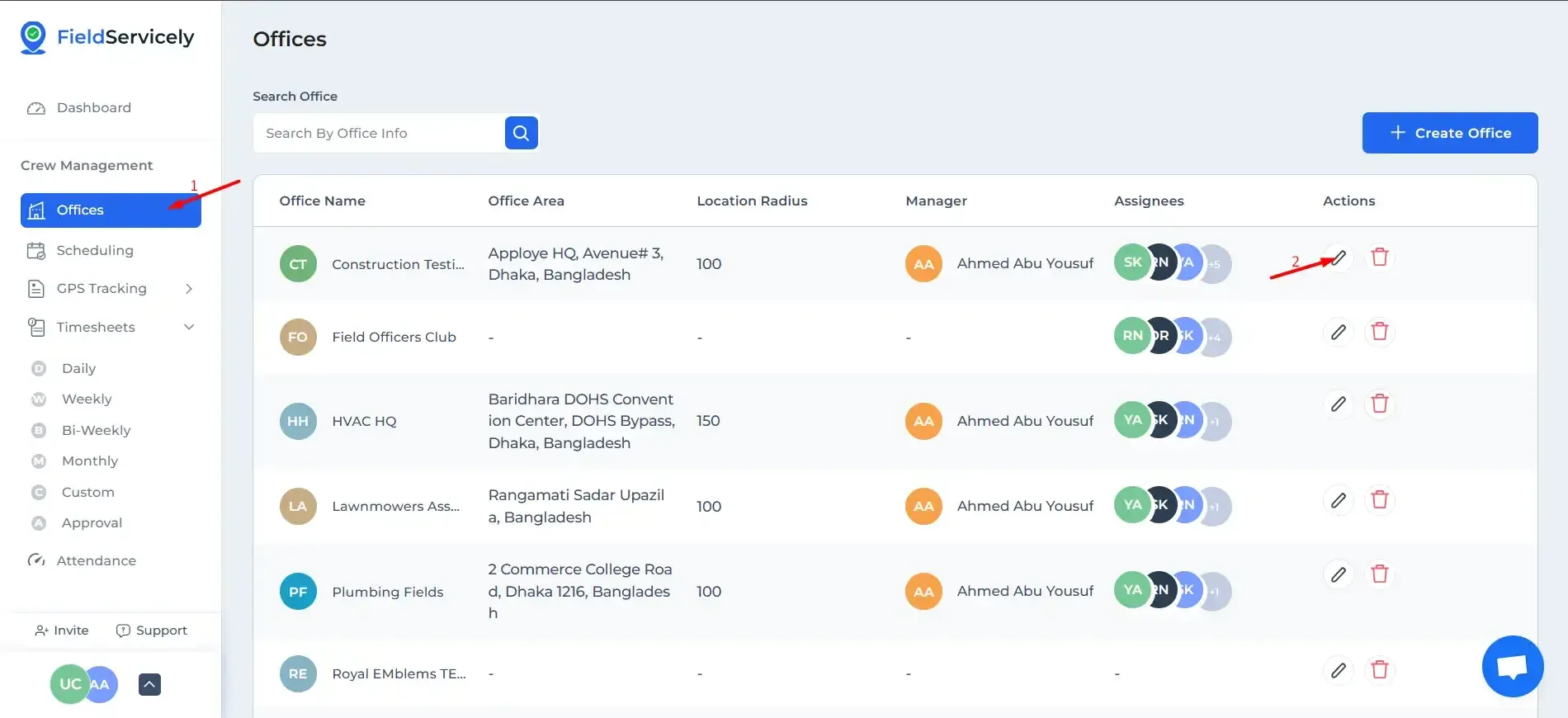
From here you can:
- Change the Office Name
- Change Assignees
- Choose Manager
- Change Location