
How to Clock In with FieldServicely Mobile App
Learn how to give clock in with FieldServicely
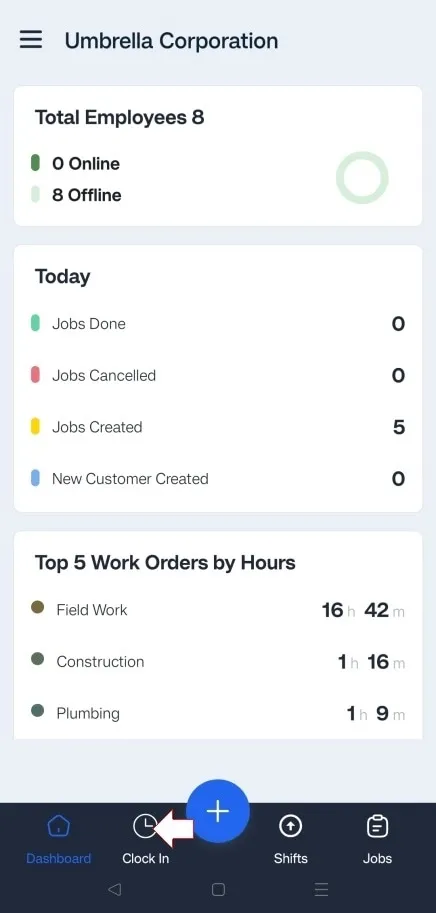
Log into your FieldServicely Account and tap on the ‘Clock In’ section from the navigation bar at the bottom.
Tap and hold your finger on the green area until the line circles the entire outside of the designated area.


