How to invite team members?
Learn how to invite team members
Web App
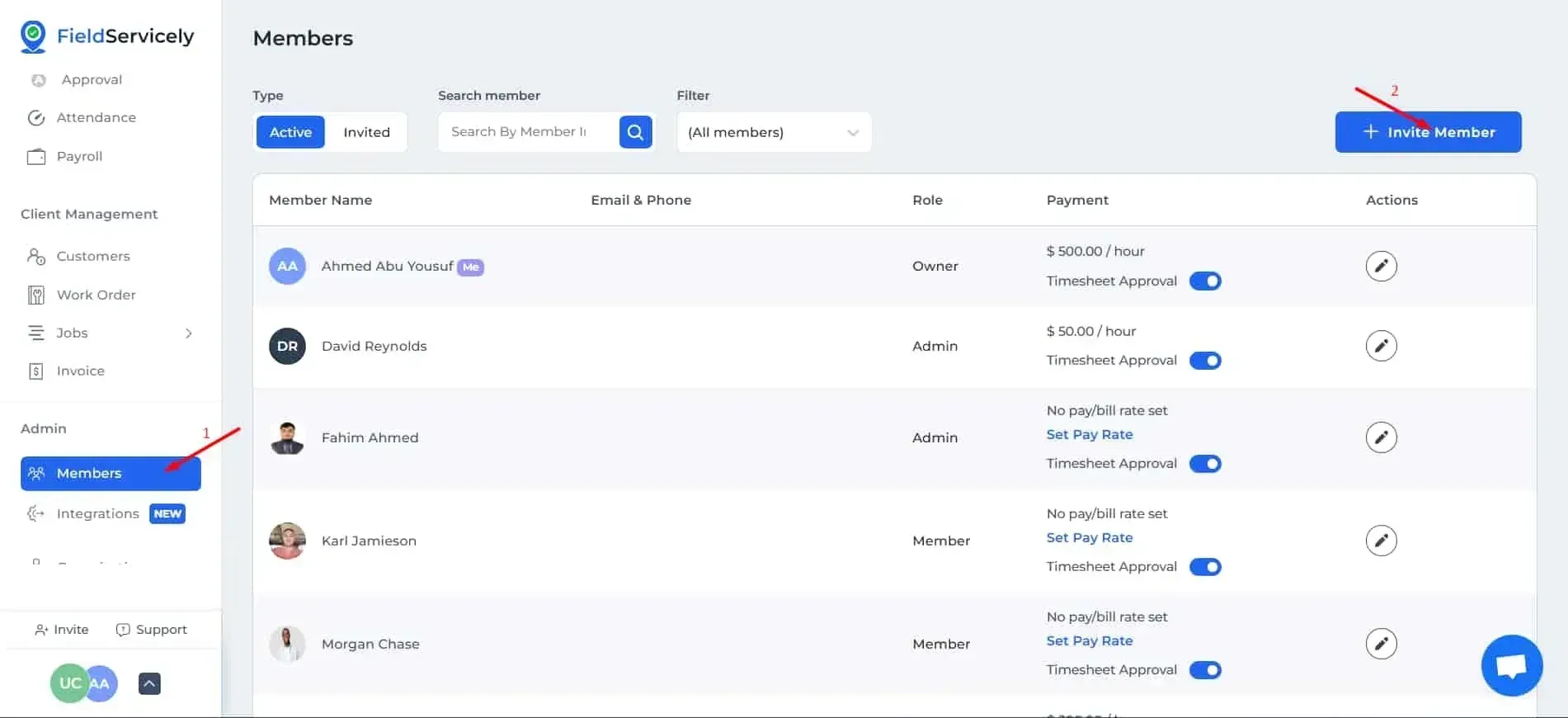
Click on ‘Members’ on the left side bar and click on the ‘+ Invite Member’ on the top right.
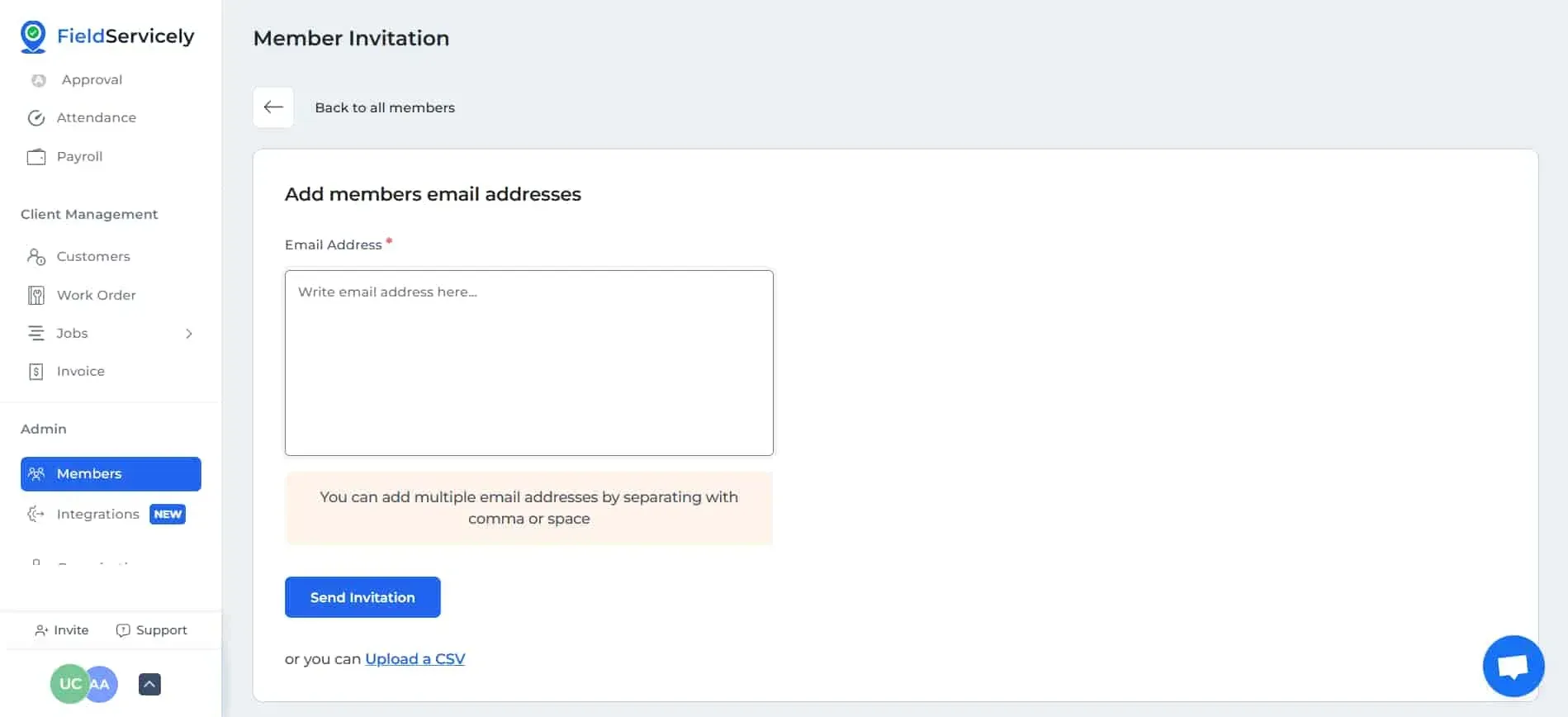
You can either list down all the emails of everyone you want to invite, or upload an CSV file to finish inviting new members.
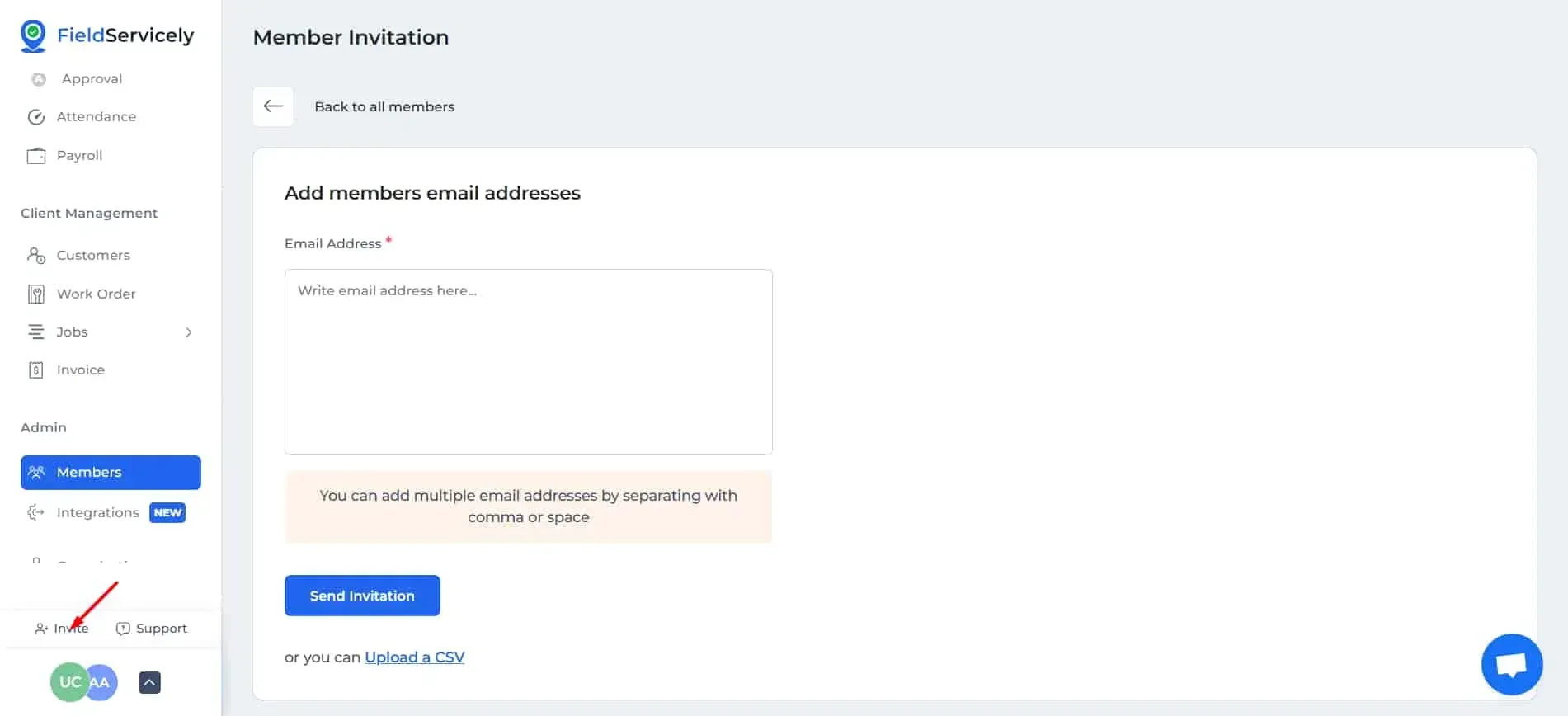
You can also invite members by clicking on the ‘Invite’ option on the bottom of the left sidebar.
Mobile App
Tap on the Add Icon and choose ‘Invite Member’
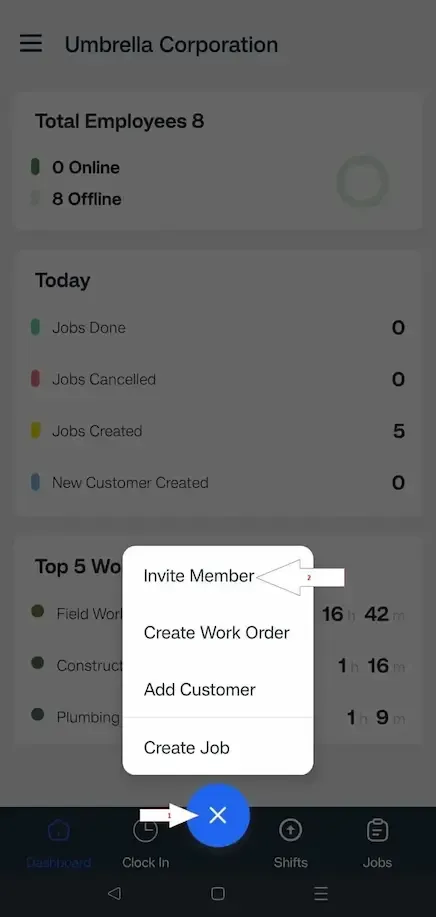
Type the email address and tap on ‘Send Invitation’ to finish inviting members.