What is the difference between Office Users and Remote Users?
Actionable insights on field service management, productivity, and scaling service operations.
The ‘Remote User’ and ‘Office User’ types determine whether a member can clock into an Office from outside the bounds of the Office Location.
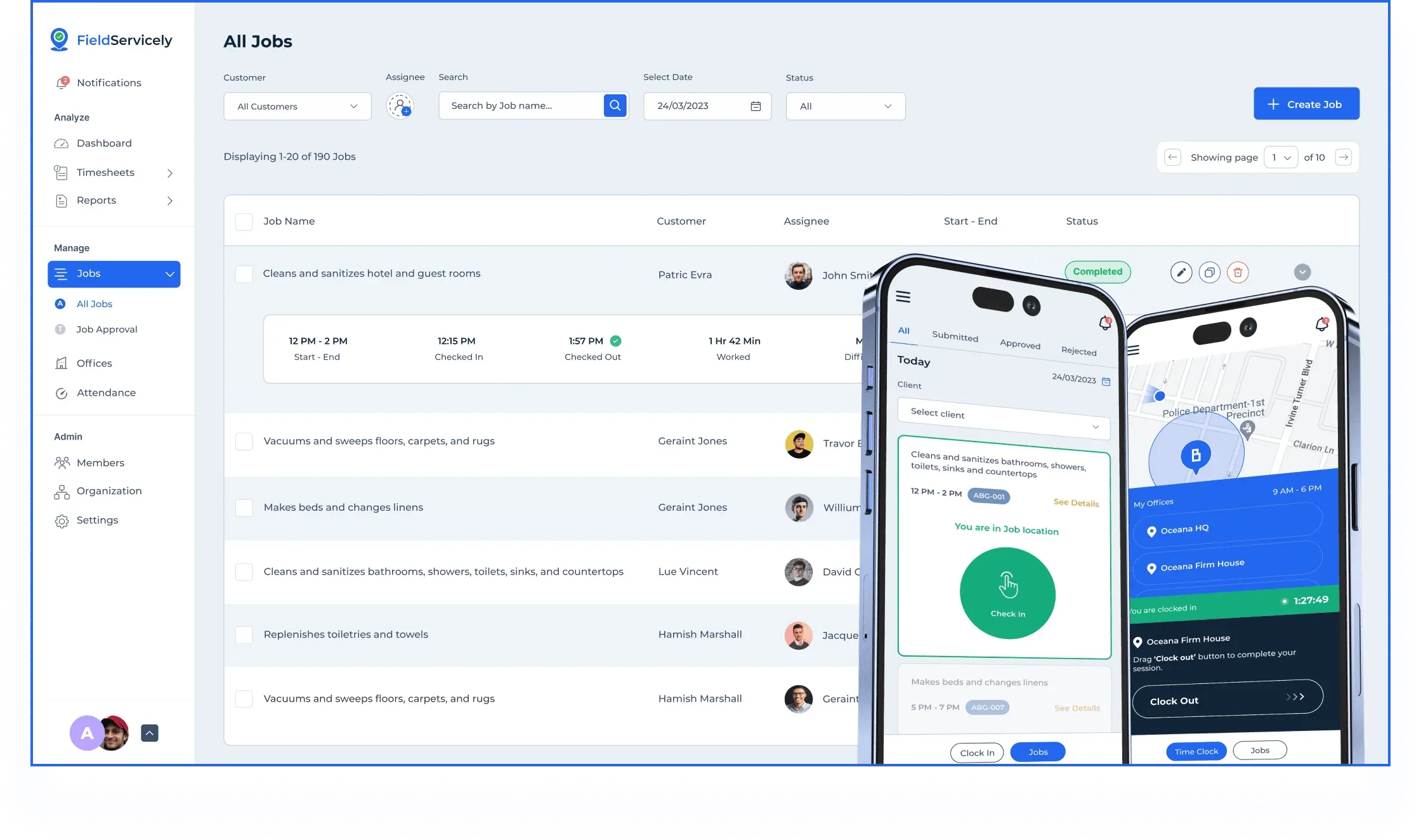
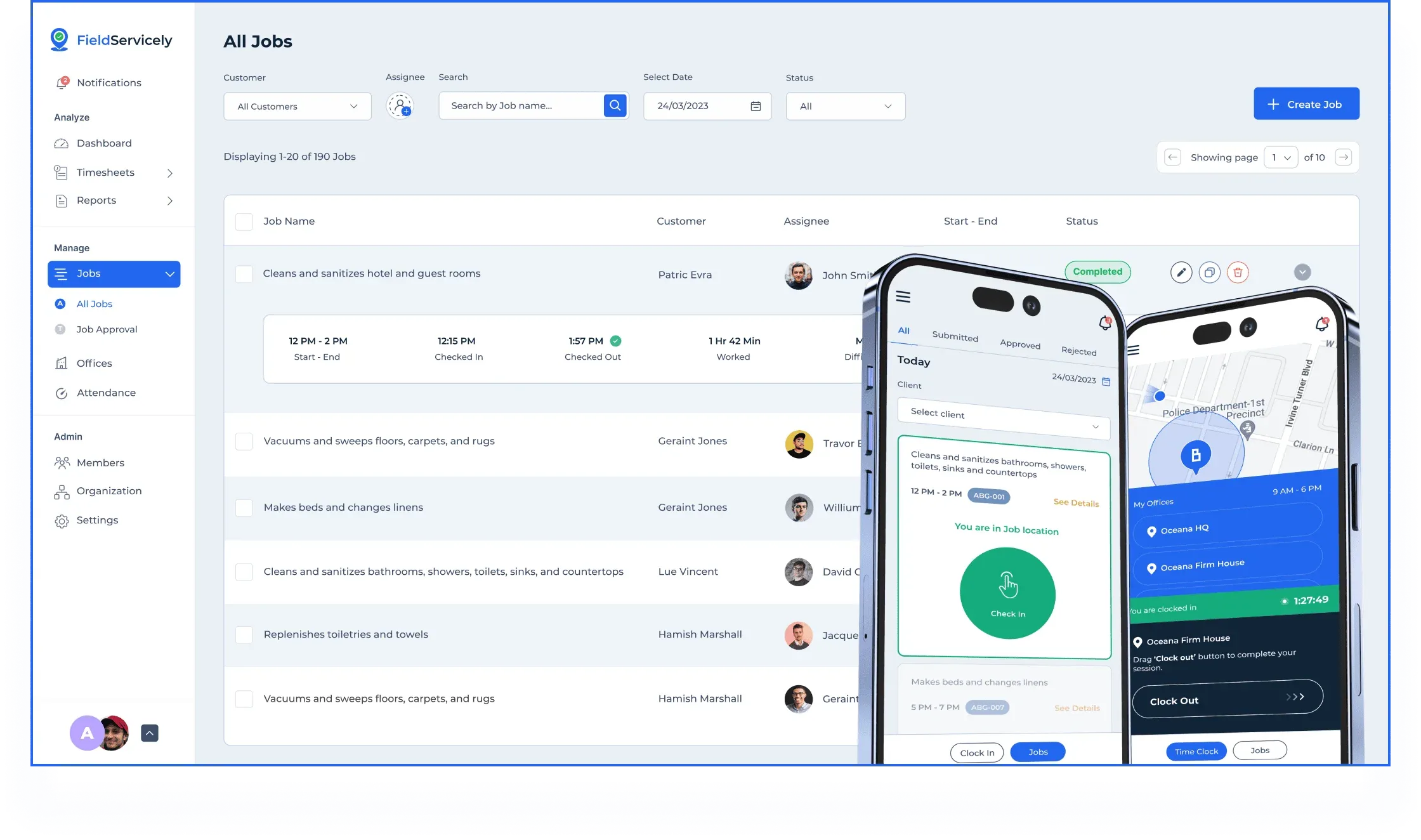
Office Users can clock in only when they are within the vicinity of the Location of the Office they are assigned to. This is best for members who will be working from the office to manage the field teams.
Remote Users do not have this constraint and can clock in from anywhere they need to. This is best for members who work in the field, your field workers.
Pro Tip: If you have a member who needs to come by the office before heading out to a location, you mark them as an ‘Office User’. If your member won’t be coming to the office but will head straight to the job location, mark them as a ‘Remote User’. But regardless of what they are marked down as, FieldServicely will track them accurately.