#1 Job Site Time Clock App
Track Every Crew’s Time at Every Job Site
Let crews clock in from the job site, while you see who’s working, where, and how long. Review hours, approve timesheets, and get payroll ready faster.
No Credit Card Required
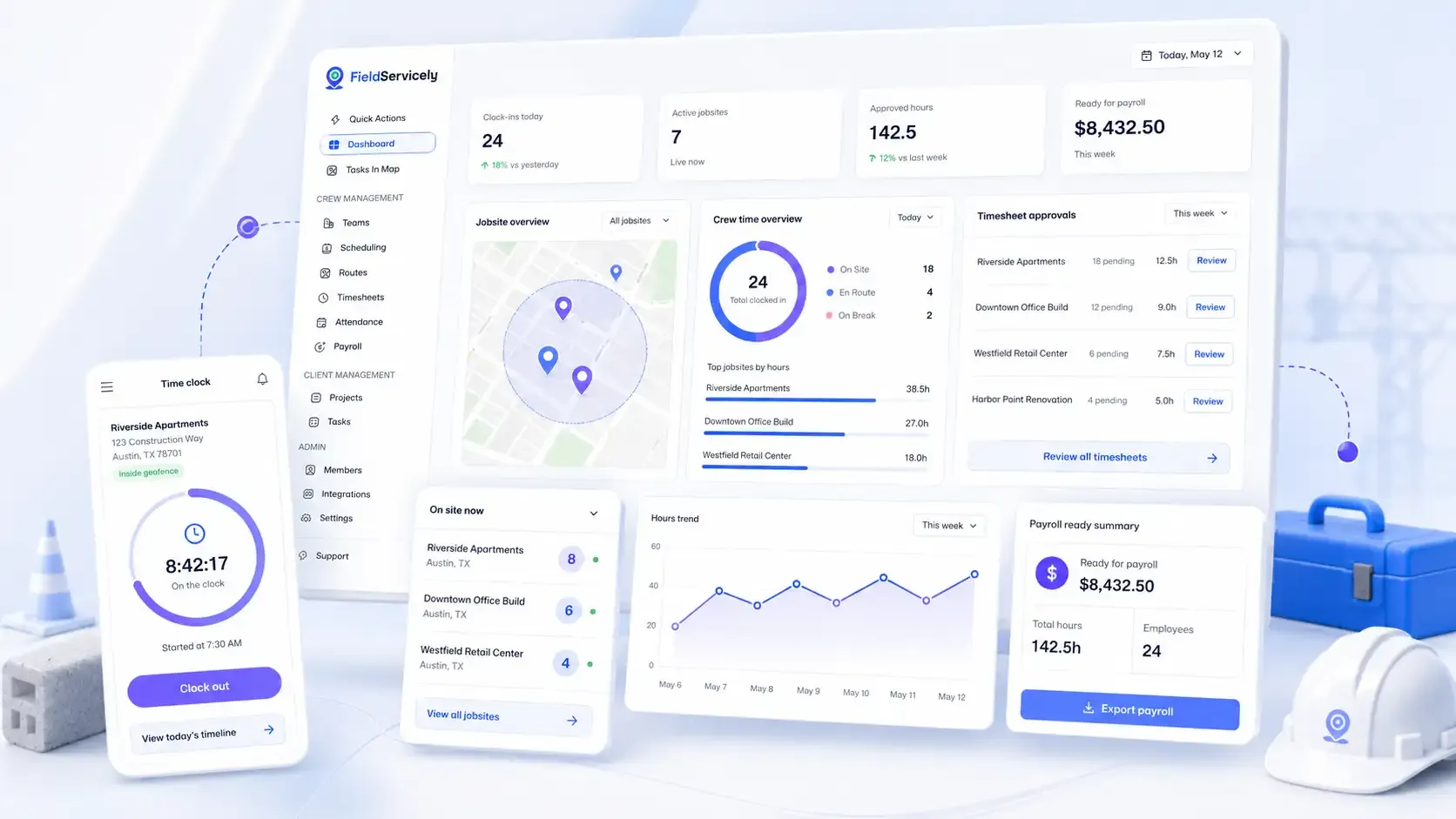
Businesses Save Hours Every Week with Time Clock System for Job Site
FieldServicely Makes it Easy to Manage Job Site Time Clock
Manage Multiple Job Sites
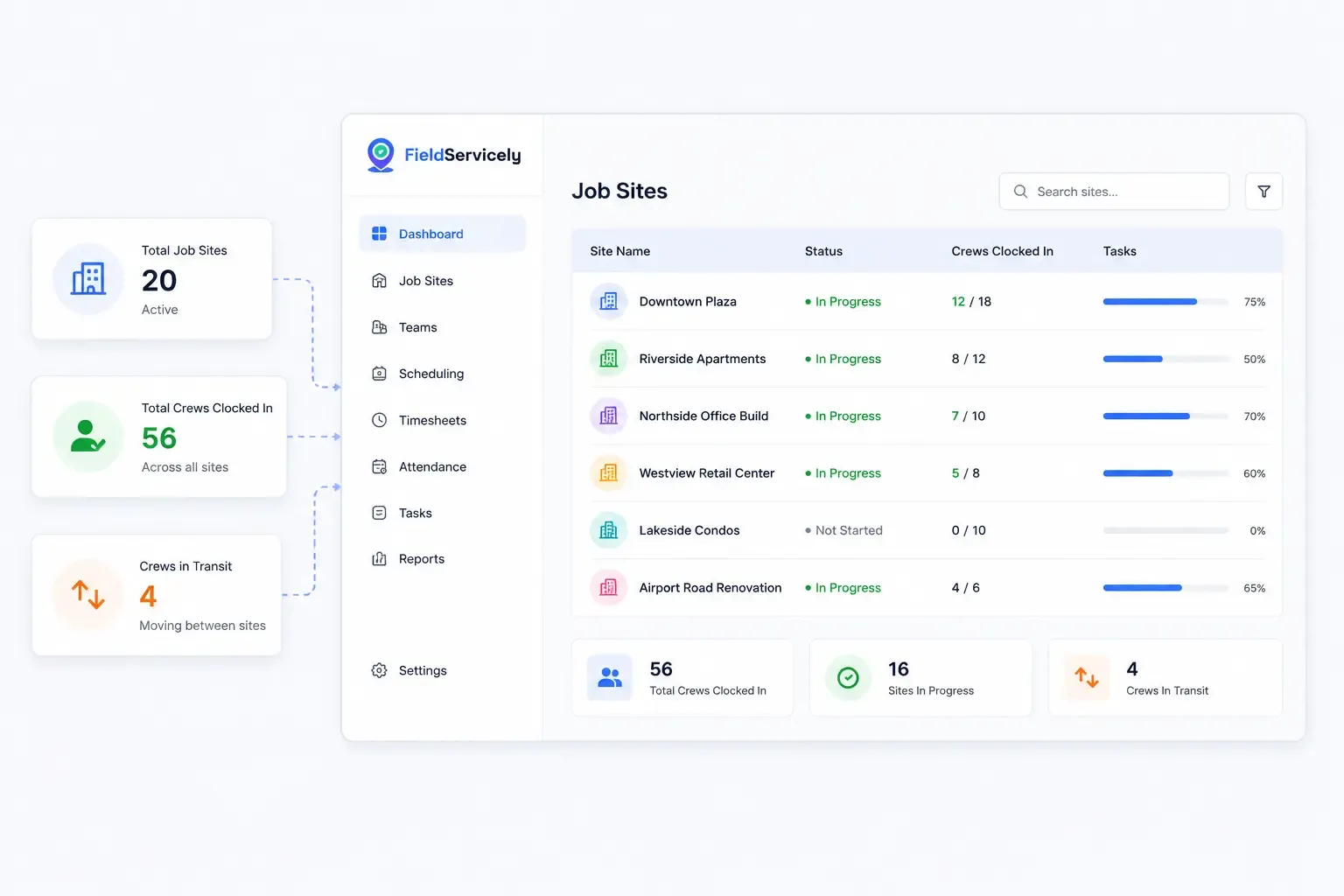
See Every Job Site at A Glance.
Run one or twenty sites at once from a single screen. Watch who's clocked in at each one, in real time. Move your crews between sites when needed.
Geofenced Job Sites
Keep Clock-ins Tied to the Right Site.
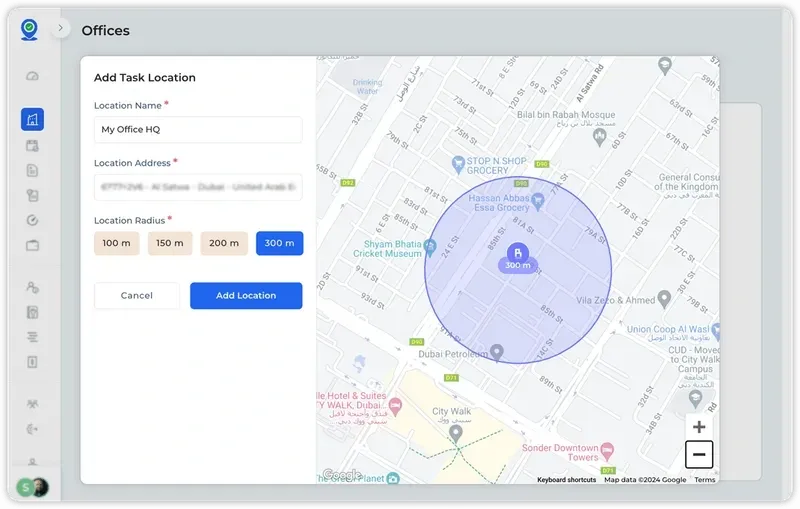
Create job sites and set location boundaries around them. Workers can clock in from the right place, so attendance records stay clean.
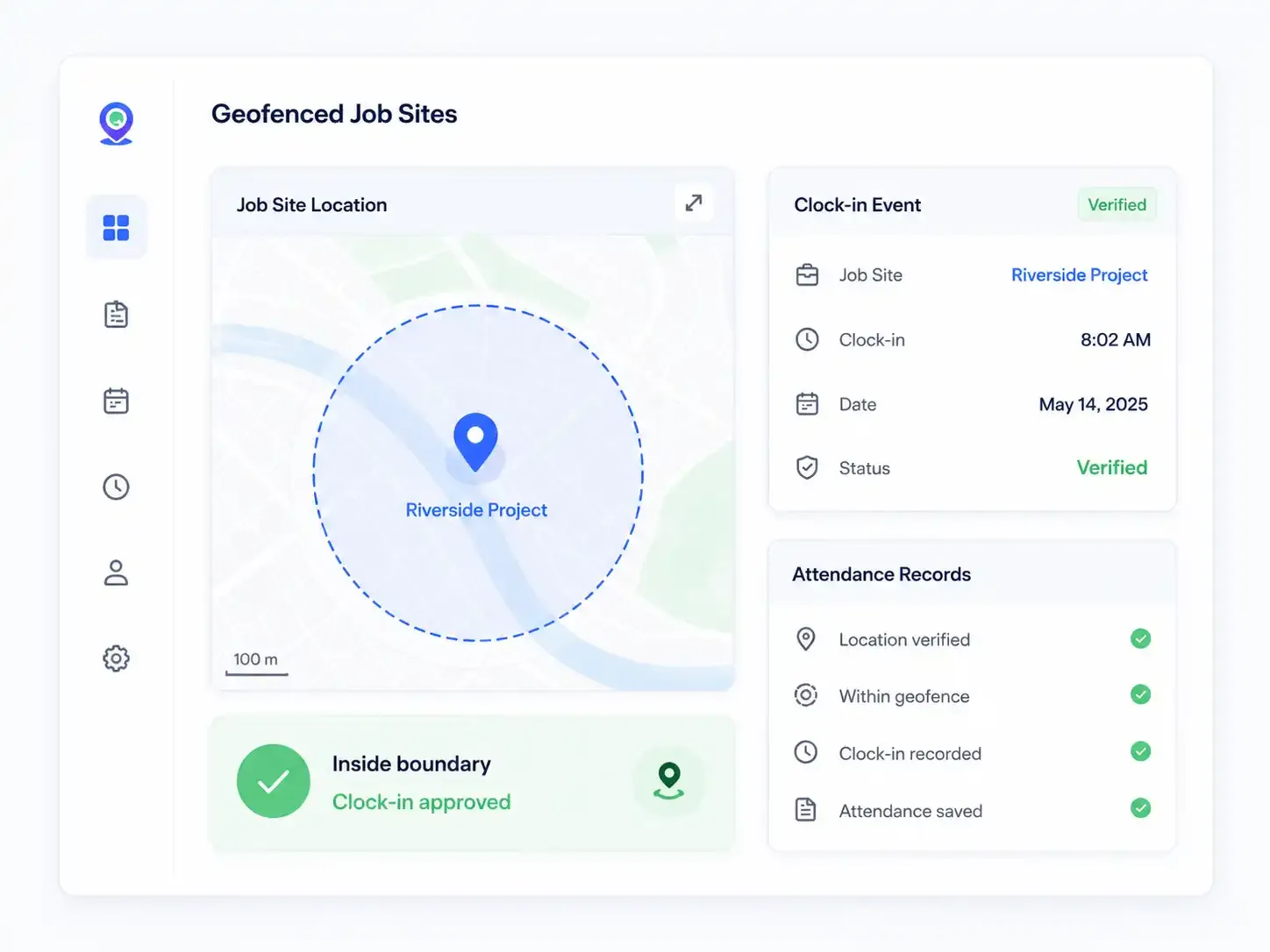
Photo-Verified Attendance
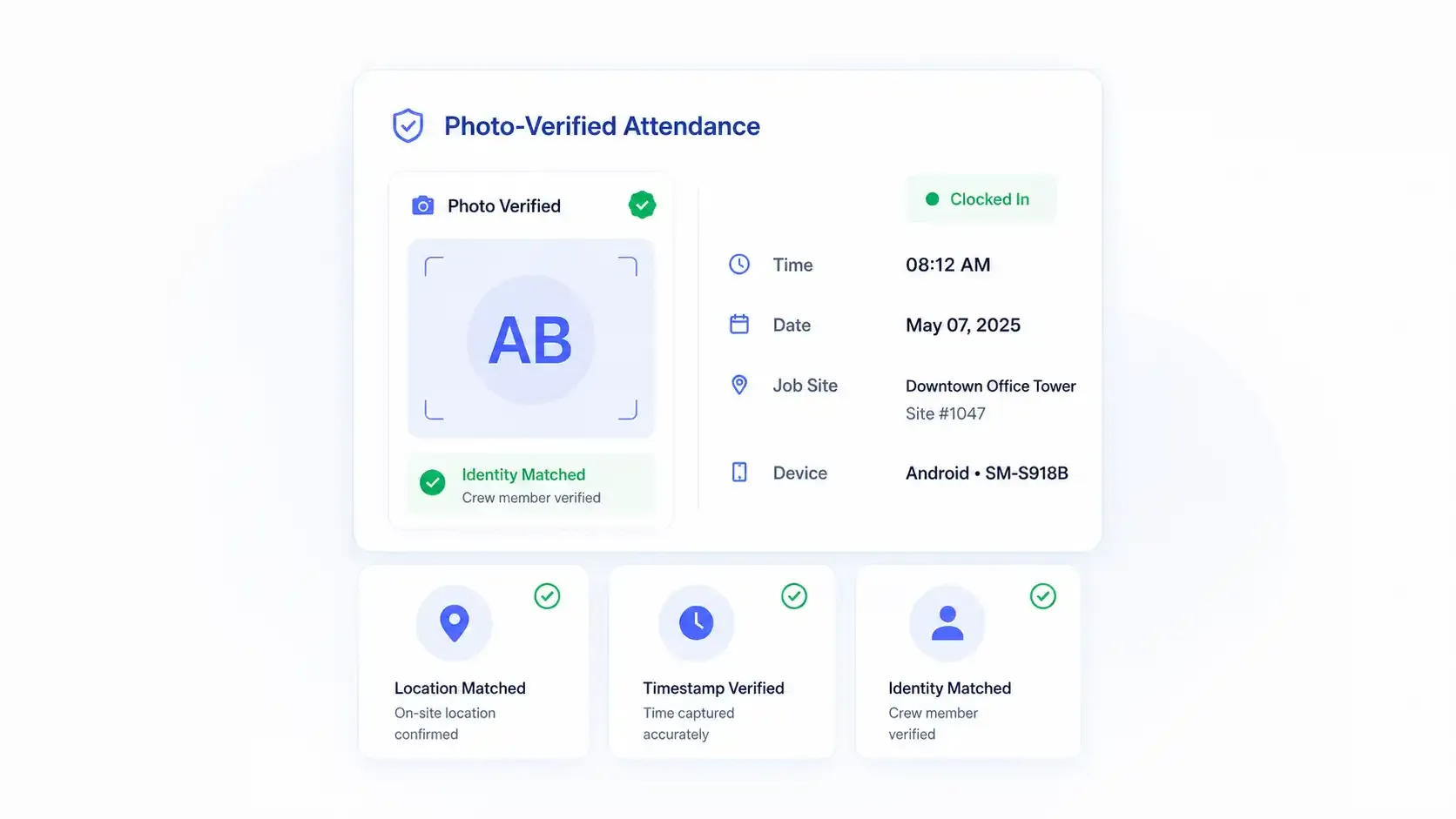
Ensure the Right Crew Clocked-in. Everytime.
Add photo verification to job site clock-ins. So, managers get a clearer record of who started work, where, and when.
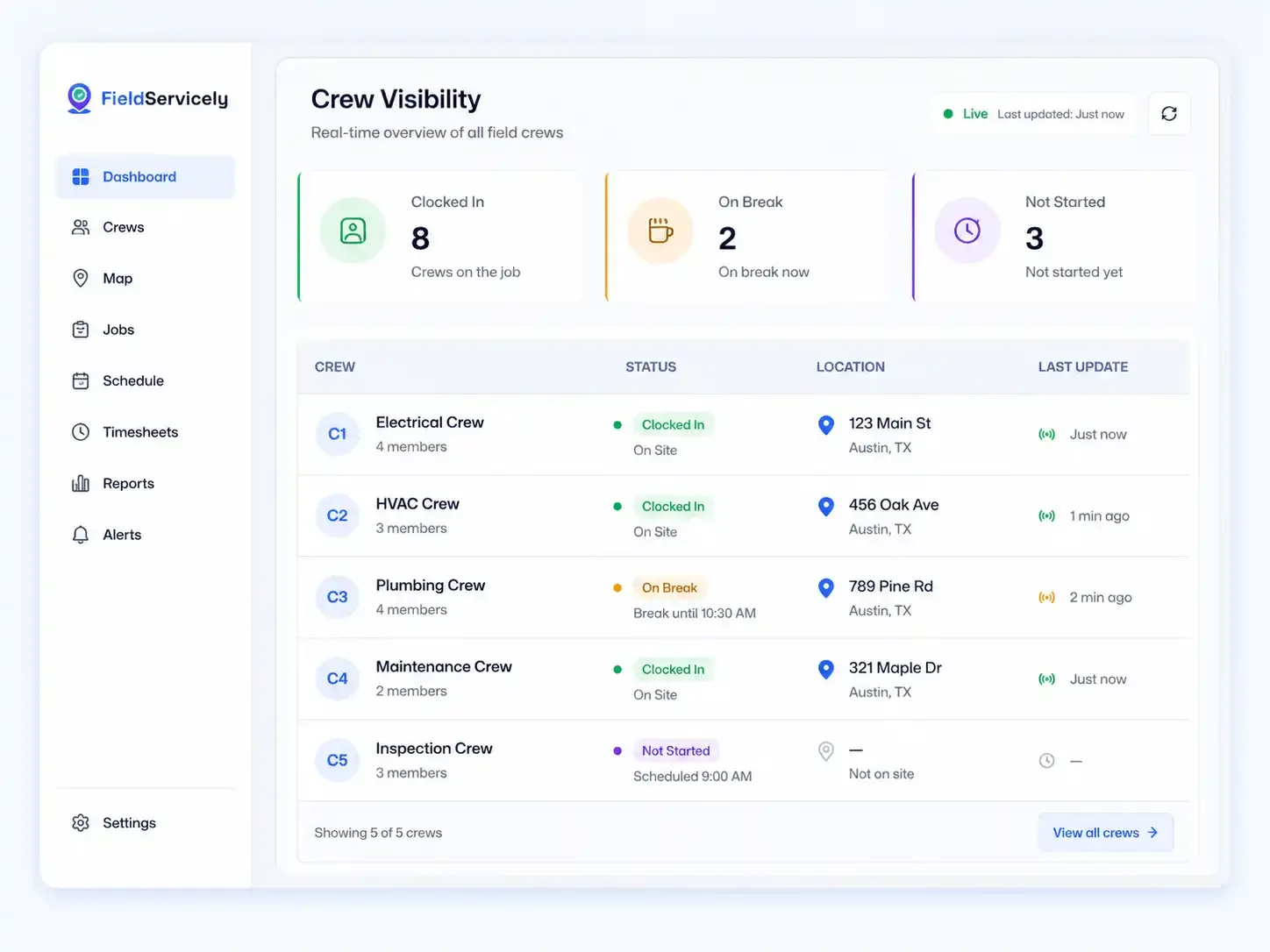
Real-Time Crew Visibility
See Who is Working. Right Now.
View every active crew from one dashboard. See who clocked in, who is on break, and who has not started yet.
Job Site Time Tracking
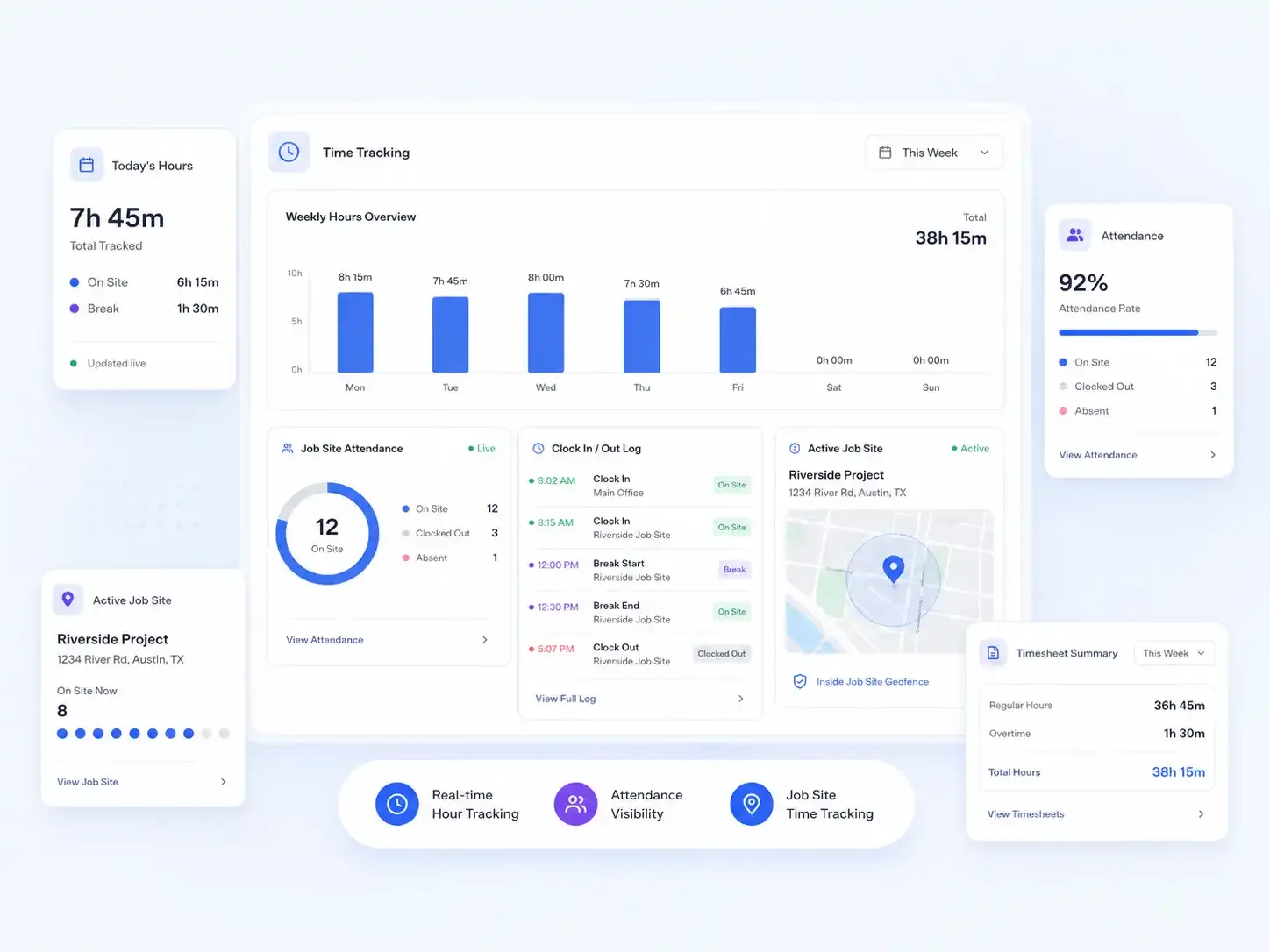
See Where the Hours Go.
Track worker hours and attendance in real-time from any job site. Know how much time your crew is working in the field.
Site-Level Timesheets
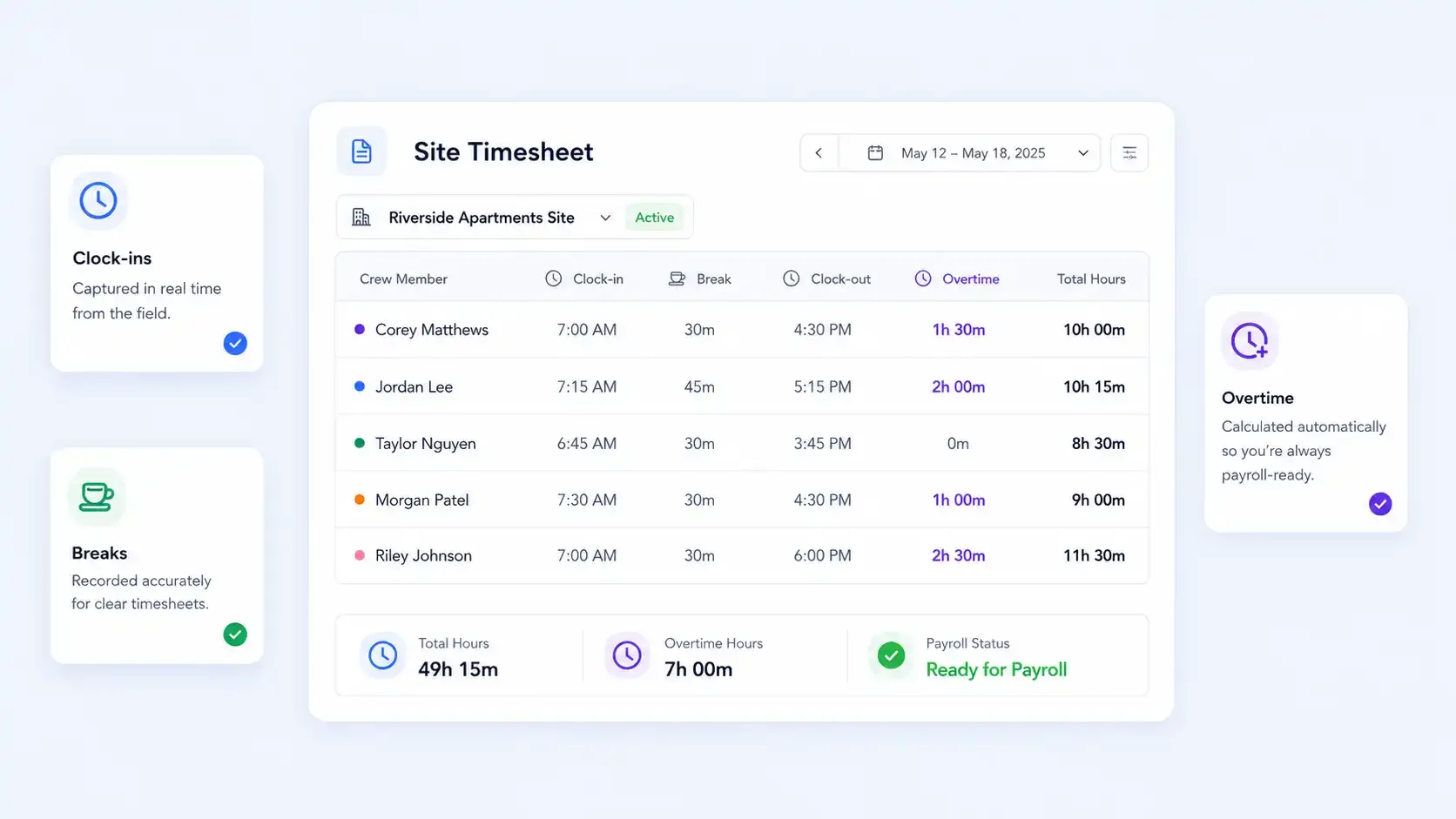
Turn Every Clock-in into a Clean Timesheet.
FieldServicely turns job site hours into clear timesheets automatically. Review clock-ins, breaks, overtime, and total hours before payroll.
Payroll-Ready Records
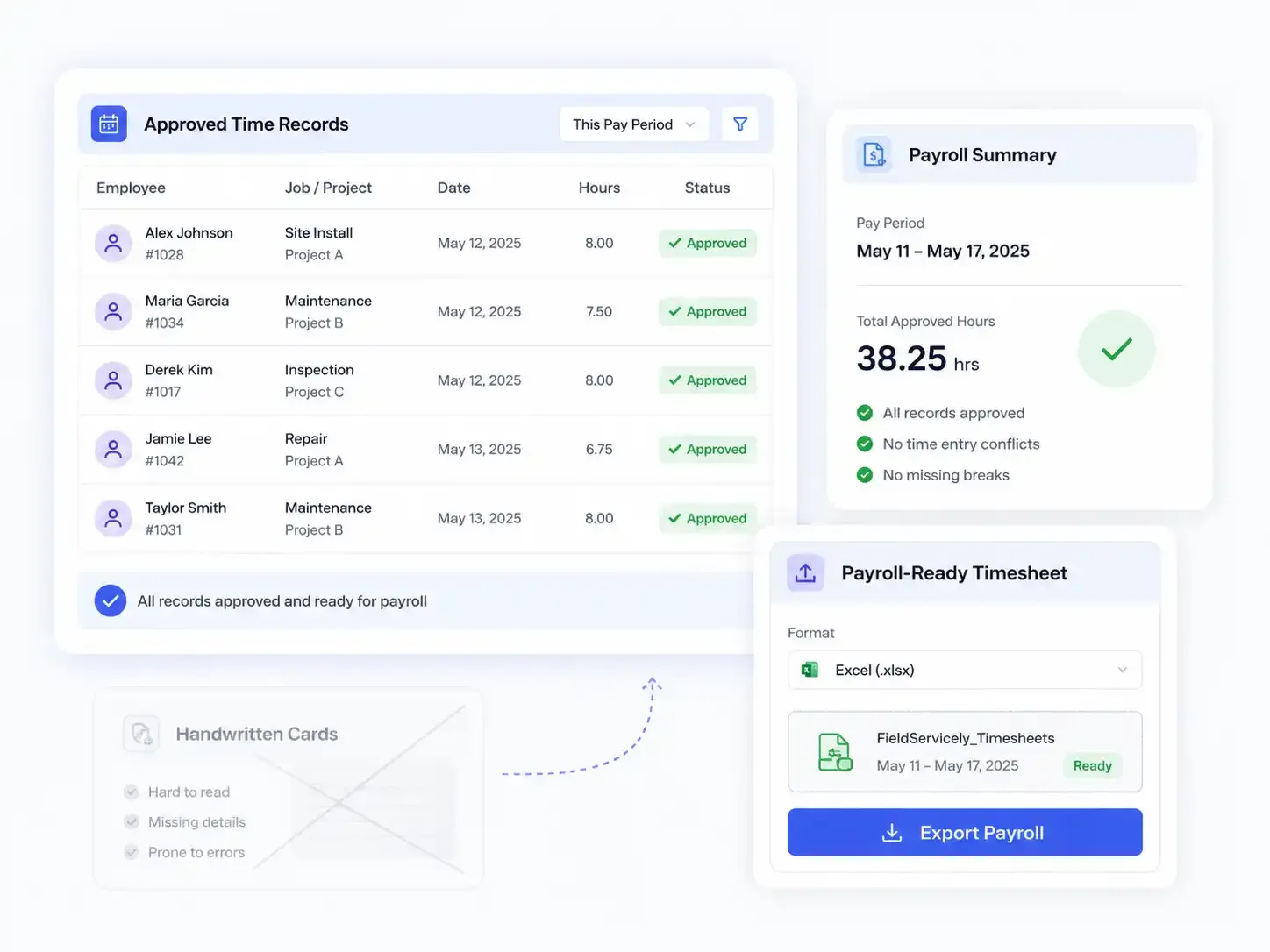
Run Payroll with Fewer Mistakes.
Review approved time records and export payroll-ready timesheets. No need to chase supervisors or handwritten cards.
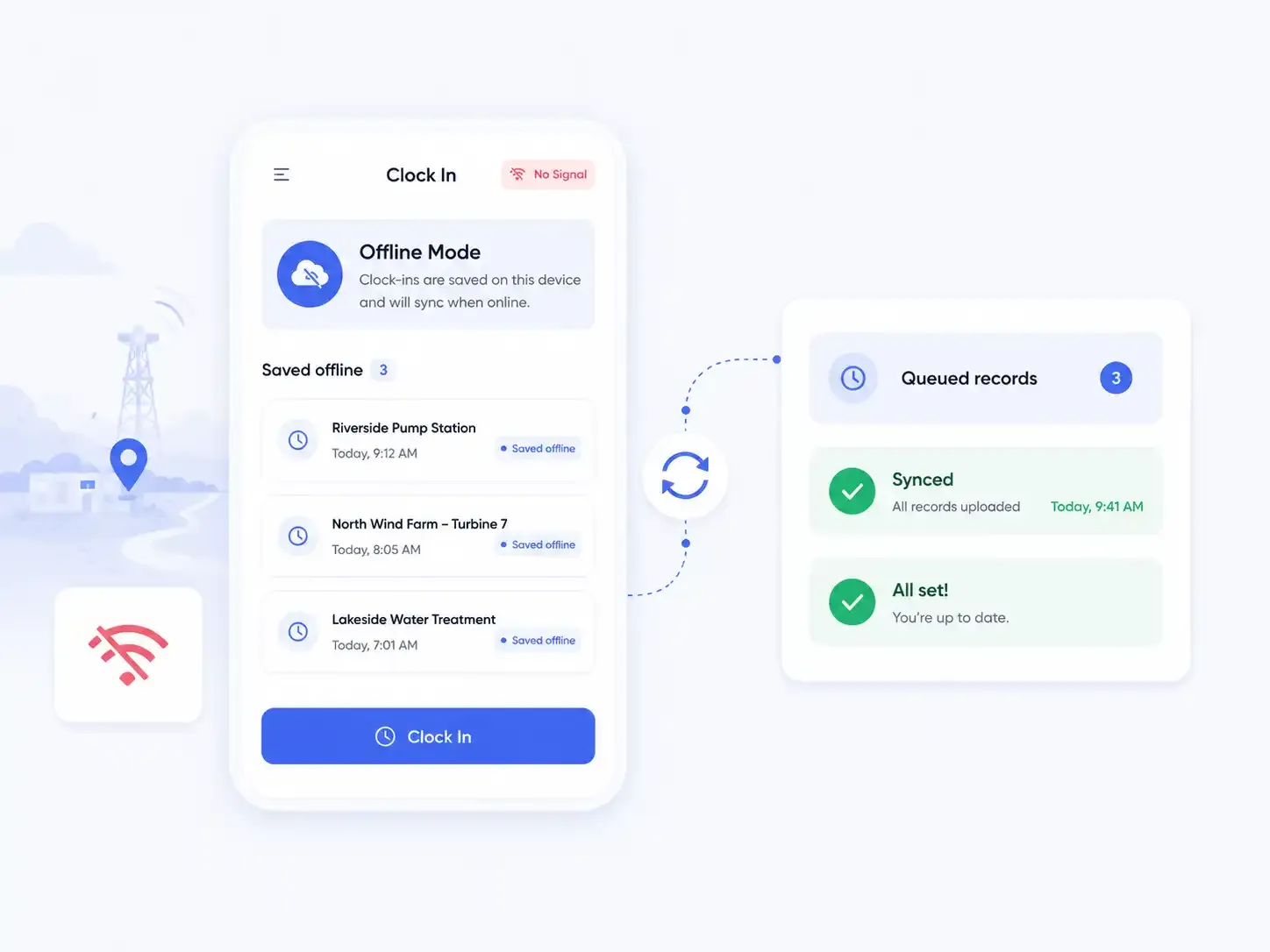
Offline Mode
No Signal on Site? No problem.
Remote sites lose service, but FieldServicely doesn't. It saves every clock-in offline and syncs the moment the connection comes back.
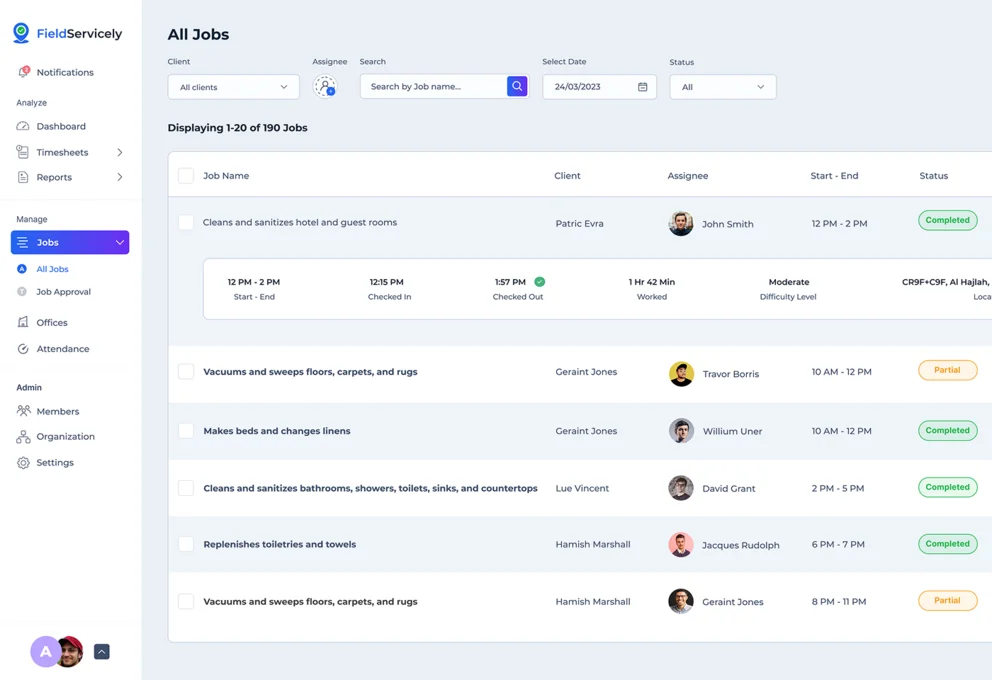
One App for Every Job Site
Manage attendance, job records, timesheets, and payroll data.
Get Started with Jobsite Time Clock Software in Minutes
Step 1: Sign Up
Create your account with FieldServicely.
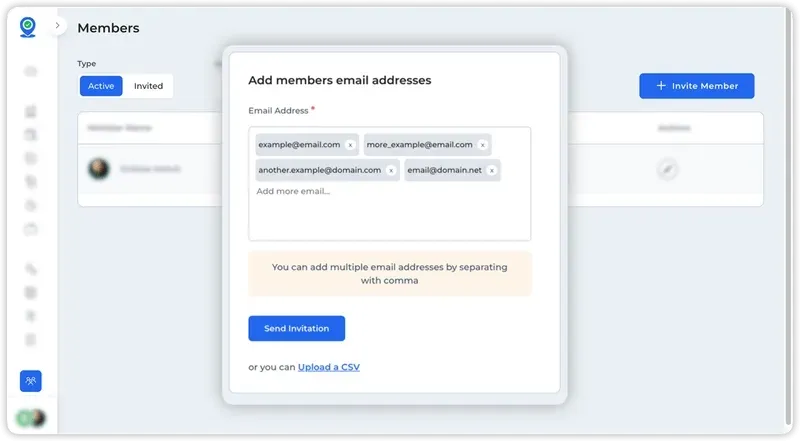
Step 2: Add Employees
Easily invite your crew to the system. They will need to accept the invitation email from their email to join your organization.
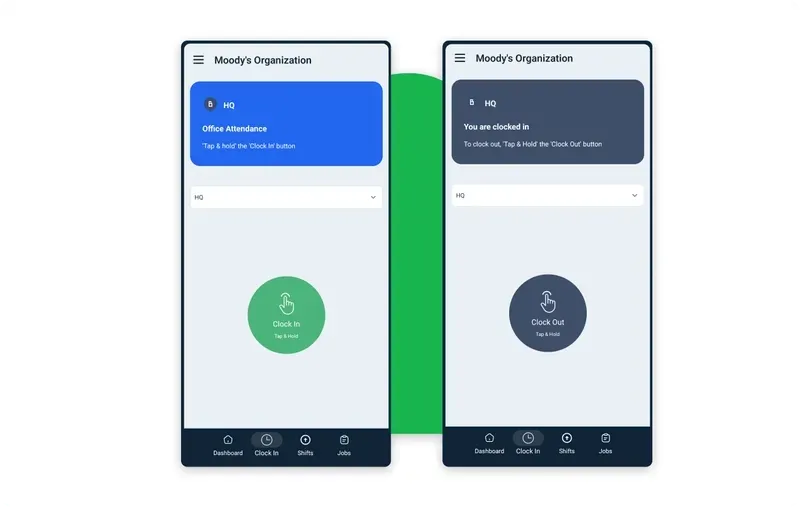
Step 3: Installation
Your workers will then install the app on their smartphones or tablets. After that, they can clock in and clock out using the mobile application.
Step 4: Create Job Sites
Select the location for your job sites in the system to create a geofenced attendance system.
Step 5: Clock In/Out
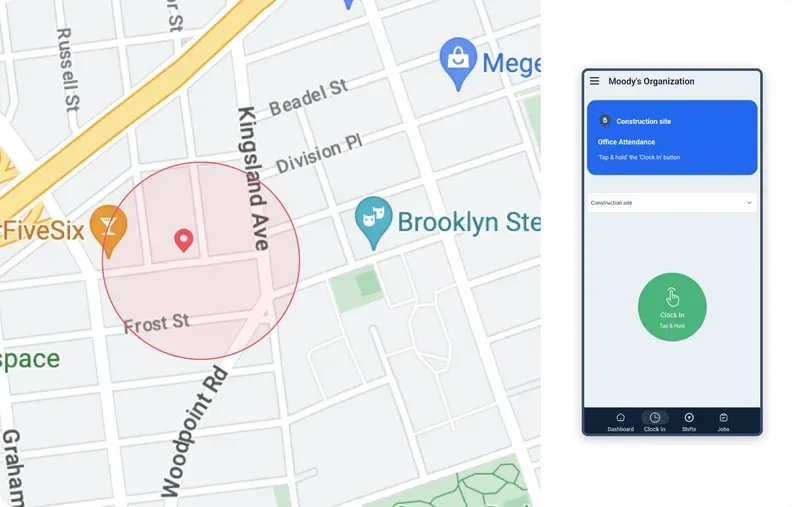
Using mobile devices, employees can start clocking in and out from their job sites.
Step 6: Review
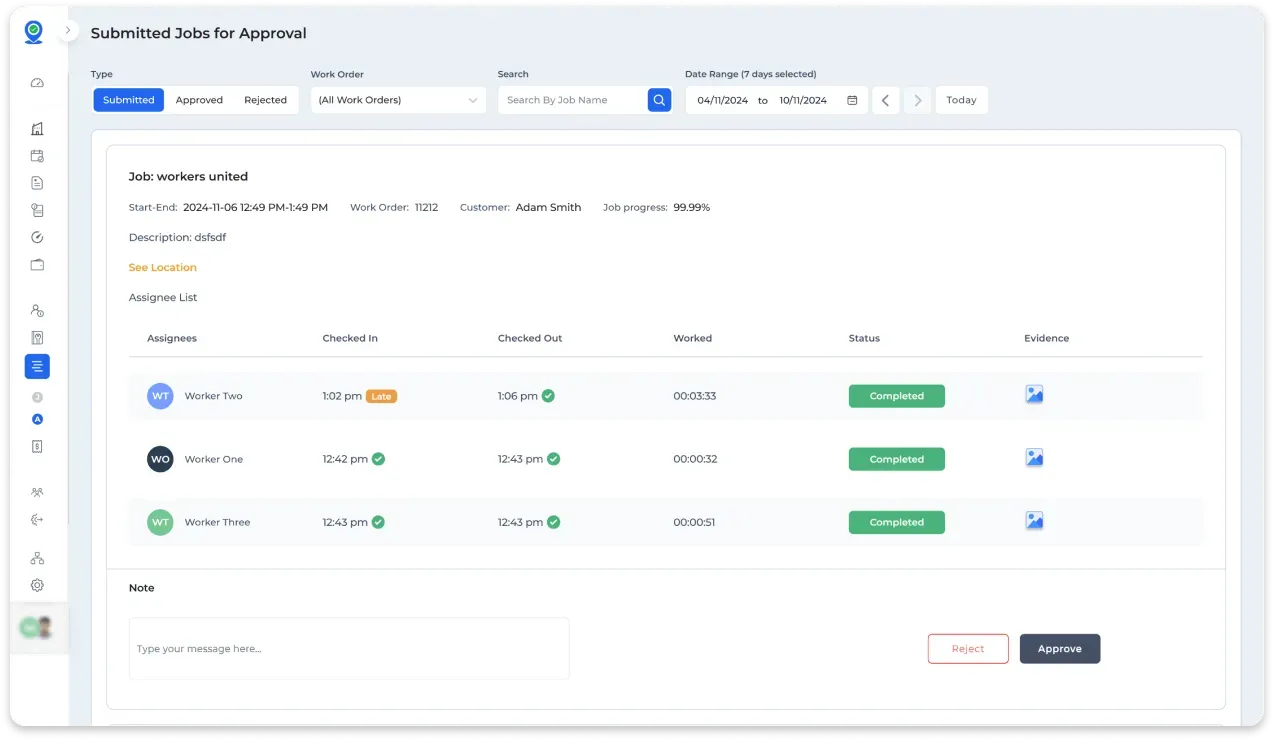
Assign and review the completed jobs. You can approve or reject the jobs after viewing the evidence.
Step 7: Track & Report
Monitor hours worked and generate reports as needed.
Why FieldServicely Works Better as a Job Site Time Clock

Typical Tools
Job Site Clock-ins

FieldServicely lets crews clock in from assigned job sites, so every time entry is tied to the right location and job record.

Track basic clock-in and clock-out times, but do not always connect them clearly to a worksite.
Cleaner Attendance Control
FieldServicely helps you manage job site attendance with location-based rules, geofenced worksites, and clear clock-in records.
Show where a worker clocked in, but leave managers to check the details manually.
Multiple Job Site Management
Helps track crews across multiple job sites from one simple dashboard.
Works well for one location, but becomes harder to manage across many sites.
Field-Ready Workflow
Connects time tracking with job scheduling, attendance, timesheets, reports, and payroll records.
Focus only on time tracking.
No Extra Hardware
FieldServicely works from the mobile app, so crews can clock in from the field without installing separate hardware at every job site.
Require a physical time clock, kiosk, or device at the site.
Jobsite Time Clock Built for Field Teams
Construction
Track construction crews across changing job sites, project locations, and daily assignments.
HVAC
Know when technicians arrive, leave, and complete work at each customer location.
Cleaning
Track cleaners across buildings, facilities, homes, and recurring service sites.
Plumbing
Verify time spent on service calls, emergency jobs, and scheduled maintenance.
Electrical
Keep attendance records clean for crews working across multiple projects.
Roofing
Track field crews on active job sites without paper time cards.
Landscaping
Manage mobile crews across routes, properties, and outdoor work locations.
Pest Control
Track technician attendance across customer sites and service zones.
Job Site Time Clock FAQs
What is a job site time clock?
A job site time clock lets field crews clock in and out from the actual work location using a phone, instead of a paper time card or a wall-mounted punch clock. With FieldServicely, every clock-in ties to a specific job site, so attendance and hours are accurate from the field.
How does clocking in on the job site work?
A worker arrives at the job site, opens the app, and taps clock in. The app records the time and a location stamp together, so you can confirm they were on site. The same happens at clock out, breaks, and when they move to the next job.
Can I track multiple job sites at once?
Yes. Create unlimited job sites and see who's clocked in at each one in real time, from a single dashboard. It's built for contractors running several active sites at the same time.
How does it help with job costing?
Every hour is tagged to a job site or project, so you see your true labor cost per job. That tells you which jobs are profitable and helps you bid the next one more accurately.
What is geofencing in a job site time clock?
Geofencing is a boundary around a job site. Workers can only clock in when they're physically inside it. If someone tries to punch in from outside the boundary, the app blocks it.
How do you stop buddy punching?
A photo (selfie) check at clock-in confirms the right person is punching in. Paired with location and geofencing, it verifies who clocked in and where. So no one can clock in for a co-worker.
Can workers clock in without internet?
Yes. Job sites often have weak or no signal. The app stores clock-in and clock-out data offline and syncs it automatically once a connection returns, so no punch is lost.
Is location tracked when workers aren't clocked in?
No. Location is only recorded while a worker is clocked in.
Does it work on iPhone and Android?
Yes. FieldServicely runs on both iOS and Android phones and tablets. Managers can view everything from the web app.
