Route optimization and planning
Jump to
I didn’t start looking for GPS tracking apps out of curiosity. I did it out of frustration. I was tired of calling people to ask where they were. Tired of fixing timesheets that never matched reality. Tired of worrying during late-night travel or losing a device and realizing I have no backup.
Every app I tried promised accuracy. A few of them delivered that, but drained the battery too much. Some of them just failed without the internet. Others just tracked location, but solved none of my actual problems.
So I stopped testing randomly and started testing with purpose.
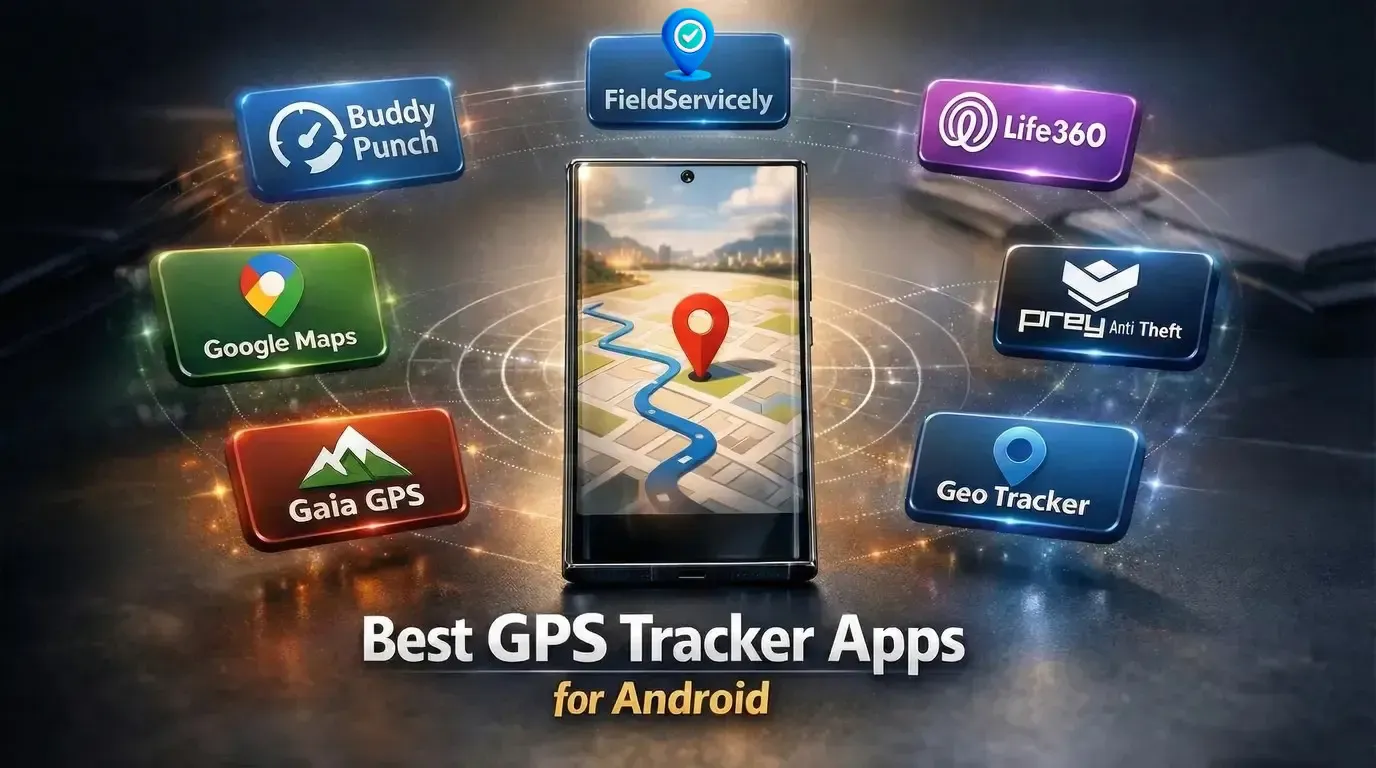
This blog is the result of that process. It breaks down the best GPS tracker apps for Android based on real pain points I faced. I have also discussed which app actually fixes which problem.
| Tool Name | Best For | Key Features | Price | Free Version |
|---|---|---|---|---|
Field service teams | Live GPS tracking, route history, geofence check-ins, GPS time tracking | Standard: $9/user/mo Elite: $12/user/mo; Enterprise: Custom | Yes | |
Buddy Punch | Employee accountability | GPS punch in/out, geofencing, location stamps, photo verification | Starter: $19 base + $4.49/user/mo; Pro: $19 base + $5.99/user/mo; Enterprise: $19 base + $10.99/user/mo | No |
Life360 | Family location sharing | Live family map, place alerts, driving reports, SOS alerts | Silver; Gold | Yes |
Google Maps | Free friend location sharing | Live location sharing, time limits, and ETA sharing | Free | Yes |
Prey Anti-Theft | Device security | GPS tracking, remote lock & wipe, theft evidence | Starter: $2.99/mo; Business: Tracking ($1.3/mo), Protection ($1.95/mo), Full Suite ($2.25/mo) | No |
Gaia GPS | Hiking & backcountry | Offline maps, route planning, terrain & weather layers | Premium: $4.99/mo; Outside+: $7.49/mo | No |
Geo Tracker | Track recording | Offline GPS tracking, battery-efficient recording, GPX export | In-app purchases | Yes |
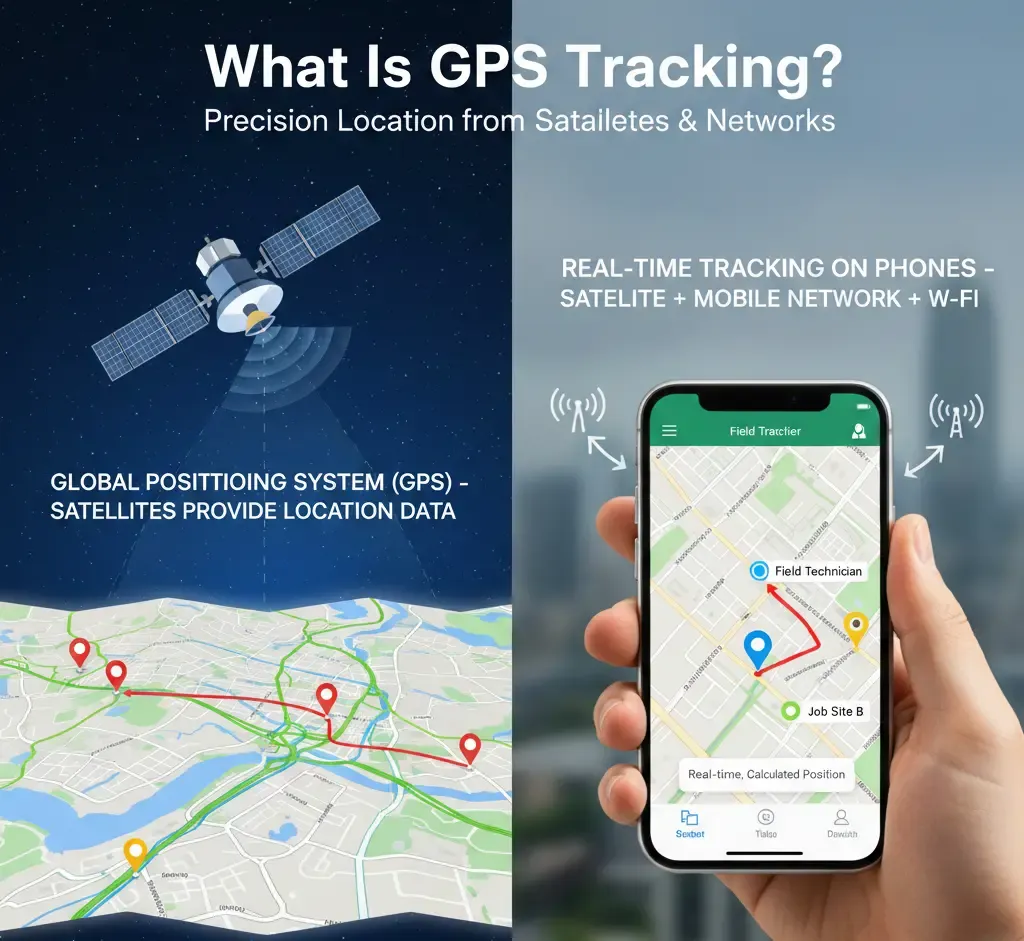
GPS tracking means locating a phone, vehicle, or asset with precision using satellites. It works by receiving signals from multiple GPS satellites and converting them into latitude and longitude on a map. So, when you open a GPS tracker app on Android, you see a real, calculated position.
This location data comes from the Global Positioning System, which the U.S. government operates. GPS provides accuracy within about 4.9 meters in open outdoor conditions. This explains why turn-by-turn navigation and live tracking work so reliably today.
However, satellites alone are not enough for real-time tracking on phones. That is why GPS tracker apps for Android combine satellite data with mobile networks and Wi-Fi signals to update location instantly. For example, a manager can watch a field technician move between job sites without delays. This is known as employee GPS tracking.
The short answer is no, not the way most of these sites promise.
First, understand this: a phone number is a routing address. It tells the network which device to ring or text, nothing more. It isn't wired to a live map anywhere you can just look up. Real location data comes from the GPS chip inside the phone itself. This chip only reports its position through an app that has permission to access it.
So, if there is no app installed, no permission granted, you will not get location info. Simple as that. It holds true no matter how the number gets typed in or what a given site claims.
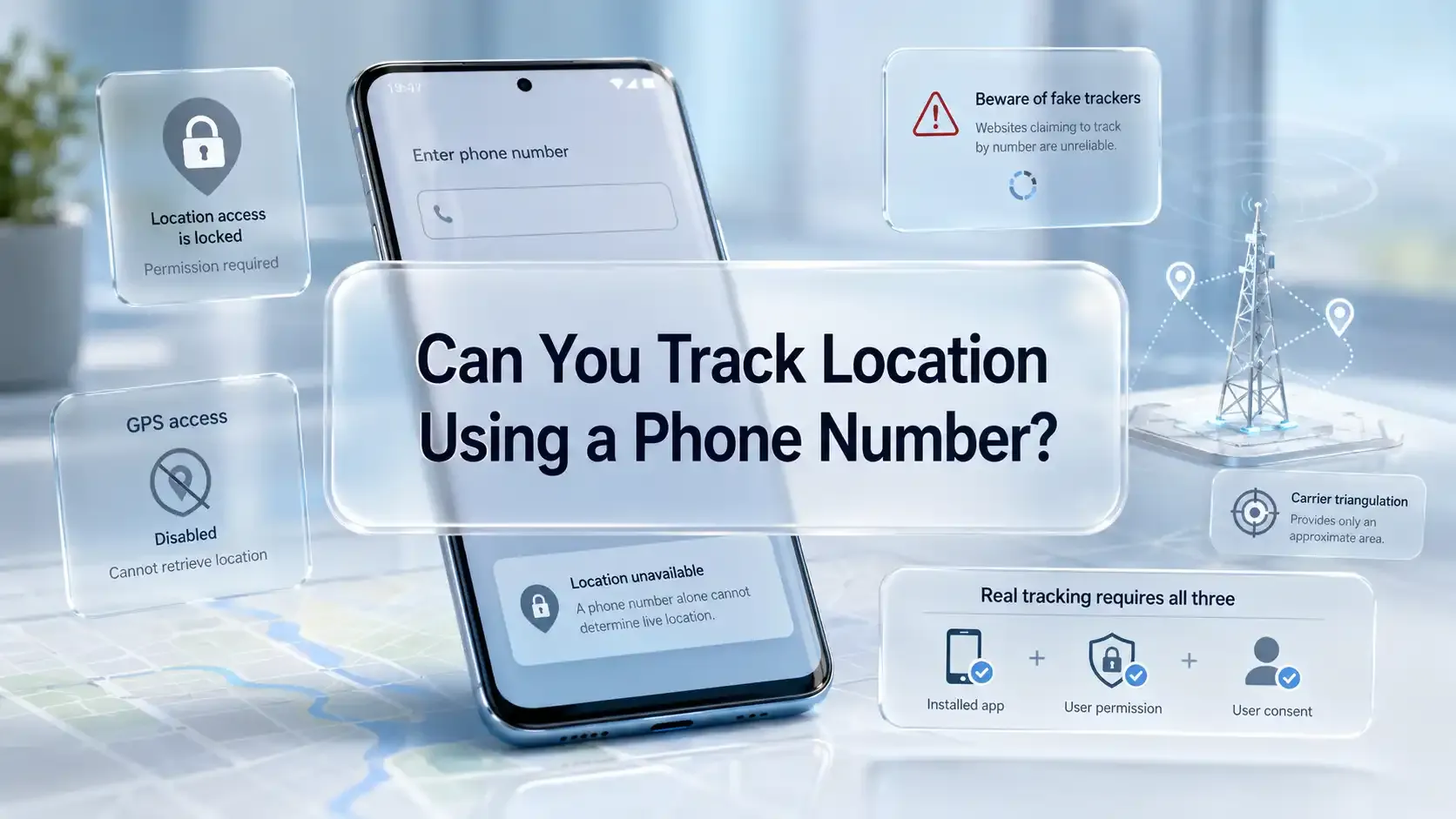
The carrier is the only party that can see the real-time location using a phone number. They use cell tower triangulation technology for this. For the rest of the world, this access is off limits. And that is for a reason.
Just so you know, the FCC fined AT&T, Sprint, T-Mobile, and Verizon nearly $200 million for selling customers' real-time location data to outside data brokers in 2024.
Now, you answer this: Is it possible for a free website to legally hand over that same data on request? Absolutely not!
So why do so many "type in a number, see their exact location" pages rank at the top of search results? Well, mostly because they're built to capture the search, not deliver the result.
Most of them run a fake loading animation, then ask for payment, a "verification" survey, or an app download before showing anything, if they show anything at all. None of them is pulling live GPS coordinates out of thin air.
So, what does a phone-number-based tracking look like when it's actually legitimate, with consent on both ends?
Well, Life360 and Google Maps, both covered later in this guide, use the phone number only as an invite. Only a way to add someone to a shared circle or send a location-sharing link.
We started by using each GPS tracking app for Android in daily situations. We tracked phones while walking, driving, and stopping at random places to see how fast locations updated. Because real movement exposes delays and errors quickly, weak apps did not last long in our testing.
Accuracy became the next filter once tracking apps passed basic testing. We compared on-screen locations with real positions, especially in cities and indoor areas. Android developers confirm that apps using GPS, Wi-Fi, and cellular signals deliver better results, which matches what we saw.
Set-up speed mattered because most users want tracking to work immediately. We checked how many steps it took from install to the first live location. If permissions felt unclear or setup took too long, the app felt unreliable from the start.
Battery drain showed us how well an app handled background GPS tracking. We ran the tracking for hours and compared battery drops across devices. Apps that followed Android’s background location rules stayed stable and consumed less power. [Source: Google Support]
Privacy became important once tracking worked consistently.
We checked whether users could adjust tracking frequency, alerts, and data access. Apps that forced constant tracking without control felt risky and did not make the list.
Pick a GPS tracker that gives you full privacy control
Try for free - No credit card required!
Finally, we looked at pricing and long-term usability.
We compared free plans, paid limits, and recent Google Play reviews for support quality. This list is unbiased and built only to help you choose a GPS tracker app that actually works.
Free: Yes; Standard: $9/user/month; Elite: $12/user/month; Enterprise: Custom pricing
Key Features
The first thing I remember about FieldServicely is how quickly it got out of my way. I invited a few technicians, they installed the Android app, and before I even finished my coffee, I could see them moving on the map.
The live location view is where things really clicked for me. The map didn’t feel jumpy or delayed. When someone drove to a job site, the pin followed them. It stopped when they stopped moving. Sounds basic, right?
But if you’ve used GPS tools before, you know that’s not always the case.
And then I started asking myself a question I hadn’t asked in a while. Why am I still calling technicians to ask where they are?
That’s when the geofencing part quietly won me over. Technicians could only check in after entering the job area. I didn’t announce this as a big rule change. I just let the system handle it. Funny enough, time disputes almost disappeared on their own.
Just so you know, routes, job duration, and attendance were already there. Also, payroll went from an end-of-week headache to a short task I could finish without grumbling.
I did worry about battery drain, though. So I watched closely and found out FieldServicely doesn’t aggressively eat up battery backup. Thanks to Android’s optimized background location service. [Source]
But here’s the part that’s harder to explain.
After a couple of weeks, FieldServicely stopped feeling like a tool I had to manage. It became a part of our daily operations. For example, technicians knew exactly where to go next, and customers got accurate ETAs without me stepping in.
At some point, I realized I wasn’t managing movement anymore. I was managing the business. Finally!
That’s when FieldServicely stopped feeling like a GPS tracker and started feeling like a control center built for actual field work, not demos or screenshots.
Even after that, for everyday use, it is one of the best GPS apps for Android. And if you are on a budget, this app offers you free tracking on Android.
Field service teams that need real-time Android GPS time clock and tracking software tied to jobs, attendance, and payroll.
Try FieldServicely #1 Field Service Management Software
No credit card required!
Starter: $19 base + $4.49/user/mo; Pro: $19 base + $5.99/user/mo; Enterprise: $19 base + $10.99/user/mo
Buddy Punch is an accountability tool first and a GPS tracker second. That difference hit me almost immediately. It doesn’t try to be everything, and honestly, that’s its strength.
The rollout felt refreshingly simple. I invited the team, sent one short message, and people started clocking in the same day. No training sessions needed. No follow-up questions. That rarely happens with time tools.
What really changed things for me was how GPS punching works. Employees could only clock in from approved locations, which shut down buddy punching faster than I expected. I didn’t need screenshots or constant checks. The location stamp was enough.
Time edits also felt fair on both sides. When someone missed a punch, they requested a change, and I approved it with full context. I always knew who edited what and when, so payroll stopped feeling tense.
Now, Buddy Punch does have limits. It won’t show live routes, movement trails, or job progress. But that never bothered me because I wanted clean time data, not another map to stare at.
After a few weeks, Buddy Punch faded into the background. People clocked in. Reports made sense. Payroll took minutes instead of hours. For an employee GPS tracking app, that kind of quiet reliability matters.
Teams that want simple GPS-based time tracking to keep employees accountable without overcomplicating things.
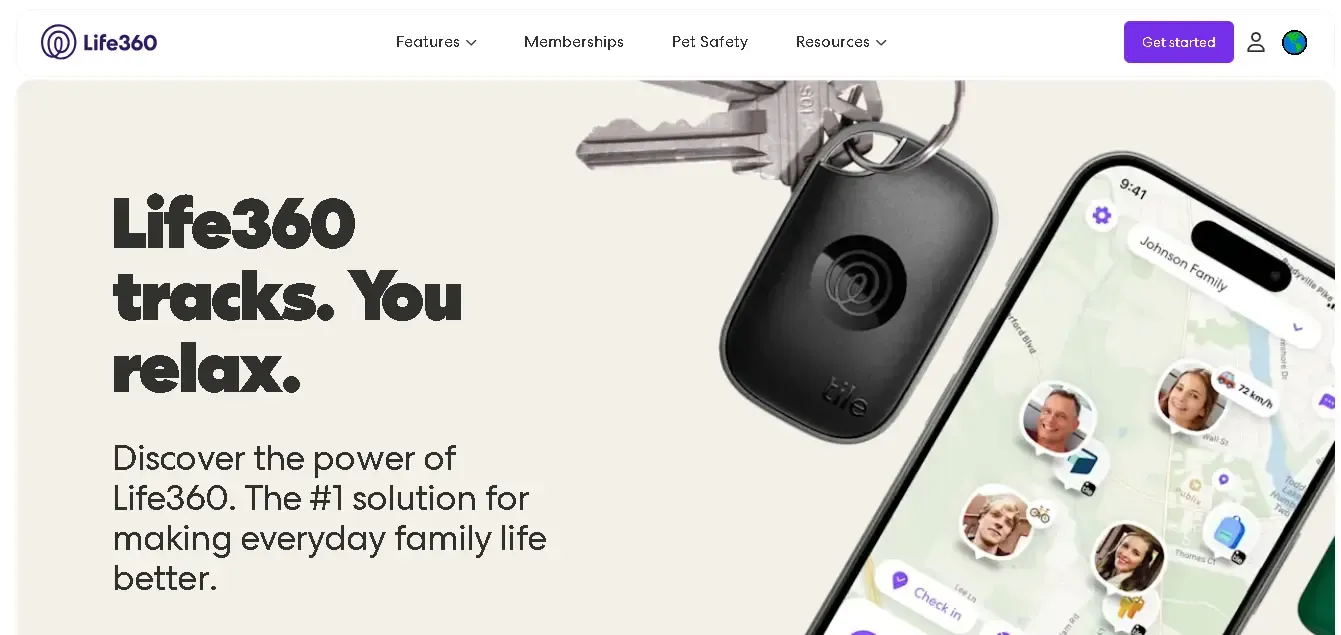
Silver, Gold, and Platinum plans are available. Pricing depends on features and billing cycle
Life360 is an Android family tracking app first, and a GPS tracker second. That difference shows up fast, as it doesn’t feel like you’re “watching” people. It tries to be one of the best location tracking apps. And it sort of does that pretty well, I must say.
The first thing I noticed was how simple it was to set up. I created a circle, sent invites, and that was it. Phones showed up on the map without me explaining anything.
At first, I checked the app more than I needed to. Out of curiosity, mostly. Then I received the alerts. “Arrived home.” “Left school.” And suddenly, I wasn’t opening the app at all. It just sent me the notifications I needed.
The driving reports were the part I didn’t expect to care about. But seeing hard braking and speed events over a week made things clearer. The Insurance Institute for Highway Safety links these behaviors to higher crash risk, so the data felt useful.
That said, Life360 isn’t perfect. Constant location sharing only works when everyone agrees on boundaries. Without that trust, it can feel like too much. Even online safety authorities warn about misuse when consent isn’t clear.
Used the right way, though, Life360 does exactly what it promises. It replaces worry with quiet reassurance.
Families and close groups who want peace of mind without turning location sharing into surveillance.
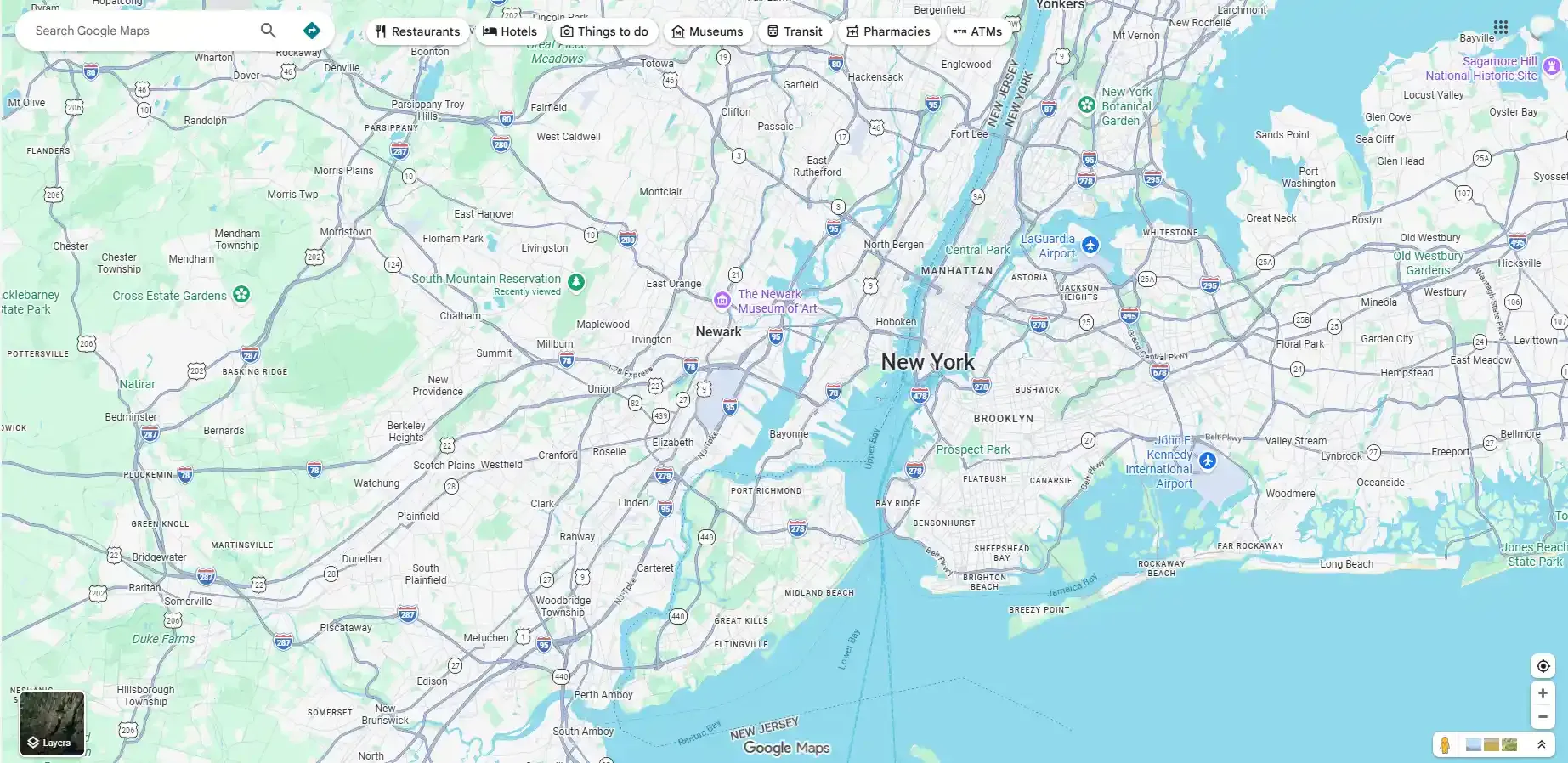
Free
I started using Google Maps location sharing without much thought. I already used the app every day, so the feature felt like a natural add-on. But once I started relying on it, I realized how useful it actually was.
Have you ever tried meeting friends in a crowded area and failed miserably? I have many times.
The first real test came during a busy city festival. I shared my live location for one hour instead of sending directions. My friends watched my movement on the map and walked straight to me. We met faster than usual, which honestly surprised me.
I later used it during long road trips. I shared my trip with family so they could see my route and arrival time. They stopped calling to ask where I was. I could focus on driving, and they felt reassured.
Isn’t that exactly what location sharing should do?
Another moment that stood out was late-night travel. I shared my location temporarily while heading home. Knowing someone could see my movement made me feel safer, even though nothing went wrong. Once the set time ended, the sharing stopped automatically. I did not have to remember to turn it off.
Accuracy has been solid in real situations. The app updated my position smoothly on highways, city roads, and short stops. It simply works when you need it.
People who want simple, no-cost location sharing for meetups, trips, or basic safety.
Share your trip progress without constant check-ins
Try for free - No credit card required!
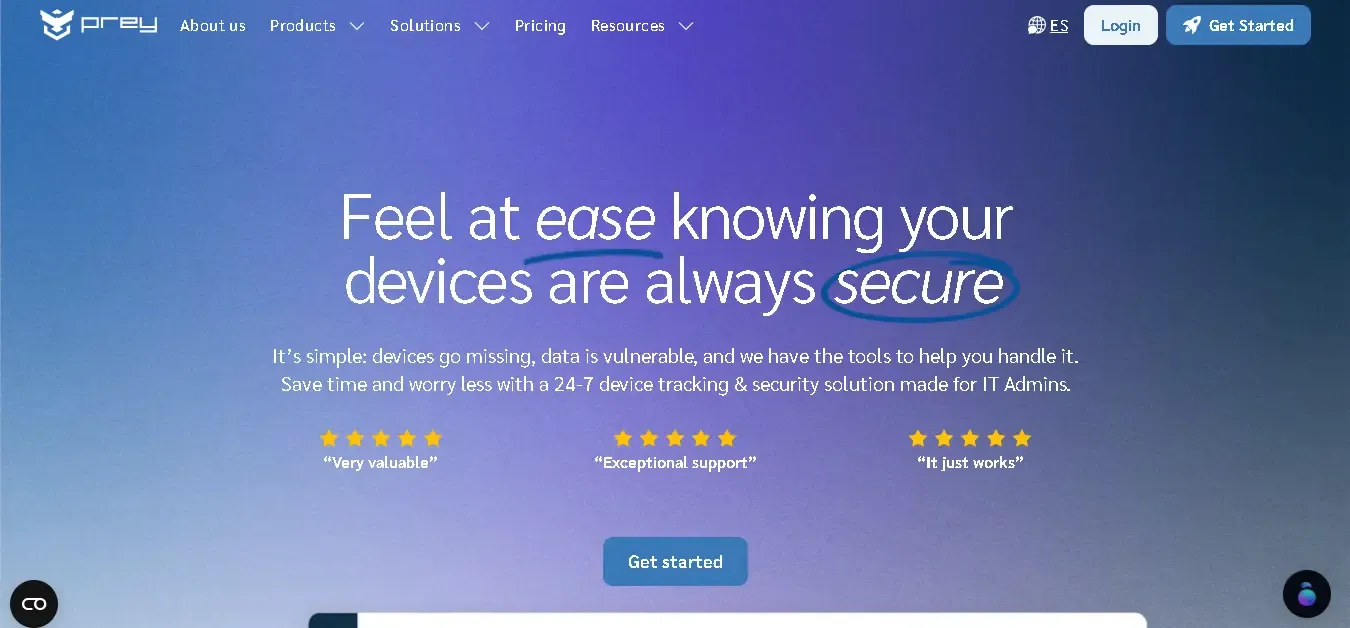
Starter: $2.99/mo; Business: Tracking ($1.3/mo), Protection ($1.95/mo), Full Suite ($2.25/mo)
I first looked into Prey after seeing how often phones and laptops go missing during travel or remote work. Device loss is not rare anymore, especially with people working from cafés, airports, and co-working spaces. I wanted something that focused on recovery first, not just alerts.
The real test came when a colleague misplaced his Android phone during a client visit. Prey was already installed, so he logged in from another device. Within minutes, the dashboard showed the phone’s live GPS location moving across the city, which confirmed it was stolen.
What made a real difference was the response control. He locked the phone remotely and displayed a custom warning message on the screen. This helped protect sensitive emails and work apps while we figured out the next step.
The evidence tools stood out even more. Prey captured screenshots and camera images from the device without alerting the thief. These details helped him file a police report with solid proof instead of vague assumptions.
I later tested Prey myself on an Android phone and a laptop. Setup took less than ten minutes, and the app stayed lightweight in the background. Tracking worked smoothly without draining the battery or slowing the device.
What I like is how Prey balances personal and professional use. It works just as well for a single phone as it does for managing multiple devices.
Overall, Prey feels practical as it is a lost phone tracking app for Android. It prepares you for loss before it happens, which is exactly how device security should work.
Android users, remote teams, and IT admins who need device tracking and theft protection across multiple platforms.
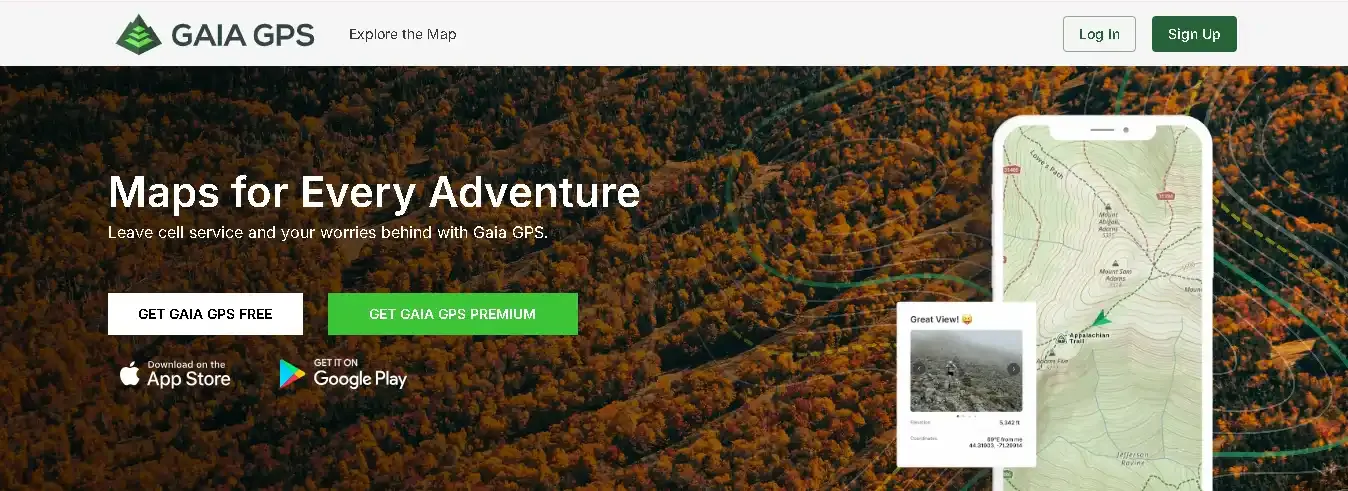
Premium: Starts at $4.99/month; Outside+: Starts at $7.49/month
I started using Gaia GPS after losing signal on a mountain trail more than once. Google Maps stopped working the moment cell service dropped. I needed something built for offline use, not city navigation.
Before my first hike, I downloaded maps at home. Once on the trail, Gaia GPS worked without any signal. The GPS lock stayed stable, even under tree cover.
What helped most was route planning. I checked elevation gain before starting, not halfway through when it was too late. That single detail changed how I planned my pace and breaks.
I also relied on the map layers more than expected. USGS topo maps showed terrain clearly, while private land boundaries helped me avoid restricted areas. Would I have known that without Gaia? Probably not.
Plus, weather layers felt practical too. I checked wildfire and storm data the night before heading out. On the side note, waypoints became essential on longer hikes. I marked campsites, water sources, and trail splits.
When fatigue hit, those markers kept me calm and on track.
Surprisingly, battery use stayed reasonable in offline mode. I completed a full-day hike without draining my phone.
But what convinced me long-term was focus. Gaia GPS does not try to be everything. With 300+ map layers and tools made for hikers, it feels designed for people who actually leave the grid.
Hikers, campers, and backcountry travelers who need reliable offline GPS navigation in remote outdoor environments.
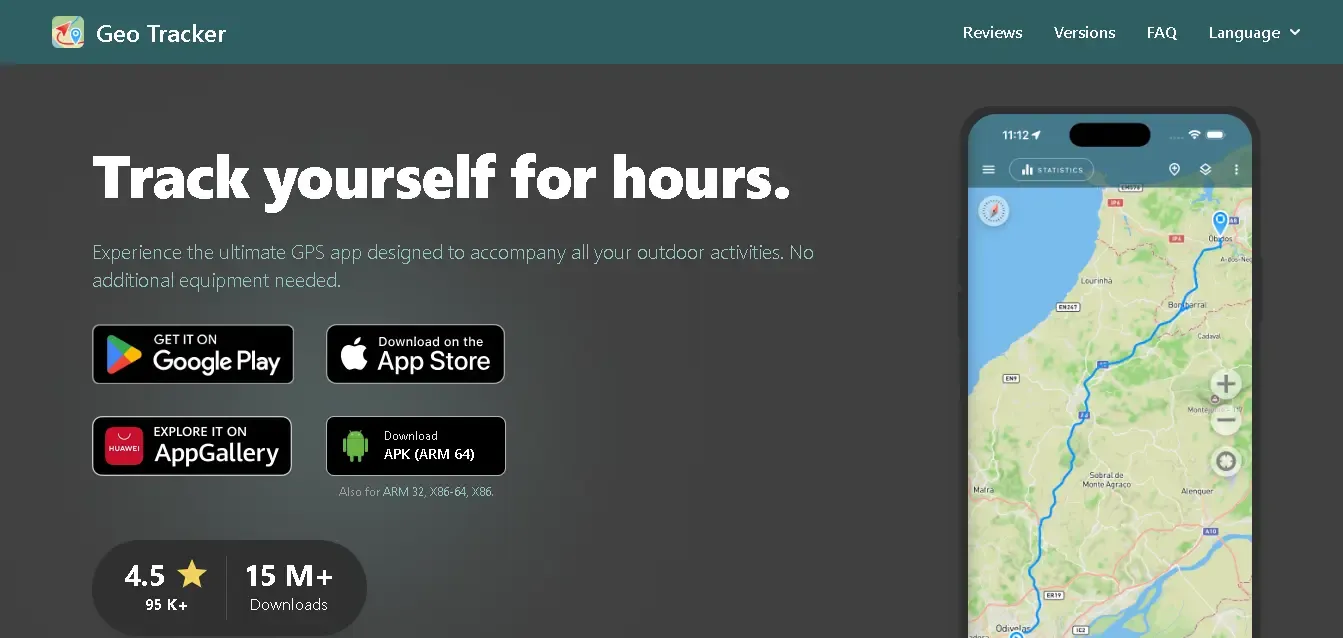
Free: Yes; Paid: Optional in-app purchases for advanced tools.
I started using Geo Tracker for one simple reason. I wanted to record my walks and hikes without killing my phone battery. Many apps failed after a few hours, but Geo Tracker kept running.
The first thing I noticed was reliability. I recorded a full-day hike using only GPS, with no internet. The track stayed clean, with no random jumps or missing sections.
Battery use surprised me in a good way. After several hours of tracking, my phone still had enough charge to navigate back. That matters when you stay outdoors longer than planned.
I also liked how clear the stats felt. Geo Tracker showed distance, speed, and elevation changes in a simple layout. I could quickly see how hard the route actually was.
Turning a recorded track into a navigation route felt useful. I tested this on a repeat trial. The app generated turn guidance without extra setup.
Privacy mattered to me, too. Geo Tracker stores all location data only on the device. Nothing uploads unless you share it yourself.
Hikers, walkers, cyclists, and runners who want reliable offline track recording without battery drain.
Free doesn't mean the same thing across these seven apps. Some are free the way Google Maps is free: no trial, no card on file, no ceiling waiting to be hit. Others are free the way a sample size is free: enough to see if you like it, then a paywall shows up right when you need the next feature. That said, three of the seven apps in this guide are genuinely usable without paying a dime!
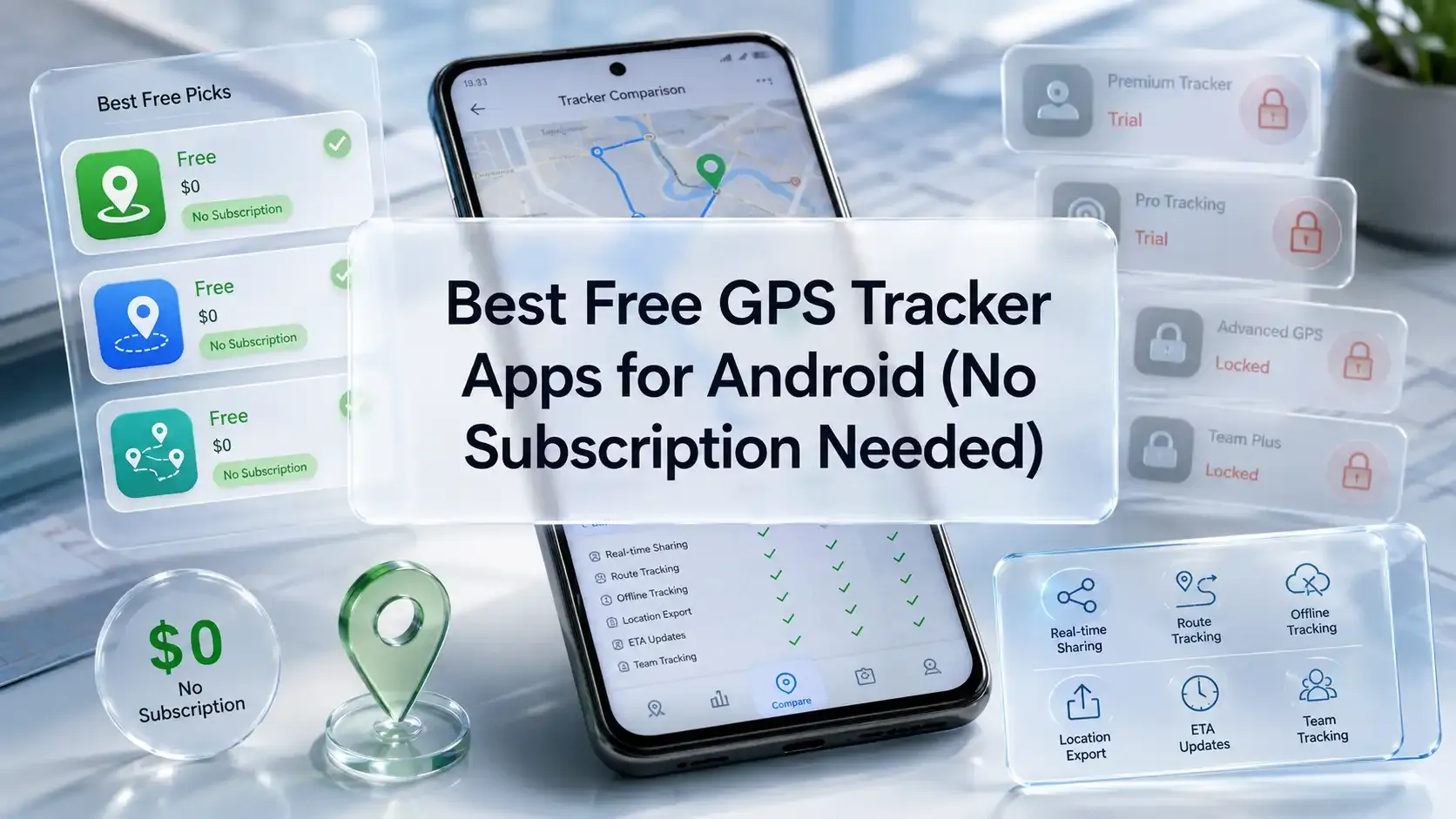
Google Maps is the cleanest case. It costs nothing, has never cost anything, and there's no upgraded tier waiting behind it. Real-time location sharing, ETA updates, auto-stop timers, and cross-platform support with iPhone are all live at $0. But the tradeoff is that you get no location history, no place alerts, or no driving reports.
Geo Tracker is close behind. Core functions such as offline tracking, battery-efficient background tracking, and GPX/KML/KMZ export work at no cost. The in-app purchases are reserved for extra features. That's the right way to build a free tier: the basics stay basic instead of getting crippled.
FieldServicely offers GPS tracking completely free. Anyone can use it for location tracking purposes for an unlimited period. However, it also offers several features that are perfect for small teams that run low on a budget. Unlike other tools in its FSM category, they don't dress a 14-day trial as a free version.
I’ll be honest. I used to think GPS apps were all the same. Install one, turn it on, and hope it works. That assumption cost me time, money, and more frustration than I’d like to admit.
What finally clicked was this: the problem wasn’t the apps. It was how I was choosing them. I was asking the wrong questions.
Once I matched the app to the actual problem I had, things got easier. That’s all this guide is meant to do. Help you skip the trial-and-error part I went through.
FieldServicely is the best GPS app for Android if you need reliable field employee location tracking and a GPS time clock in one place.
FieldServicely is the best free Android GPS tracker app because it includes a $0 free-forever plan with geofencing and route map tracking. As a result, you enjoy real field tracking with zero cost.
Google Maps works as the easy to use Android GPS tracker app that monitors traffic. It shows live traffic data, incidents, and suggests faster routes.
FieldServicely is one of the most affordable GPS tracking apps on Android. You can start with a free-forever plan and, if needed, upgrade to paid plans just for $9/user/month.
FieldServicely and Google Maps both work on Android and iPhone. So either one covers you if the other person isn't on Android. FieldServicely also extends to Windows, macOS, and Linux for tracking beyond phones.
Google's Find My Device is free and built into every Android phone. It can locate, lock, or wipe a lost device instantly if you're signed into your Google account.
Route optimization and planning