
- GPS Tracking for Field Service
Time Clock Rounding: Rules, Examples, and Legal Guide
Updated on 18 Mar 2026
Jump to
Summary

Time clock rounding converts work time into fixed intervals like 5, 6, or 15 minutes for easier payroll.
Businesses use rounding to standardize timesheets, reduce manual payroll work, and align recorded work hours with billing increments.
Common rounding methods include the 15-minute rule, 6-minute (tenth-hour) rounding, and 5-minute rounding.
Employers must follow FLSA rules by keeping rounding neutral, paying employees fairly, and applying policies consistently.
Modern digital time-tracking tools now reduce the need for rounding by recording exact work minutes automatically.
Time clock rounding adjusts employee clock-in and clock-out times to fixed intervals, such as 5, 6, or 15 minutes, to simplify payroll calculations. Instead of tracking every exact minute worked, companies convert time entries into standard increments.
This approach can make payroll easier to manage and reduce administrative work. However, rounding can also create compliance risks if it leads to underpaid hours or unfair time records.
In this blog, we will explain how time clock rounding works and when businesses should or should not use it.
What is Time Clock Rounding?
Time clock rounding means adjusting employee clock-in or clock-out times to a fixed interval so payroll becomes easier to calculate.
Instead of paying based on the exact minute worked, companies round time entries to standardized increments. The most common intervals are 15 minutes, 10 minutes, or 6 minutes (one-tenth of an hour).
Let me explain with a simple example.
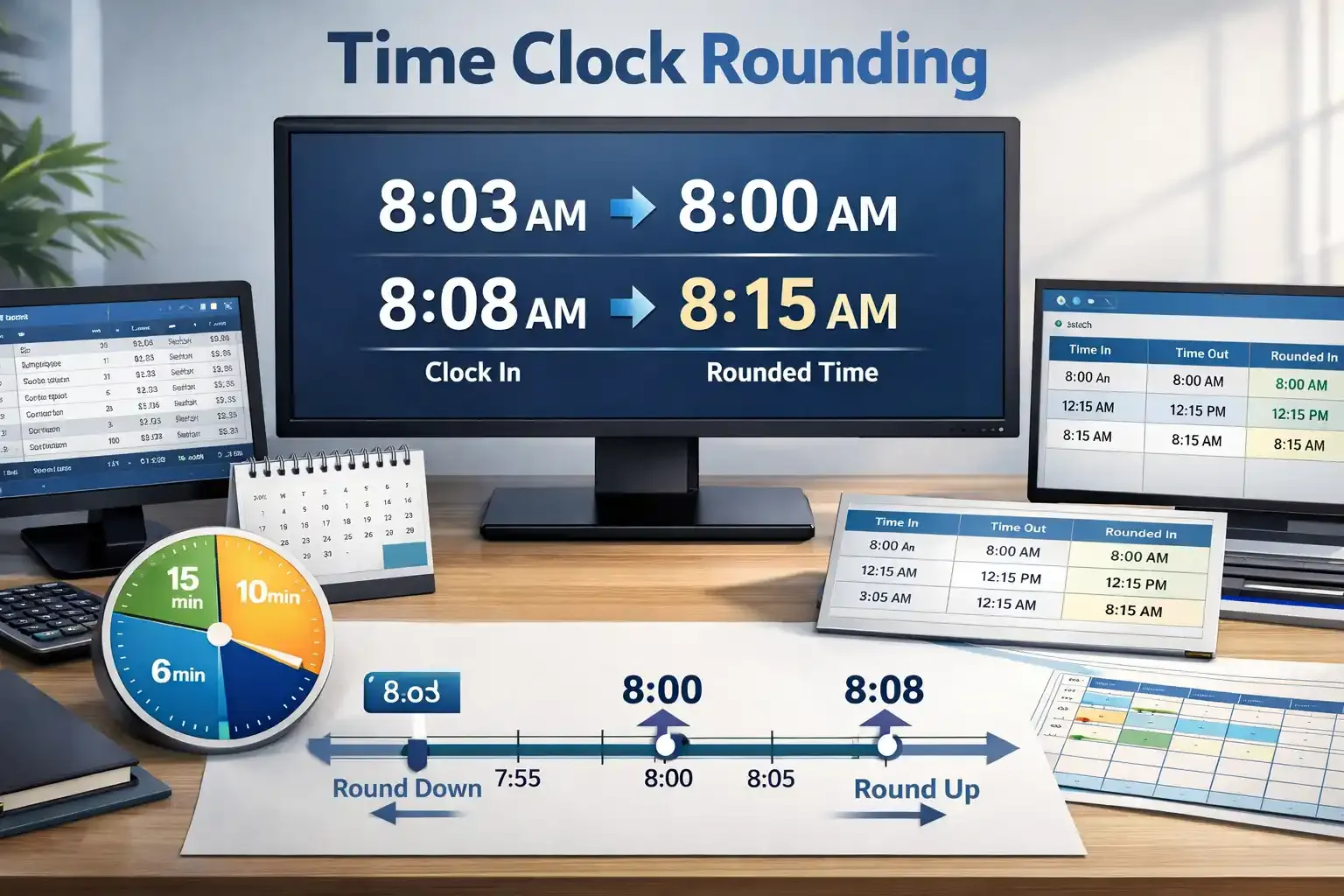
If an employee clocks in at 8:03 AM, the system may record it as 8:00 AM. But if the same employee clocks in at 8:08 AM, the system usually rounds it up to 8:15 AM.
Sounds pretty harmless, right?
Now here’s the important part. Federal regulations allow time clock rounding only when the practice remains neutral and does not result in employees being underpaid for hours actually worked.
Most companies historically relied on quarter-hour rounding because payroll systems handled these intervals easily. However, with modern field service time tracking systems, many organizations now question whether rounding still makes sense.
Stop guessing employee work hours
Track clock-ins, job times, and shifts with accurate digital timesheets.
Why Time Clock Rounding is Important on Timesheets
Simplifies Payroll Calculations
Payroll calculations become messy when timesheets record exact minutes for every shift.
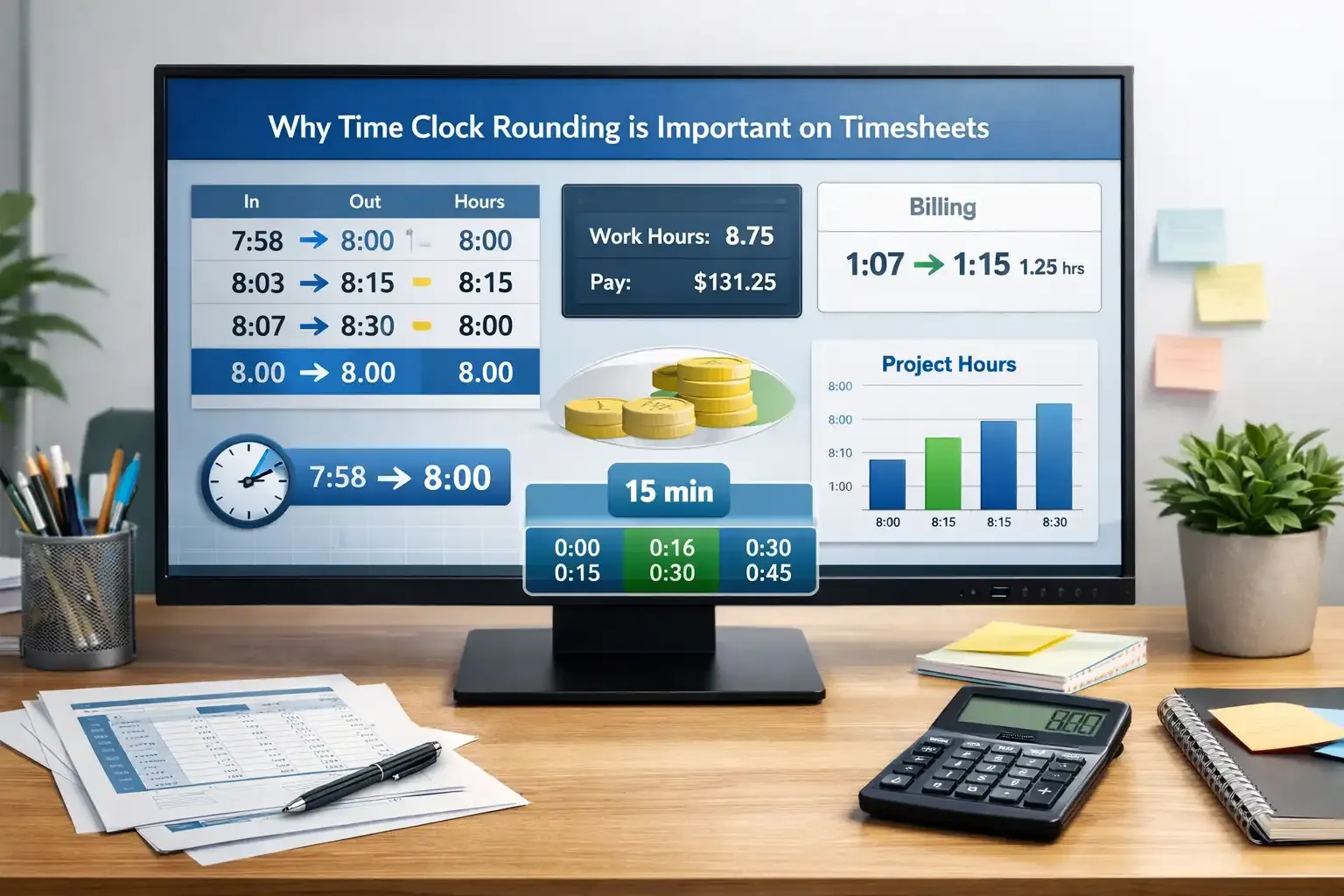
Imagine reviewing a timesheet that shows 7 hours and 58 minutes worked. Now you must convert those 58 minutes into a decimal value before calculating wages. If you manage a team of 30 employees, you repeat that process dozens of times every week.
Time clock rounding simplifies that work. Converting small minutes makes a difference; the system rounds the time to a fixed interval, such as 8 hours. Payroll teams can then calculate wages faster and with fewer calculation errors.
Standardizes Timekeeping
Now think about how employees actually clock in at work. Do people start work at exactly 8:00 AM every day?
In reality, most employees clock in a few minutes early or a few minutes late. One employee might clock in at 7:58 AM, while another clocks in at 8:03 AM. Over time, these small differences fill timesheets with irregular minute entries.
Time clock rounding helps standardize those records. You don’t need to deal with dozens of slightly different start times. The system places entries into clear intervals like 8:00, 8:15, or 8:30.
This consistency helps payroll teams review timesheets faster. It also makes workforce reports easier to read because work hours follow predictable patterns.
Reduces Administrative Work
Managing employee timesheets takes time, especially as teams grow larger.
If you supervise 25 or 40 employees, you might review hundreds of clock-in and clock-out entries every week. Checking each entry minute by minute would take hours.
Rounding rules reduce that workload. The system automatically adjusts small time differences without requiring manual corrections from managers.
This means HR teams spend less time reviewing minor time discrepancies. Instead, they can focus on bigger tasks such as scheduling, workforce planning, and payroll approvals.
Helps Manage Billing and Labor Tracking
Another reason companies rely on rounding involves billing.
Many industries do not charge clients for exact minutes worked. Instead, they bill work in time blocks, often in 15-minute increments.
For example, imagine a technician completes a job in 1 hour and 7 minutes. Most invoices will not show “1 hour and 7 minutes.” Instead, the invoice typically lists 1 hour and 15 minutes, because billing systems follow fixed intervals.
Time clock rounding keeps employee timesheets aligned with this billing structure. Managers can quickly match work hours with billable labor costs, which helps maintain accurate project budgets.
Address Small Time Discrepancies
Rounding can also balance small time differences that occur during the workday.
Employees sometimes clock in a few minutes early or finish a few minutes late. These small variations happen naturally in almost every workplace.
Rounding smooths those differences across the pay period. Rather than adjusting every small change manually, the rounding rule keeps time records balanced and predictable.
However, employers must apply these rules carefully.
Make payroll calculations faster
Track employee hours automatically and avoid manual time conversions.
Time Clock Rounding Rules
When you decide to use time clock rounding, you cannot simply round time however you want. Labor law sets clear limits on how employers apply rounding policies.
In simple terms, the rule must stay fair. Let’s start with the rule most companies use:
15-Minute Rounding Rule (The 7-Minute Rule)
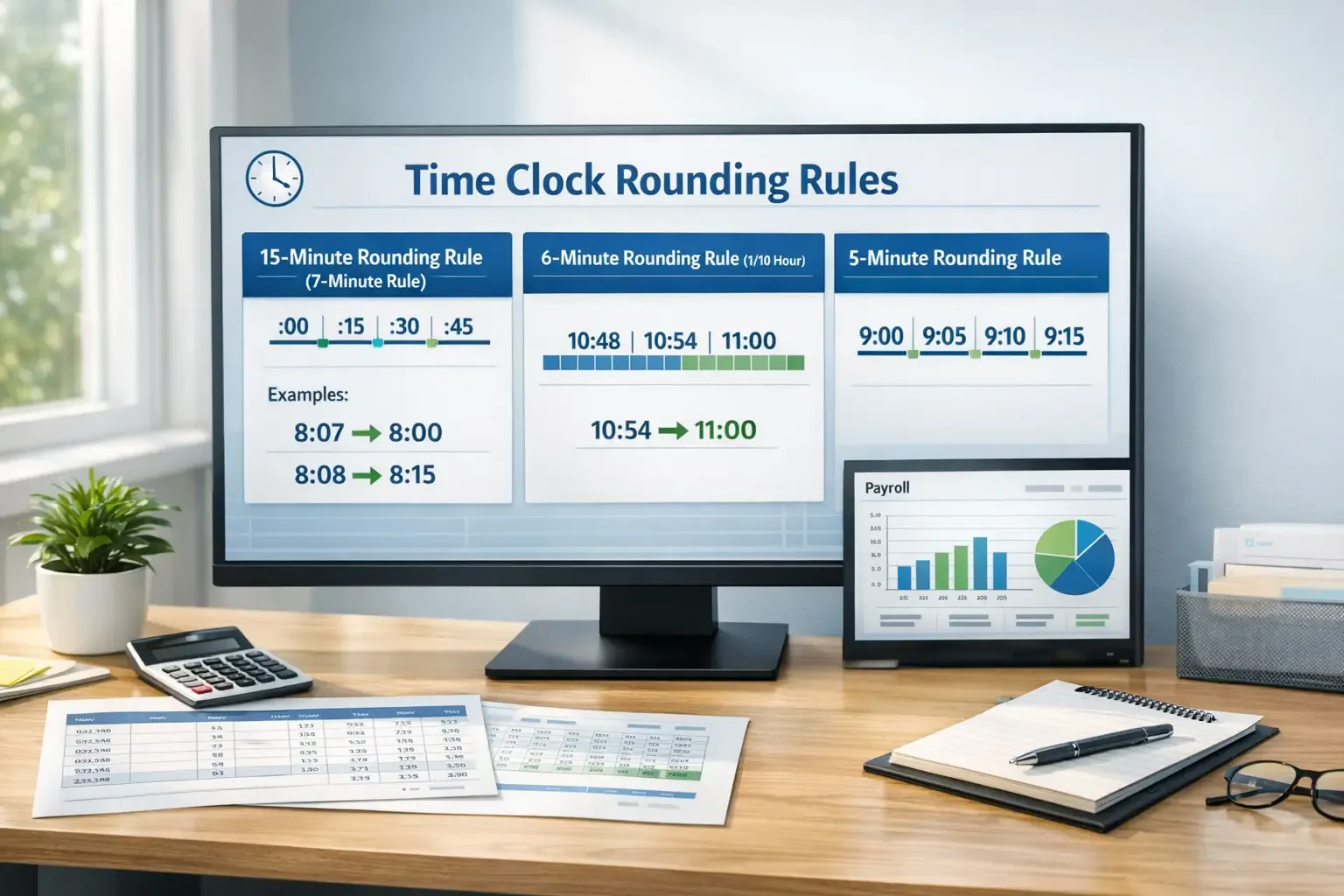
Most businesses use 15-minute rounding, also known as the 7-minute rule.
This method divides each hour into four clear checkpoints:
:00, :15, :30, and :45
The system checks how many minutes have passed after the hour and then decides whether to move the time backward or forward.
If you prefer a quick reference, here’s how the rule usually works.
| Minutes Past the Hour | Rounded Time |
|---|---|
0–7 minutes | Rounded down to the previous hour |
8–14 minutes | Rounded up to the next quarter-hour |
Examples:
8:07 AM → 8:00 AM
8:08 AM → 8:15 AM
8:22 AM → 8:15 AM
8:38 AM → 8:45 AM
This structure keeps the rounding balanced.
Some punches move backward while others move forward. Over time, that balance prevents employees from losing pay due to rounding.
6-Minute Rounding Rule (One-Tenth of an Hour)
Some companies prefer a more precise approach called 6-minute rounding.
This method splits every hour into ten equal blocks, because six minutes equals one-tenth of an hour. But why do companies use this method?
Many industries track work in decimal time. Consulting firms, legal services, and accounting teams often bill clients in tenths of an hour, so a six-minute interval fits their billing structure.
Let’s look at an example.
If an employee clocks out at 10:54 AM, the system may round that time to 11:00 AM. But if the employee clocks out at 10:52 AM, the system might round the entry to 10:48 AM depending on the midpoint rule.
This method keeps time tracking more precise while still simplifying payroll calculations.
5-Minute Rounding Rule
Another option uses 5-minute intervals. This rule rounds time entries to marks such as 9:00, 9:05, 9:10, or 9:15.
Companies with frequent clock-ins often prefer this approach because it captures work time more accurately than the 15-minute rule.
Think about workplaces where employees start and stop tasks throughout the day. For example, a construction site, HVAC, plumbing, or other field operations.
Also, retail stores, restaurants, and hospitality teams often deal with many clock-ins and shift changes. A 5-minute interval gives them better accuracy while still keeping payroll calculations manageable.
For example:
If an employee clocks in at 9:02 AM, the system records 9:00 AM.
If the employee clocks in at 9:04 AM, the system records 9:05 AM.
Small adjustments like these help keep timesheets organized without requiring exact minute calculations.
Avoid payroll errors from manual rounding
Use smart time tracking to apply accurate rounding rules every shift.
Best Practices of Time Clock Rounding
Maintain Neutrality
The first rule is fairness. Your rounding policy must balance rounding up and rounding down over time. You cannot design a rule that consistently benefits the employer.
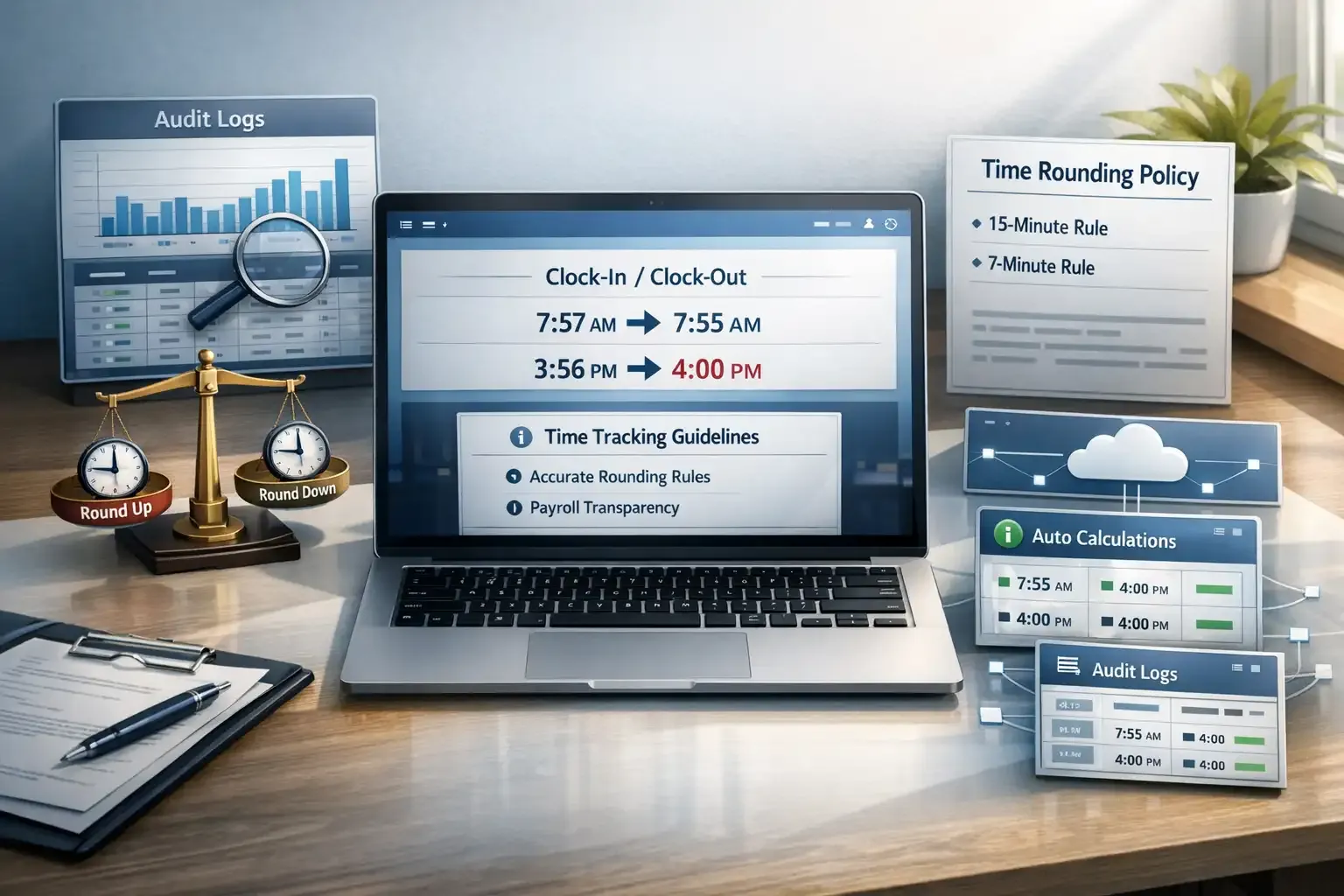
For example, imagine an employee clocks in at 7:57 AM and clocks out at 3:56 PM. A fair policy might round the start time to 7:55 AM and the end time to 4:00 PM so the employee does not lose pay.
Conduct Regular Audits
Even a fair rounding rule can create problems if you never review it.
That is why many HR teams audit payroll records regularly. These audits check whether rounding causes employees to lose time or wages over multiple pay cycles.
For example, imagine you notice that several employees clock in 3–5 minutes early every day, but the system always rounds those minutes down. Over a month, that pattern could remove several hours of paid time.
Regular audits help you catch issues like this before they become wage disputes.
Clearly Document the Policy
A rounding rule should never stay hidden inside payroll software. Instead, you should clearly document the rule in your employee handbook or payroll policy. This document should explain how the system rounds time, which intervals it uses, and how employees can report a payroll concern.
Why does documentation matter?
Employees feel more confident when they understand how their work hours get recorded. Clear documentation also protects your company because it shows you apply rounding consistently rather than randomly.
For example, your policy might state that the company uses 15-minute rounding with the 7-minute rule and that the rule applies equally to clock-in and clock-out times.
Communicate with Employees
Documentation alone is not enough.
You should also explain the rounding policy directly to employees. When workers understand how time tracking works, they are less likely to assume the system reduces their pay.
Think about it from an employee’s perspective.
If someone clocks in at 8:03 AM and sees 8:00 AM in the payroll report, confusion is natural. Without context, that employee might assume the system removed work time unfairly.
A short explanation during onboarding or team training can solve this problem.
Use Reliable Time-tracking Systems
When managers adjust timesheets by hand, small errors can accumulate across dozens of employees. Over time, these errors create payroll disputes or compliance risks.
Modern time-tracking systems solve this problem.
Digital tools automatically apply rounding rules and record every clock-in and clock-out. They also keep detailed audit logs so payroll teams can verify how the system calculated work hours.
Tools like FieldServicely help field teams track employee time automatically and apply consistent rounding rules without manual adjustments. This kind of system makes payroll records clearer while reducing the risk of errors.
Reduce payroll mistakes before they happen
Use automated time tracking to keep rounding fair and transparent.
Is Time Clock Rounding Legal?
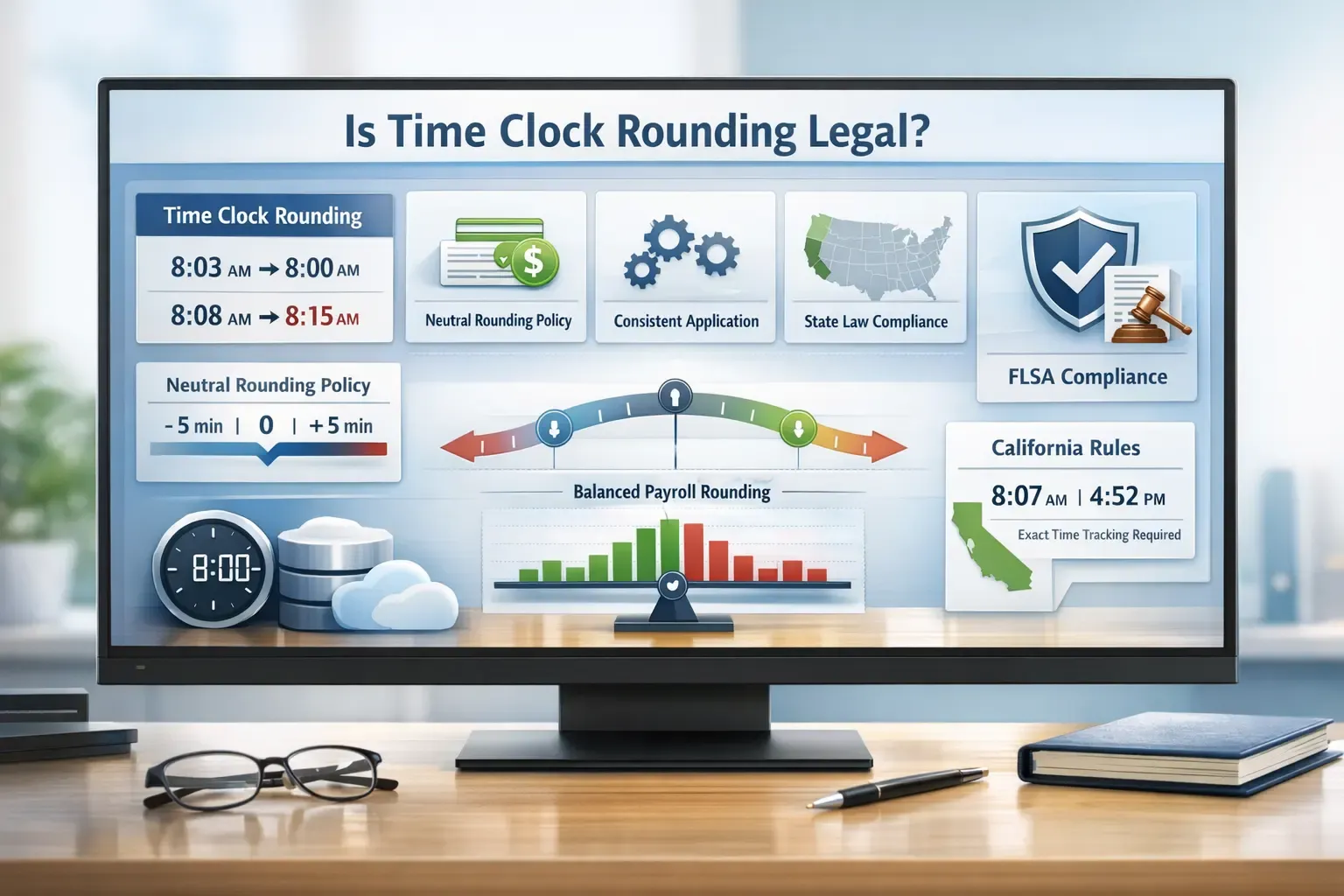
Yes, time clock rounding can be legal under U.S. federal law. The Fair Labor Standards Act (FLSA) allows employers to round employee clock-in and clock-out times under certain conditions.
So before implementing rounding, you should understand the conditions that make it legal:
Neutral Rounding Policy
A rounding policy must stay neutral. This means the rule must sometimes round time up and sometimes down so neither the employer nor the employee consistently benefits.
For example, imagine an employee clocks in at 8:03 AM and the system records 8:00 AM. Later that week, the same employee clocks in at 8:08 AM, and the system records 8:15 AM.
See what happened?
The system adjusted the time in both directions. Over multiple pay periods, these adjustments should balance out.
Courts often examine payroll records to check whether rounding consistently removes time from employee shifts. If the data shows employees lose time repeatedly, the rounding rule may violate federal wage laws.
Fair compensation
Legal rounding must still ensure employees receive pay for all the hours they work.
In other words, rounding cannot gradually erase paid work time. Even small adjustments can add up when employees work hundreds of shifts each year.
If a worker clocks in five minutes early every day, but the system always rounds that time down, the employee could lose several hours of pay across a year.
Labor regulators view this as a serious issue.
Consistent application
A rounding rule must apply equally to all employees.
You cannot apply one rounding rule to technicians, another to office staff, and a third to contractors. Inconsistent policies can create payroll disputes and legal risk.
Consistency also matters across departments.
For example, if one manager rounds time entries but another manager records exact minutes, payroll records become inconsistent. This inconsistency makes compliance harder to prove during an audit.
That is why many companies rely on automated time-tracking systems. Digital tools apply the same rounding rule to every clock entry, which keeps payroll calculations consistent across the organization.
State law compliance
Federal law allows rounding, but state laws sometimes impose stricter rules.
Several states now require employers to track work time more precisely, especially when digital timekeeping systems already record exact minutes.
Why does this matter?
If your company operates in multiple states, your payroll system must follow the strictest applicable law, not just federal rules.
Labor law enforcement has increased in recent years. According to a report, more than $274 million in back wages are owed to workers affected by wage violations.
Special consideration: California law
California takes a much stricter approach to time rounding.
State courts have repeatedly ruled that employers must pay employees for all measurable work time when accurate time-tracking technology exists.
Because modern systems can record time down to the minute, some California courts question whether rounding remains necessary at all.
Another important rule applies to meal breaks.
California courts have ruled that employers cannot round meal period records, because employees must receive a full, uninterrupted meal break.
As a result, many California employers now avoid time clock rounding entirely and rely on exact time tracking instead.
Stay compliant with time tracking laws
Automatically apply fair rounding rules and keep payroll records accurate.
When You Should Use Time Clock Rounding and When Not
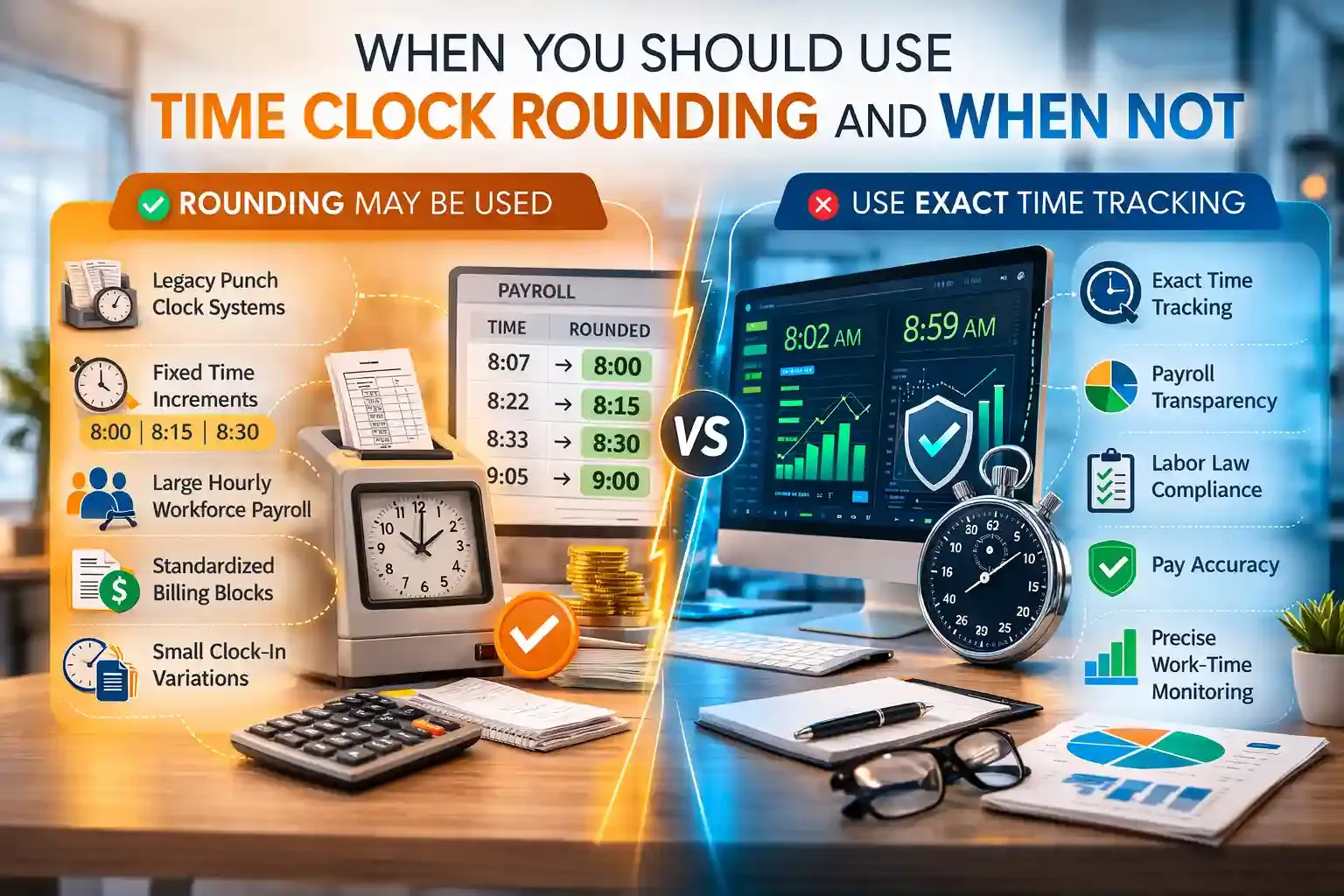
Still wondering when rounding makes sense and when it does not? Let’s break it down:
When rounding may still be used
- Companies using legacy punch-clock systems that cannot track exact minutes
- Organizations that pay employees in fixed time increments, such as quarter-hours or tenth-hour billing
- Businesses managing large hourly teams that need simpler payroll calculations
- Service companies that bill clients using standard time blocks instead of exact minutes
- Teams with small daily clock-in variations where rounding simplifies timesheet calculations
When rounding should be avoided
- When digital time-clock systems record exact work minutes
- When rounding could reduce employee pay or create wage risks
- When companies operate in states with stricter labor laws
- When employees frequently question payroll accuracy
- When precise tracking improves compliance and transparency
Choose the right time tracking approach
Manage employee hours with accurate digital timesheets
Conclusion
Time clock rounding helps companies simplify payroll calculations and manage employee timesheets more efficiently. However, businesses must apply it carefully to avoid payroll disputes or compliance risks. When used with clear policies and fair rules, time clock rounding can support accurate time tracking while ensuring employees receive proper pay for the hours they work.
Frequently Asked Questions
What is the difference between time clock rounding and exact time tracking?
Time clock rounding adjusts employee work hours to fixed intervals such as 5, 6, or 15 minutes. Exact time tracking records the precise minute an employee starts and finishes work. Many modern systems now use exact tracking because digital tools can calculate payroll automatically.
Can time clock rounding affect overtime calculations?
Yes, time clock rounding can affect overtime if it changes the total recorded hours in a pay period. If rounding causes an employee’s hours to exceed the overtime threshold, employers must still pay overtime according to labor laws. Employers cannot use rounding to avoid paying overtime.
How often should companies review their rounding policies?
Companies should review rounding policies regularly to ensure employees receive fair pay. Many HR professionals recommend auditing payroll records every quarter or during payroll compliance checks. Regular reviews help identify patterns where rounding may reduce employee wages.
Do all industries use time clock rounding?
No, not all industries use rounding. It is more common in industries with large hourly workforces, such as retail, hospitality, and field service operations. Many technology companies and professional services now track time to the exact minute instead.
Can employees challenge a company’s rounding policy?
Yes, employees can challenge rounding policies if they believe the system reduces their wages. Wage and hour disputes often occur when employees show that rounding consistently removes paid work time. In such cases, labor regulators may investigate payroll records.


