- GPS Tracking for Field Service
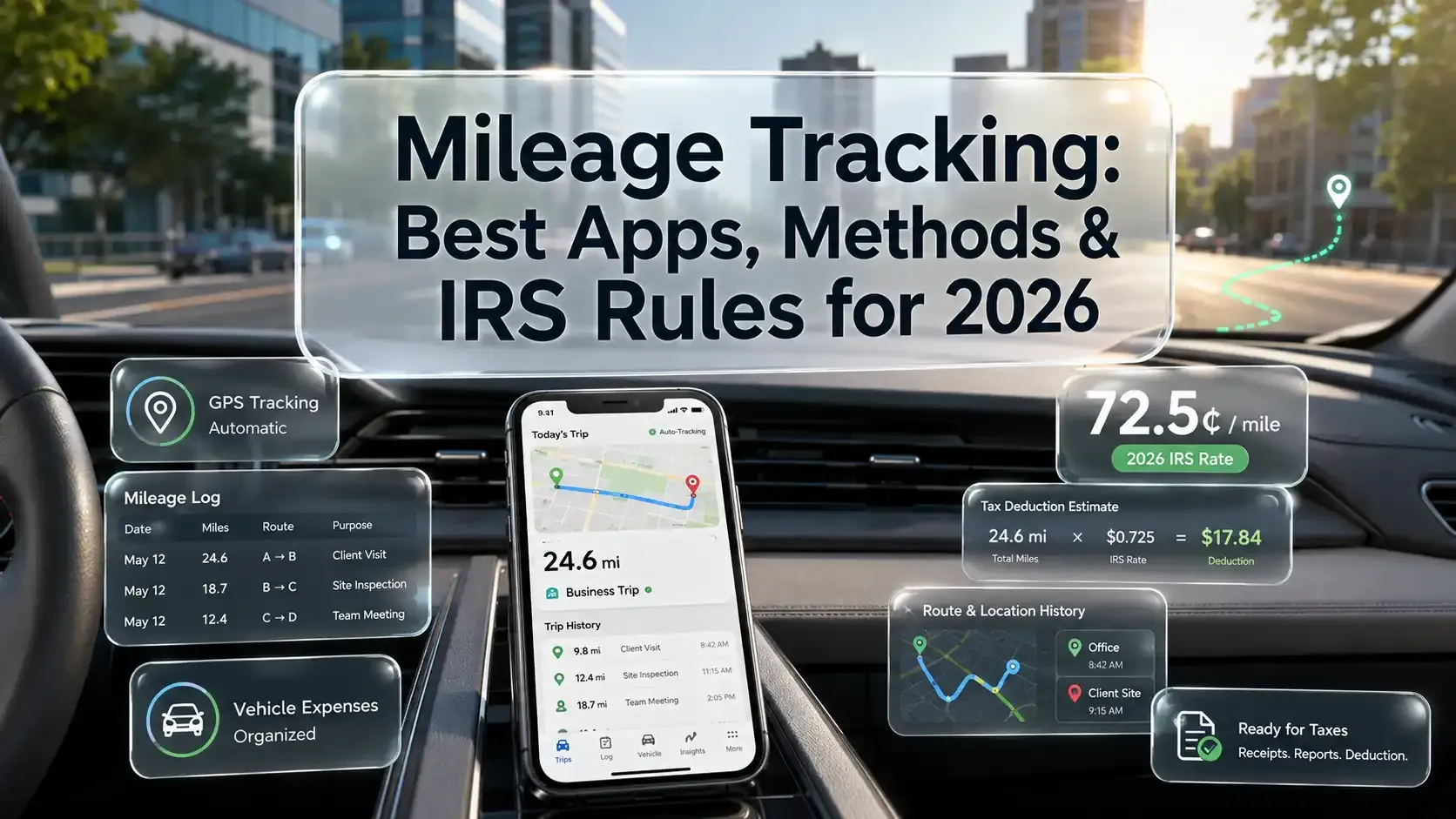
Mileage Tracking: Best Apps, Methods & IRS Rules for 2026
Updated on 7 Aug 2026
Jump to
Summary

Mileage tracking means logging your business drives for tax deductions or reimbursements.
The 2026 IRS standard mileage rate is 72.5 cents per business mile.
GPS mileage tracking apps like Stride, MileIQ, and Everlance auto-record every trip.
Your log must include the date, distance, locations, and business purpose for each drive.
W-2 employees can no longer deduct mileage after the OBBBA made the ban permanent in 2025.
Mileage tracking is simply recording the business miles you drive for tax deductions or employer reimbursements. The easiest way to do it is to use a GPS-based mileage tracking app that logs every trip in the background.
Tax season hit me hard two years ago. My accountant asked one question. "Where's your mileage log?" I had nothing. Thousands of business miles driven that year, but I had zero records.
That silence cost me over $4,000 in missed deductions.
In this guide, we'll cover the best mileage tracking apps for 2026, proven tracking methods, and IRS rules you can't afford to skip. We will also discuss some common mistakes that quietly drain your deductions.
Best Mileage Tracking Apps in 2026
Not every mileage tracking app solves the same problem. Some work great for solo gig drivers. Others fall apart the moment you add a second user.
For each app on this list, I looked at four things that actually matter: tracking accuracy, ease of setup, IRS-compliant reporting, and real cost versus what you get on the free tier. Here's what I found:
| App | Overall Rating | Price | Best For |
|---|---|---|---|
Stride | 3.8 / 5 | Free | Gig workers want a completely free tracker |
MileIQ | 4.3 / 5 | $13.99/mo | Solo drivers who want set-and-forget automation |
Everlance | 4.5 / 5 | Starter & Pro plans | Self-employed professionals managing taxes and expenses together |
MileageWise | 4.2 / 5 | $6.99/mo | Drivers who need to rebuild forgotten mileage logs |
TripLog | 4.4 / 5 | $5.99/mo | Small businesses reimbursing multiple drivers |
QuickBooks | 4.0 / 5 | From $19/mo | Solopreneurs already on QuickBooks |
Zoho Expense | 4.1 / 5 | $3/user/mo | Teams already running the Zoho suite |
Stride: Best Free Mileage Tracking App
Overall: 3.8 / 5
| Criteria | Rating |
|---|---|
Ease of use | 5/5 |
Tracking Accuracy | 3/5 |
Tax readiness | 4/5 |
Value for money | 5/5 |
Price: Free | Available on: iPhone and Android
My Experience with Stride
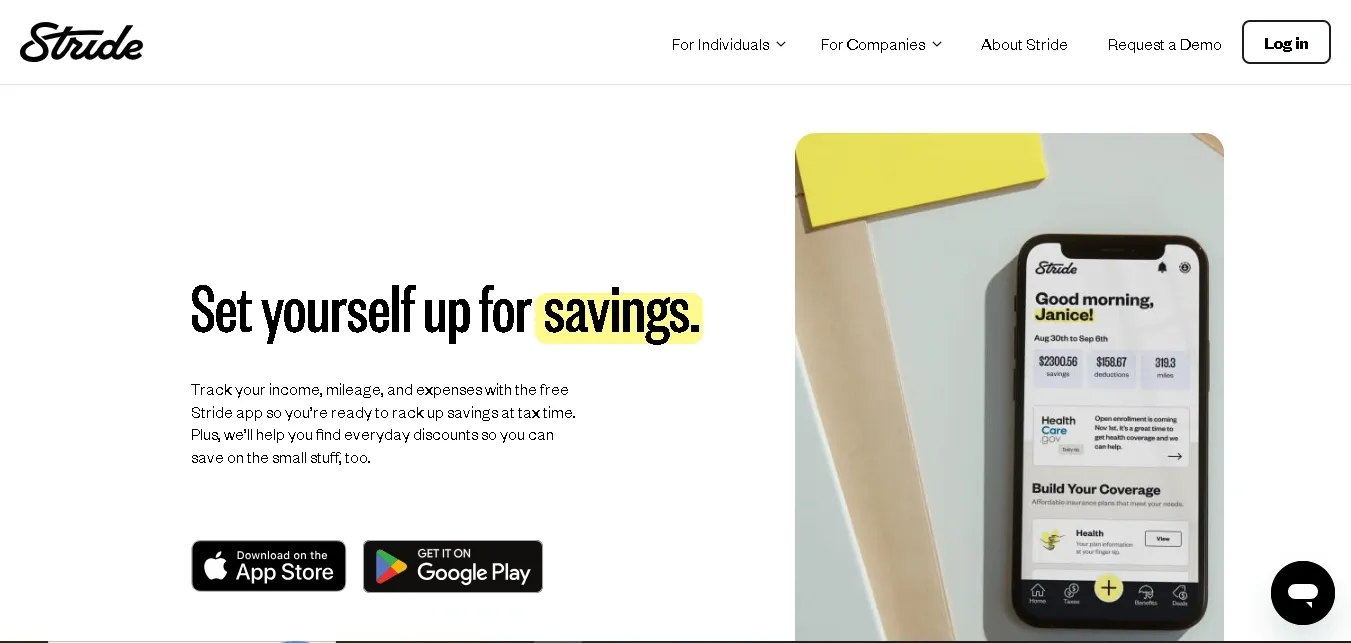
Most free mileage tracking apps bait you with a free label, then paywall every useful feature. Stride genuinely doesn't.
I tracked my first drive within 90 seconds of downloading. I didn't need a credit card, and the app never pushed me to upgrade. The GPS tracking picked up three client trips on day one and logged each distance automatically.
Here's what won me over. By Friday, Stride had already calculated my mileage deduction at the 2026 IRS rate of 72.5 cents per mile!
According to Fox Business, that rate jumped 2.5 cents from 2025. The app claims users save $710 per year on average, and over 2.6 million people rely on it according to its App Store listing.
But the Google Play rating sits at just 3.1. I also lost one trip to a sync failure during testing. For heavy drivers, dropped trips mean lost deductions.
Still, Stride doubles as an insurance marketplace for health, dental, and vision. No paid competitor offers that.
Pros:
- Free with zero restrictions on core tracking
- IRS-compliant reports
- Built-in expense tracker and insurance access
Cons:
- Below-average Play Store rating
- Occasional sync drops
- No web dashboard
Who It's For: Freelancers, gig workers, and delivery drivers who need a completely free mileage tracking app that covers taxes, expenses, and insurance. Top pick if you're after the best free mileage tracking app for iPhone.
MileIQ: Best Mileage Tracking App for Automation
Overall: 4.3 / 5
| Criteria | Rating |
|---|---|
Ease of use | 5/5 |
Tracking accuracy | 4/5 |
Tax readiness | 4/5 |
Value for money | 3/5 |
Price: Free (40 drives/mo) | Premium: $13.99/mo
Available on: iPhone and Android
My Experience with MileIQ
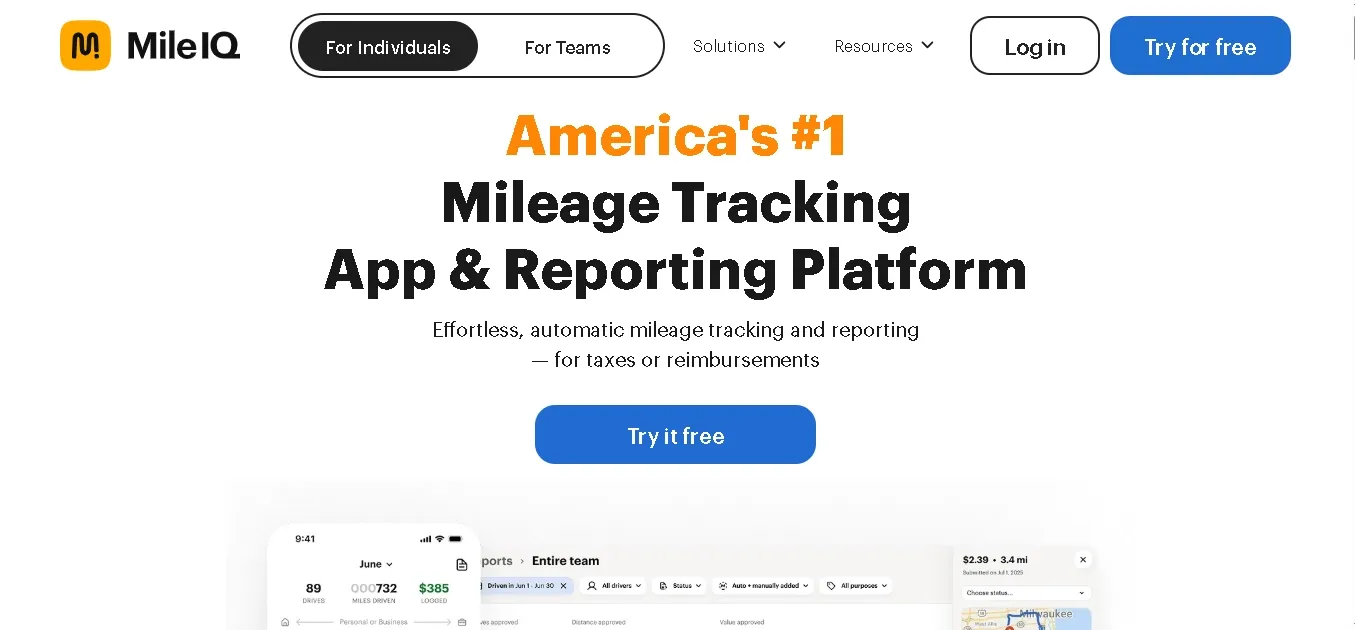
If Stride is the scrappy free option, MileIQ is the polished autopilot. I installed it, forgot about it, and it logged every drive for two weeks straight without me tapping a single button.
After each trip, I swiped right for business and left for personal. Two seconds, done. That swipe system removed the one thing I always hated about mileage tracking: remembering to do it.
Forbes Advisor ranked MileIQ among the top ten mileage tracker apps in 2026, calling it a "safe, familiar choice." The numbers support that. Over 100 billion miles logged, $10 billion saved in reimbursements, and 80,000+ five-star reviews across app stores.
Here's the catch, though. MileIQ raised its premium price by 133% between 2024 and 2026. That's $72/year to $168/year. The free tier caps at 40 drives per month, which any heavy driver burns through in a week.
One more thing. MileIQ only handles mileage. If you need to capture receipts or send invoices, you'll have to pair it with a second app.
Pros:
- Fully automatic detection
- Effortless swipe classification
- Clean IRS-compliant reports trusted by accountants
Cons:
- 133% price hike since 2024
- Free plan runs out fast
- Lacks expense and receipt management entirely
Who It's For: Self-employed professionals, real estate agents, and sales reps who want the simplest, best mileage tracking app that runs on autopilot without manual input.
Everlance: Best Mileage Tracking App for Taxes
Overall: 4.5 / 5
| Criteria | Rating |
|---|---|
Ease of use | 4/5 |
Tracking accuracy | 4/5 |
Tax readiness | 5/5 |
Value for money | 4/5 |
Price: Free (30 trips/mo) | Starter & Professional plans available
Available on: iPhone and Android
My Experience with Everlance
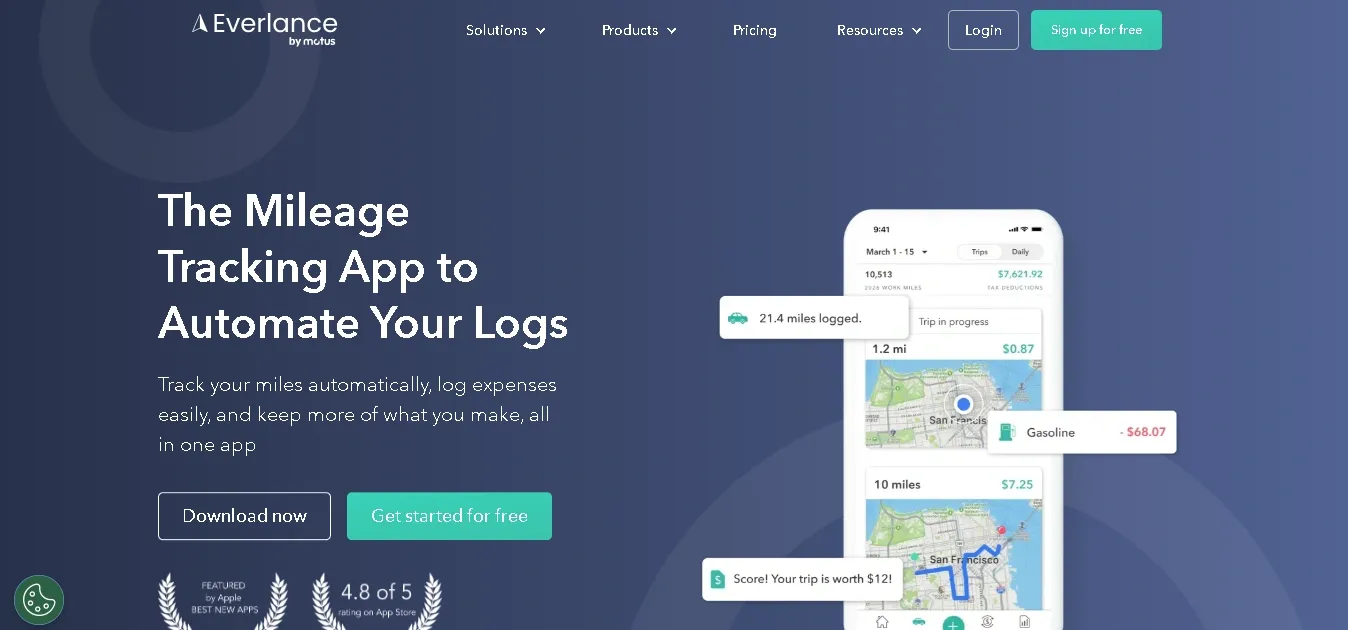
Stride tracks miles. MileIQ automates the swipe. But Everlance does something neither of them attempts. It connects to your bank account and pulls business expenses alongside your mileage into one dashboard.
That's what made it click for me. I linked my debit card during setup, and within a day, Everlance started flagging purchases it recognized as potential tax write-offs. Gas, parking, phone bills.
Its Deduction Finder scanned my spending history and surfaced write-offs I would have missed completely.
The mileage tracking itself works well too. Drives are logged automatically in the background, and the app holds a 4.8/5 rating on the App Store. Wired even praised its tax management as "especially great for the self-employed." Over 4 million users trust it, and Everlance drivers tracked more than 4 billion miles in 2025 alone.
The only downside I noticed was auto-tracking stalling on a few trips. Several App Store reviewers mention trips that fail to start recording unless you manually open the app first. Battery drain is also real if tracking runs all day.
Pros:
- Bank integration pulls expenses automatically
- Deduction Finder catches overlooked write-offs
- IRS-compliant mileage reports with one tap
- Professional plan includes $1M audit protection
Cons:
- Auto-tracking sometimes requires a manual nudge
- Noticeable battery drain during all-day use
- Free tier caps at 30 trips monthly
Who It's For: Freelancers, 1099 contractors, and self-employed professionals who want a single mileage tracking app for taxes that handles miles, expenses, and deductions together.
MileageWise: Best for Recovering Past Mileage
Overall: 4.2 / 5
| Criteria | Rating |
|---|---|
Ease of use | 3/5 |
Tracking accuracy | 4/5 |
Tax readiness | 5/5 |
Value for money | 4/5 |
Price: $6.99/mo | Lifetime plan available | 14-day free trial
Available on: iPhone and Android
My Experience with MileageWise
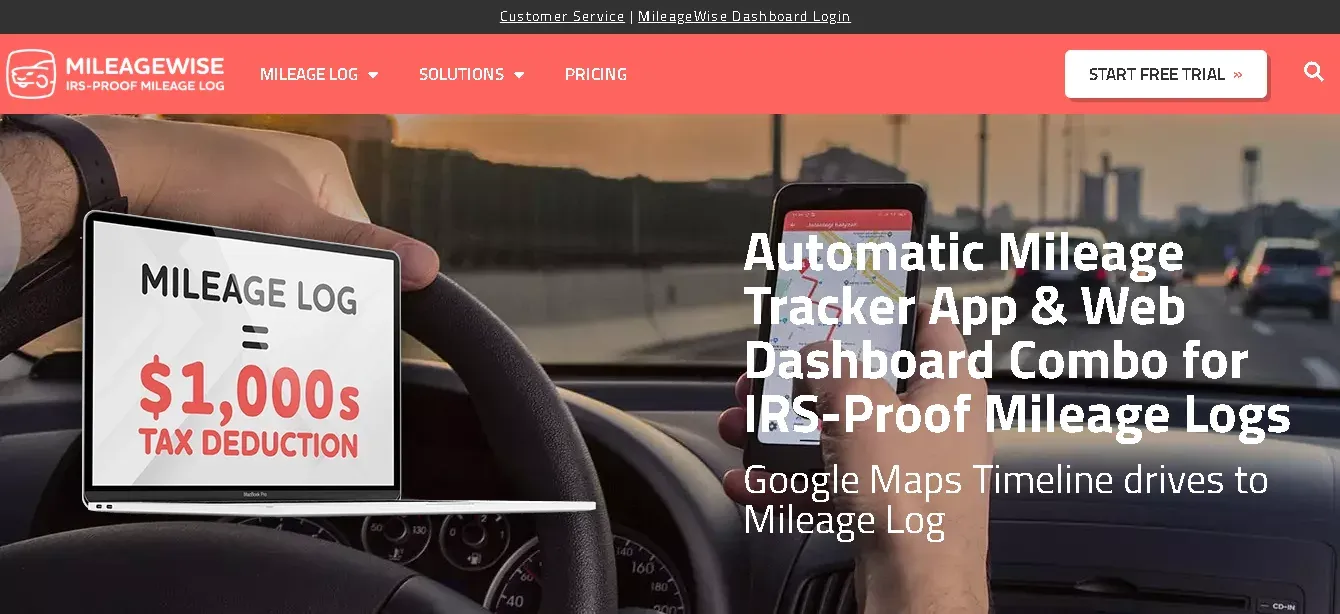
Every app on this list solves one problem: tracking miles going forward. MileageWise solves a different one. It rebuilds the miles you already forgot to track.
That feature alone made me want to test it further. I had three months of unlogged drives sitting in my Google Maps Timeline. MileageWise imported that data and turned it into an IRS-compliant mileage log in minutes. No other app I tested offered anything close to this.
The AI-powered log generator filled gaps where Timeline data was incomplete. It used my saved locations, driving patterns, and calendar to reconstruct trips that would have otherwise vanished at tax time.
Forbes Advisor recognized this exact capability and named MileageWise "Best for Compliance" in their 2026 ranking.
What sets it apart further is the 70 red-flag audit checks. Before you finalize any report, the system scans every entry for inconsistencies the IRS might question. It also stores your records securely for six years, which matches IRS documentation requirements.
The only downside is MileageWise doesn't offer a free plan. And the interface feels busier than simpler apps like MileIQ or Stride. It takes more time to learn your way around the dashboard.
Pros:
- Recovers past mileage from Google Timeline
- AI rebuilds incomplete logs. 70-point IRS audit check before finalizing
- Unique lifetime pricing option
Cons:
- No free tier
- Steeper learning curve than competitors
- Interface feels cluttered for first-time users
Who It's For: Self-employed drivers and 1099 contractors who forgot to track miles earlier in the year and need an IRS-compliant mileage log rebuilt before tax season hits.
TripLog: Best Mileage Tracking App for Small Business
Overall: 4.4 / 5
| Criteria | Rating |
|---|---|
Ease of use | 4/5 |
Tracking accuracy | 5/5 |
Tax readiness | 4/5 |
Value for money | 4/5 |
Price: Free (Basic) | Premium: $5.99/mo | Teams: $18/user/mo
Available on: iPhone and Android
My Experience with TripLog
The apps above work great for solo drivers. But the moment you manage a team, they fall short. That's exactly where TripLog steps in.
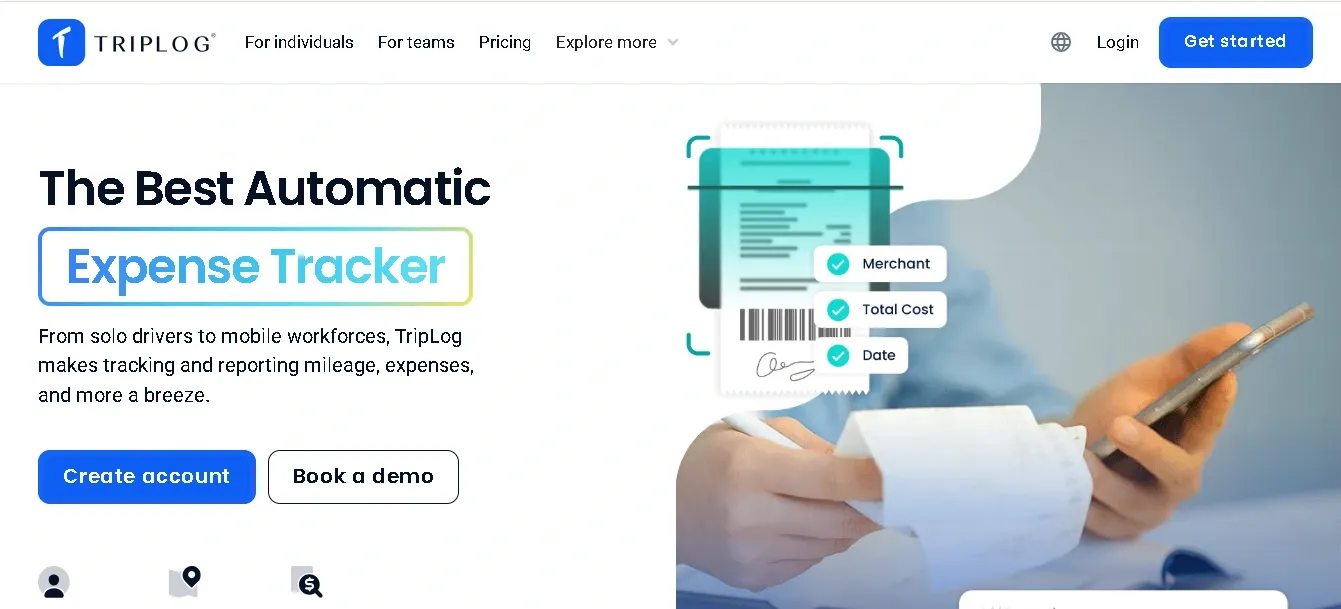
The first thing I noticed was how many ways TripLog lets you record miles: six different methods in total. I tested MagicTrip auto-detection on my phone. But TripLog also supports Bluetooth, a USB beacon, and a plug-and-go OBD device.
The beacon solved the battery drain issue I kept facing with phone-only trackers.
The admin dashboard has changed things for small-business use. I could review employee trips, flag over-reported mileage, set commute exemptions, and approve reimbursements before anything reached accounting. Fit Small Business ranked TripLog as their top mileage tracker for small businesses in 2026.
Integrations sealed the deal. TripLog syncs with QuickBooks, Xero, ADP, and SAP Concur. A verified Capterra reviewer confirmed it "increased productivity while reducing accounting time month over month."
The trade-off? Teams pricing climbs quickly since mileage, time, and expenses each count as separate add-ons at the business tier.
Pros:
- Six tracking methods, including hardware beacons
- Admin dashboard with approval workflows
- Deep QuickBooks and Concur mileage tracking integrations
- Free unlimited tracking on the Basic plan
Cons:
- Teams pricing adds up with stacked feature add-ons
- Setup takes longer than simpler apps
- Occasional auto-tracking pauses reported by users
Who It's For: Small business owners and operations managers who reimburse multiple drivers and need the best mileage tracking app for small businesses with payroll and accounting integrations built in.
QuickBooks Mileage Tracking: Best for Existing QuickBooks Users
Overall: 4.0 / 5
| Criteria | Rating |
|---|---|
Ease of use | 4/5 |
Tracking accuracy | 4/5 |
Tax readiness | 5/5 |
Value for money | 3/5 |
Price: Included with QuickBooks Online plans (starting $19/mo) | Available on: iPhone and Android
My Experience with QuickBooks Mileage Tracking
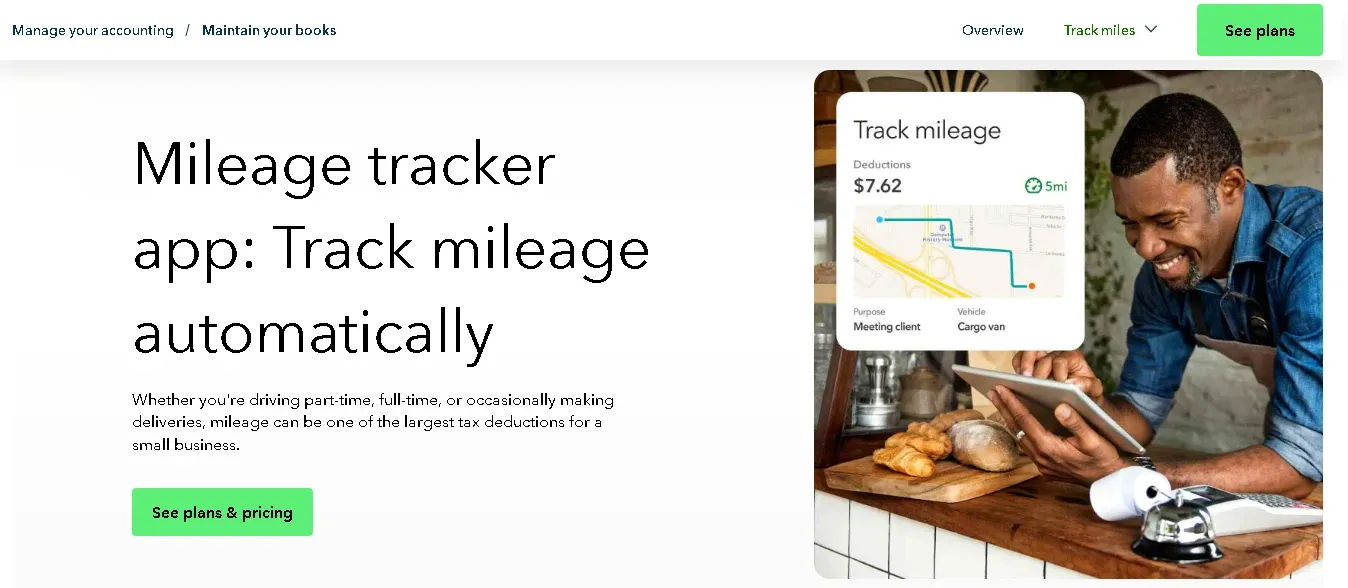
If you already run your books through QuickBooks, paying for a separate mileage tracking app feels pointless. That's the appeal here. Your miles land directly inside your accounting ledger without exporting or syncing anything.
I enabled auto-tracking in the mobile app and drove to three meetings. Every trip showed up in my mileage tab. I classified each one with a swipe, and the data flowed straight into my Schedule C deductions.
Fit Small Business recommends it specifically for businesses that want mileage tracking inside their existing accounting software.
The problem is only the primary admin can auto-track in QuickBooks Online. Employees cannot log their own trips without full admin access, which exposes sensitive financial data. For teams with multiple drivers, that's a serious limitation.
Pros:
- Mileage feeds directly into accounting and tax reports
- Zero extra cost for existing subscribers
- Built-in GPS tracking with trip classification
Cons:
- Only admins can track
- Impractical for multi-driver teams
- Google Play rating sits at 3.6
Who It's For: Solopreneurs already on QuickBooks who want mileage tracking baked into their accounting without another subscription.
Zoho Mileage Tracking: Best for Teams on the Zoho Suite
Overall: 4.1 / 5
| Criteria | Rating |
|---|---|
Ease of use | 4/5 |
Tracking accuracy | 3/5 |
Tax readiness | 4/5 |
Value for money | 5/5 |
Price: Free plan available | Standard: $3/user/mo | Premium: $5/user/mo Available on: iPhone and Android
My Experience with Zoho Mileage Tracking
Zoho Expense works best when it's not standing alone. Pair it with Zoho Books and Zoho Projects, and mileage data flows into your accounting and project budgets automatically. That connected workflow is its biggest strength.
The app offers four ways to log miles: GPS tracking, odometer readings, map-based calculation, and manual entry. I also liked that it auto-classifies trips based on your configured work hours, so personal drives stay out of your business mileage reports.
Forbes Advisor gave Zoho Expense a perfect 5.0 score and named it "Best for Integrations" in 2026.
But accuracy raised a concern. Zoho tracks everything from the moment you tap start, including walking. A Timeero test confirmed the app logged 1.25 phantom miles while sitting idle in an office for two hours.
For drivers submitting mileage reimbursement claims, that padding could trigger compliance questions.
Pros:
- Deeply integrated with the Zoho ecosystem
- Four flexible tracking methods
- Affordable team pricing with approval workflows and policy controls
Cons:
- Tracks walking and idle movement as mileage
- Requires manual start and stop
- Initial policy setup takes time
Who It's For: Teams already using Zoho Books or Zoho Projects who want Zoho mileage tracking embedded in their existing workflow rather than bolted on through a separate app.
Need more than just mileage tracking?
Manage routes, dispatch jobs, GPS locations, and employee time in one easy-to-use platform.
How to Track Mileage: 4 Methods Compared
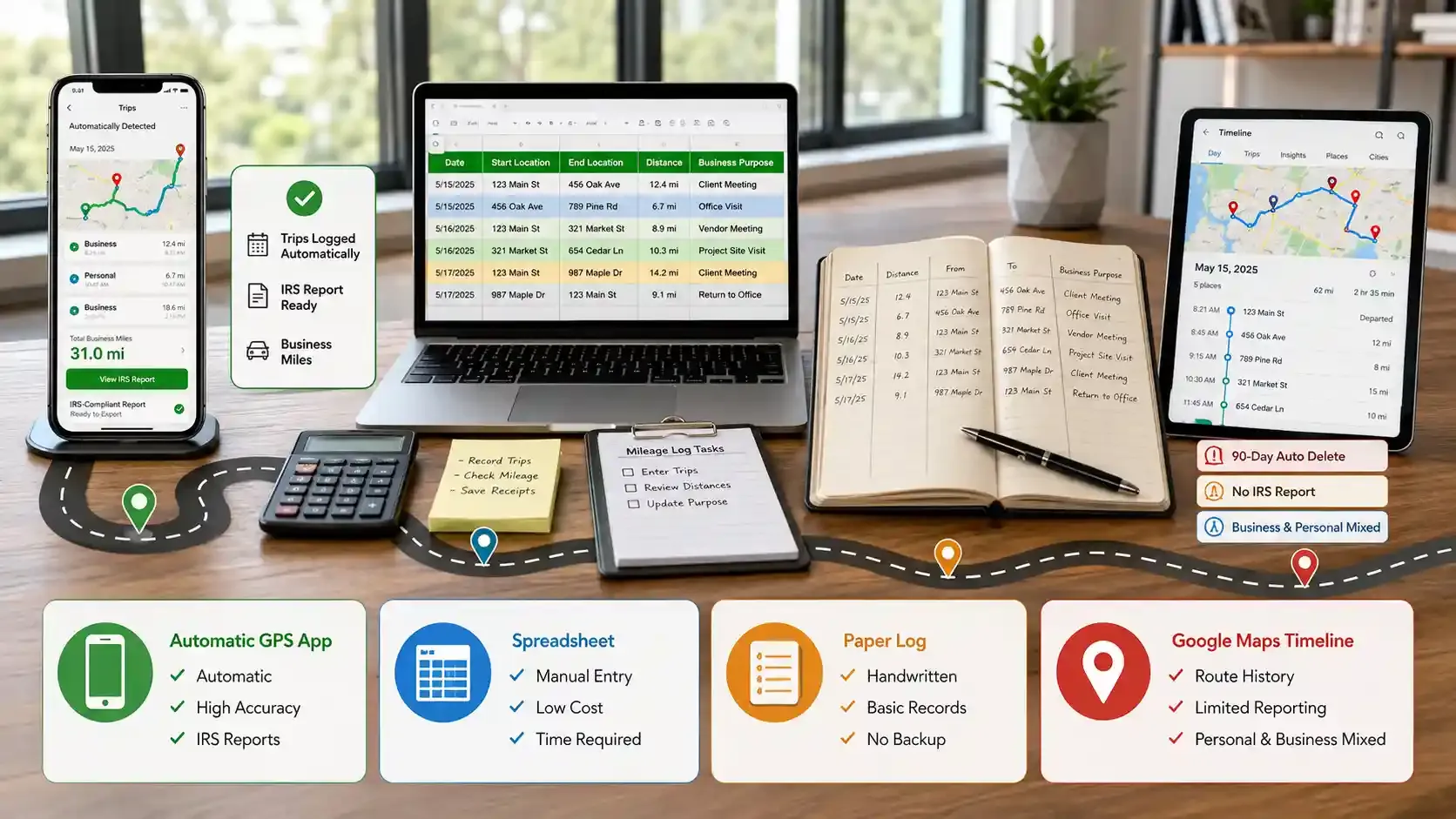
Apps aren't the only way to log your business miles. Some drivers prefer spreadsheets. Others still keep a pen-and-paper logbook in the glove box.
Each method satisfies the IRS as long as your records include the four required details: date, distance, locations, and trip purpose. The real difference comes down to accuracy, time investment, and how likely you are to actually keep up with it.
Here's how each method stacks up.
Automatic GPS Mileage Tracking Apps (Recommended)
A GPS mileage tracking app runs in the background on your phone and logs every drive without manual input. It classifies trips, calculates deductions, and exports IRS-compliant reports with a few taps.
This is the method I recommend for most people. It removes the biggest risk in mileage tracking: forgetting to record a trip. At 72.5 cents per missed mile, even a handful of forgotten drives costs you real money at tax time.
Mileage Tracking Spreadsheet
A mileage tracking spreadsheet or mileage tracking sheet in Google Sheets or Excel costs nothing to start. You log each trip manually with the date, distance, start and end locations, and business purpose.
This works for drivers who only make a few business trips per week. But the risk? One busy week where you skip entries and your log falls behind permanently. According to IRS Publication 463, records must be "contemporaneous," meaning logged at or near the time of each trip.
Manual Pen and Paper Log
The IRS still accepts handwritten mileage logs. A notebook in your car with columns for each required field technically meets compliance standards.
But accuracy suffers fast. Estimating distances from memory leads to inflated or deflated numbers. And a lost notebook means a lost year of records with zero backup.
Google Maps Timeline
Google Maps Timeline records your driving history using GPS location data and displays it on a mileage tracking map. It's free mileage tracking online that most Android users already have enabled.
But it comes with major limits. Google moved Timeline to on-device-only storage in 2025, which means desktop access no longer works. The default auto-delete setting wipes data after just 90 days.
And Timeline doesn't separate business miles from personal drives or generate reports the IRS would accept on its own.
Skip manual mileage logs.
Automatic GPS tracking keeps accurate records while your team focuses on the job.
IRS Mileage Tracking Rules for 2026
My accountant flagged two trips because I hadn't logged the business purpose. That's all it took to trigger extra scrutiny on my entire mileage deduction.
2026 IRS Standard Mileage Rate
The IRS standard mileage rate for 2026 is 72.5 cents per business mile according to IRS Notice IR-2025-128.
| Year | Business Rate (per mile) |
|---|---|
2024 | $1 |
2025 | 1 |
2026 | $0.73 |
You claim this using this formula:
Standard mileage method: total business miles × $0.725
The alternative, the actual expenses method, requires tracking every vehicle cost individually.
Most drivers stick with standard because it's simpler and often larger. But once you pick actual expenses, you cannot switch back for that vehicle according to IRS Publication 463.
What Your Mileage Log Must Include
The IRS requires four details per trip: exact mileage, date, start and end locations, and business purpose. These must be "contemporaneous", meaning logged at or near the time of each drive. As Forbes noted, "without excellent records, even legitimate deductions can be disallowed."
Business Miles vs. Commute Miles
Driving from home to your regular workplace is a commute. The IRS doesn't allow a deduction for it. But if you maintain a qualified home office, every drive from home to a client site or job location counts as a business mile.
Who Needs to Track Mileage?
Not everyone qualifies for a mileage deduction. After the 2025 law changes, the rules shifted permanently.
Self-Employed and Freelancers
If you file a Schedule C, every business mile reduces your taxable income. Consultants, photographers, real estate agents, all qualify. According to Driversnote, the average self-employed driver claims roughly $5,500 per year through the standard mileage rate alone.
Gig Workers (DoorDash, Uber, Lyft)
Gig drivers qualify as independent contractors on a 1099. A full-time DoorDash driver logging 20,000 miles at 72.5 cents earns a $14,500 deduction. At a 30% effective rate, that's roughly $4,350 saved.
Small Business Owners and Field Service Teams
Small business owners reimbursing employees need accurate mileage logs too. Most mileage apps work for solo drivers but break down with multi-driver teams. For businesses managing mobile crews, a platform like FieldServicely handles GPS tracking, scheduling, dispatching, and timesheets together.
W-2 Employees
If you're on a W-2, you can no longer deduct business mileage on your federal return. The OBBBA, signed July 4, 2025, made this permanent, according to Tax Foundation. Your only option now is requesting mileage reimbursement from your employer.
Managing employees on the road?
FieldServicely helps service businesses track mileage, locations, schedules, and timesheets in one place.
Common Mileage Tracking Mistakes
Most drivers don't lose deductions because they drove too little. They lose them because of sloppy records.
- Forgetting to log trips in real time, because the IRS rejects year-end memory dumps.
- Mixing personal and business miles in one messy log that invites audit questions.
- Deleting records before the three-year IRS audit window closes.
- Picking the wrong deduction method in year one and getting locked into it permanently.
- Trusting Uber, Lyft, or DoorDash platform estimates that skip deadhead and positioning miles.
Every untracked mile is money you'll never get back. At 72.5 cents per mile, even a few forgotten trips add up to hundreds by year-end.
The fix isn't complicated. Pick a mileage tracking app that runs in the background. Let it do the logging. Review your trips weekly. And keep your records for at least three years.
I spent months testing apps and methods so you don't have to. The tools are here. The IRS rules are clear. Now it's just about starting.
Frequently Asked Questions
Can I Rebuild a Mileage Log if I Forgot to Track?
Yes. You can reconstruct past trips using Google Maps Timeline, calendar entries, bank statements, and gig app trip histories. Tools like MileageWise automate this process with AI. But the IRS prefers contemporaneous records, so a rebuilt log carries more audit risk than one tracked in real time.
Do Mileage Tracking Apps Drain Phone Battery?
Most GPS-based mileage apps cause some battery drain during active tracking. Apps using phone Bluetooth or OBD beacons like TripLog reduce this significantly. Keeping your phone on a car charger during shifts solves the problem for most drivers.
Is There a Maximum Limit on Mileage Deductions?
No. The IRS sets no cap on how many business miles you can deduct. As long as every trip is properly logged with the required four details, you can claim every qualifying mile at 72.5 cents regardless of total volume.
Are Employers Legally Required to Reimburse Mileage?
Federal law does not require it. However, states like California, Illinois, and Massachusetts mandate that employers reimburse necessary business driving expenses. Check your state laws before assuming your employer owes you nothing.
Can I Deduct Miles Driven Between Two Different Jobs?
Yes, if you drive directly from one workplace to another on the same day, those miles qualify as deductible business travel. The IRS treats trips between two work locations differently from a standard home-to-office commute.
What to read next

Scheduling and Dispatch
