
- GPS Tracking for Field Service
The Truth Behind Common Myths of GPS Time Tracking
Updated on 13 Mar 2026
Jump to
Summary

Common myths of GPS time tracking often come from misunderstandings about how GPS technology actually works.
GPS time tracking records employee work hours and job-site locations using satellite signals, even without internet.
Modern systems are efficient, accurate, and affordable for both small teams and large companies.
Businesses use GPS time tracking to improve payroll accuracy, workforce visibility, and job management.
Clear policies and proper setup help companies use GPS tracking transparently and effectively.
Common myths of GPS time tracking often create confusion about how this technology actually works. It basically records employee work hours and job-site locations using satellite-based positioning.
You might have heard claims that it needs constant internet, drains batteries, or tracks employees all the time. In this blog, we will discuss the common myths of GPS time tracking. So let’s start!
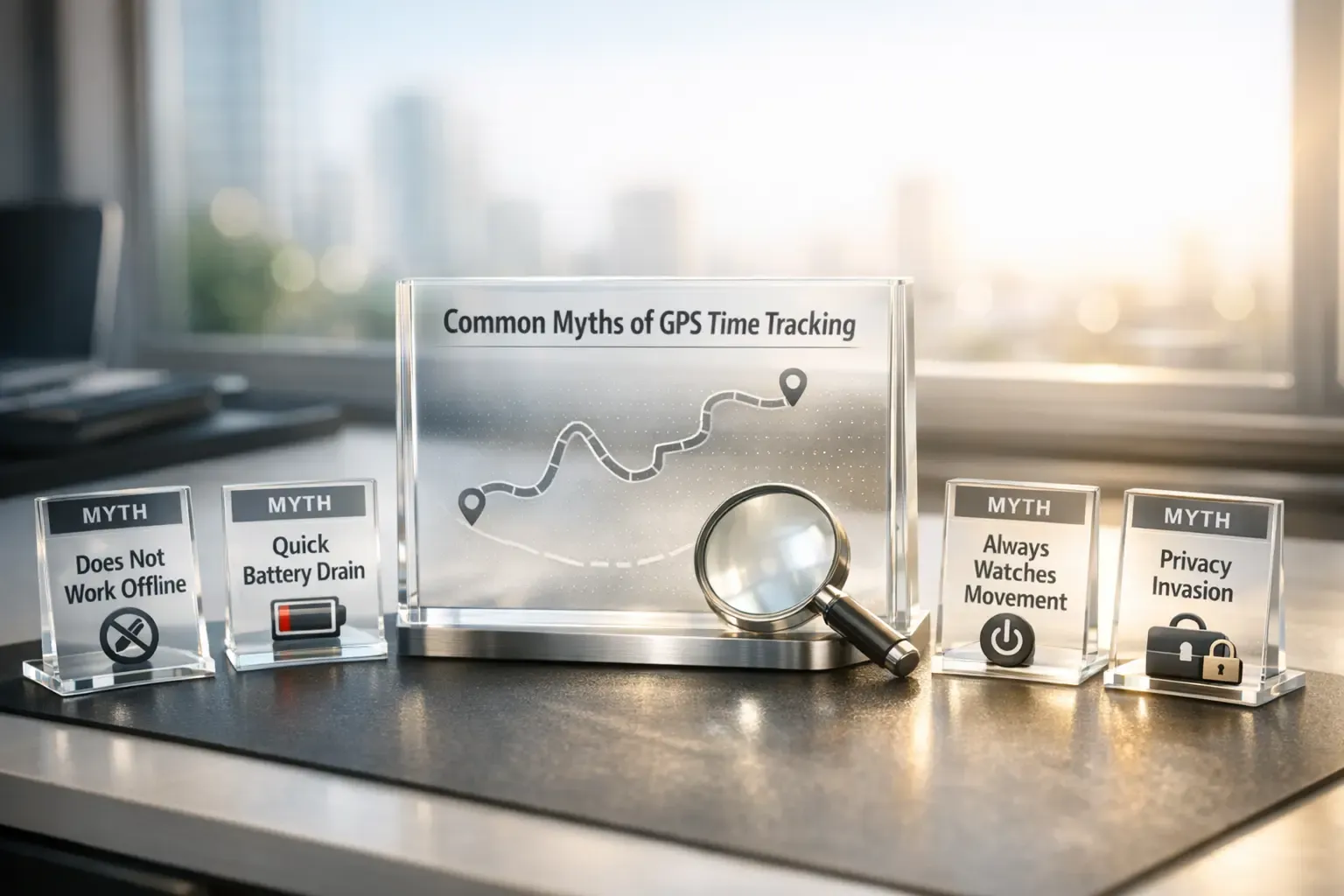
Common Myths of GPS Time Tracking Debunked
Myth 1: GPS Time Tracking Needs Wi-Fi or Mobile Data to Work
Many people assume employee GPS tracking stops working without internet. I used to think the same when I first tested a GPS time tracking tool for a field crew.
However, GPS does not rely on Wi-Fi or mobile data at all. It works through satellites orbiting Earth. Your phone’s GPS chip simply receives signals from multiple satellites and calculates its position using triangulation.
The user segment consists of the GPS receiver equipment, which receives the signals from the satellites. Then it uses the transmitted information to calculate the user's three-dimensional position and time. [Source: GPS]
Because of this, GPS tracking still records location in remote areas. Field workers in construction, utilities, and agriculture often work where there is no signal at all. The tracking app simply stores location data on the device.
Once the phone reconnects to Wi-Fi or cellular service, the stored location logs sync to the system dashboard. So GPS finds the location first, and the internet only helps send that data later.
Myth 2: GPS Tracking Drains Phone Batteries Quickly
Battery drain was my biggest concern before testing the GPS time tracking. I expected phones to die halfway through the shift. Surprisingly, that never happened.
Modern smartphones manage GPS tracking very efficiently. Instead of running the GPS chip constantly, the phone records location in short intervals and then goes back to low-power mode. Current high-tech location services combine GPS, Wi-Fi signals, and cell towers to reduce battery consumption during background tracking. [Source: Android Developers, 2026]
Battery problems usually come from something else. Poor network coverage forces the phone to search for a signal repeatedly, which drains power faster than GPS itself. So the idea that GPS time tracking kills your battery quickly simply does not hold up in real-world use.
Myth 3: GPS Time Tracking Is Only for Large Companies or Fleets
I heard this argument when a small HVAC contractor asked me if GPS tracking was “too advanced” for his five-person crew. However, modern GPS time tracking tools are built for teams of every size. This is what encourages enterprises to use GPS tracking software.
Small businesses actually benefit the most from accurate time tracking. Studies show that 46% of leaders report operational inefficiencies as a core challenge, consuming hours of leadership time each week.
GPS time tracking solves this by automatically recording work hours and job-site locations.
Cost used to be a real barrier years ago. Today, most GPS time tracking platforms charge per user, which makes them affordable even for small teams. For example, many field service apps start with plans designed for companies with fewer than ten workers.
So, GPS time tracking is not built only for large fleets. It works just as well for a contractor with three technicians as it does for a delivery company with hundreds of vehicles.
Myth 4: Employees Need New Phones for GPS Tracking Apps
This concern comes up almost every time GPS tracking enters the discussion. Managers assume they must buy expensive company phones for the entire team. Thankfully, that is rarely necessary.
Apple confirmed that iPhones include precision dual-frequency GPS (GPS, GLONASS, Galileo, QZSS, and BeiDou) as part of their location technology. Because of this built-in capability, a tracking app only needs software installation.
This means employees normally download the GPS time clock app and start tracking immediately. The phone simply uses its internal GPS receiver to record work locations and time entries during a shift.
In many cases, companies use a bring-your-own-device (BYOD) approach to avoid buying new hardware.
Myth 5: GPS Tracking Is Always Inaccurate
I once heard a supervisor say GPS points “jump all over the map.” That belief usually comes from rare signal issues rather than normal operation. In most cases, GPS performs far better than people expect.
Modern GPS devices usually locate a position within a few meters. GPS signals deliver accuracy within about 4.9 meters (16 feet) under open-sky conditions. That level of precision works well for preventing buddy punching and workforce tracking.
However, environmental conditions usually cause a few errors that appear. Tall buildings, tunnels, and dense tree cover can block or reflect satellite signals. Engineers call this effect an “urban canyon,” where signals bounce between structures and temporarily reduce accuracy.
Even then, tracking systems rarely lose location entirely. Modern smartphones combine satellite signals with Wi-Fi positioning and cell-tower triangulation to improve stability. This helps the device recover quickly once it detects stronger signals.
Get precise location tracking for your team
Modern GPS keeps job-site positions accurate within a few meters
Myth 6: GPS Trackers Cannot Be Disabled
I have heard this claim many times when GPS tracking comes up. Some people assume that once a tracker is installed, it will work forever without interruption. The truth is a little more nuanced.
You see, GPS trackers can be disrupted under certain conditions. For example, signal jammers can block both GPS and cellular frequencies, which stops the device from sending location data.
Even GPS jamming devices interfere with satellite navigation and tracking signals and are illegal in the United States. [Source: GPS]
However, modern GPS tracking systems are built to detect these issues quickly. When a device suddenly loses power, stops transmitting, or disappears from the network, the system flags the event. Many fleet and workforce tracking platforms send instant alerts so managers can investigate the disruption.
Myth 7: GPS Time Tracking Tracks Employees Personally
“Will this app track me after work?” That question usually comes up the moment GPS time tracking is introduced. The short answer is no. Most modern systems record location only while the employee is clocked in.
Time tracking apps link location tracking to work status. When you clock in, the system records job-site movement and time entries. When you clock out, the tracking stops automatically, so the app no longer records location. And it effectively stops any sort of time fraud.
Workplace privacy rules also push software companies to design tools this way. According to legal clarity, an employer’s right to use GPS tracking hinges on having a legitimate business purpose directly related to business operations.
This requirement prevents companies from tracking employees outside work hours.
Real companies use GPS data mainly for operational reasons. For example, service teams verify arrival times at job sites and confirm hours worked for payroll. Because of that, GPS time tracking focuses on work activity, not personal life.
Don’t let GPS myths hold you back
Track work hours and job sites efficiently with confidence
Key Considerations When Using GPS Time Tracking
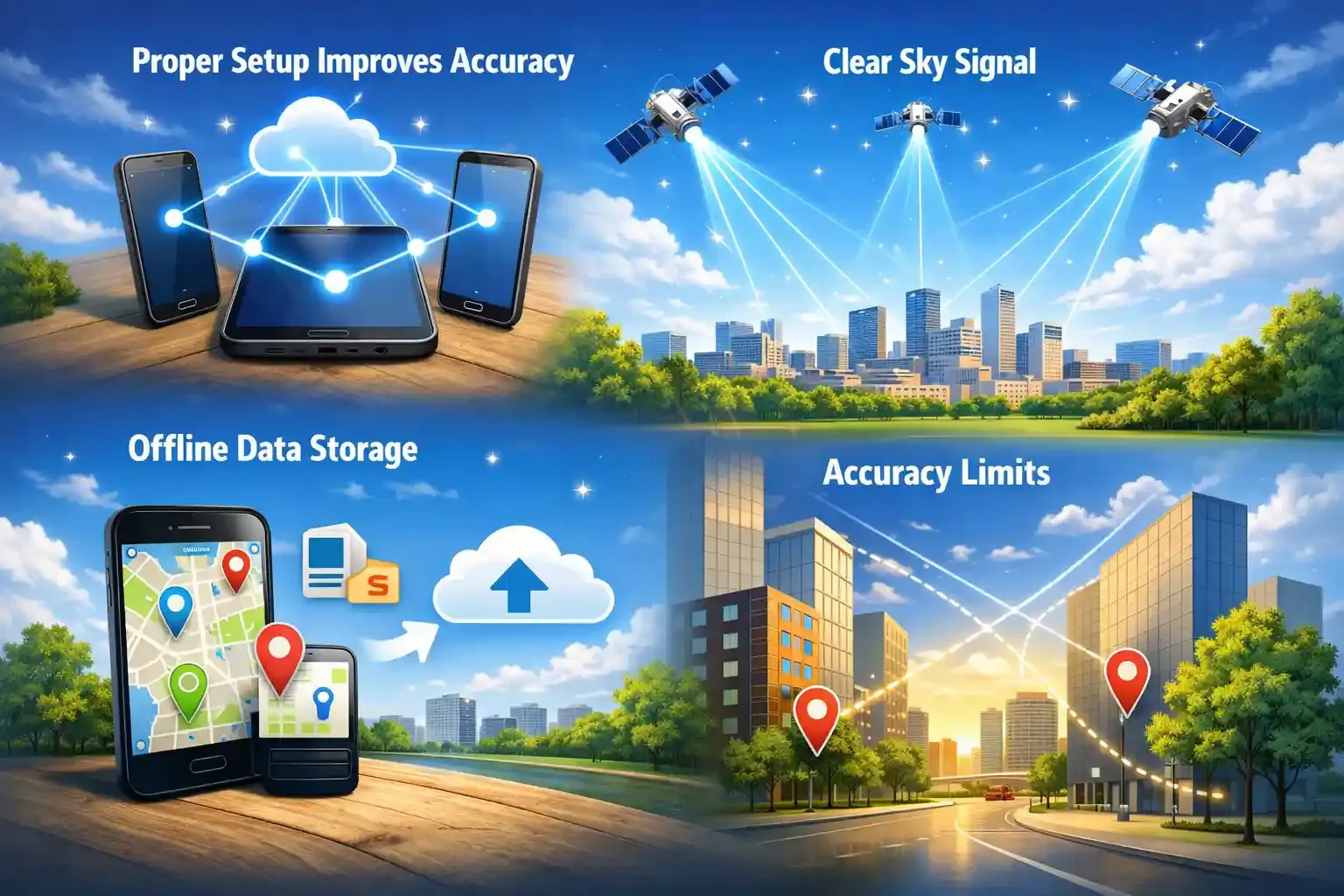
Proper Setup Improves Accuracy
Correct setup improves GPS tracking accuracy right away. Devices must run the app correctly and link to the right worker account before the shift begins. According to research, structured onboarding reduces software use errors by over 25% in field teams.
Clear Sky Signal
GPS works best when the device sees the sky. Tall buildings, tunnels, or heavy trees can weaken satellite signals for a short time. Research showed that GNSS can provide global, precise, and continuous positioning in open-sky environments. However, urban environments with signal blockage degrade accuracy and reliability.
Offline Data Storage
GPS tracking still records locations without internet. The phone stores location data locally and uploads it once the device reconnects. This helps crews working in remote areas like construction sites or rural service routes.
Accuracy Limits
GPS tracking is highly accurate, but it still has limits. Tall buildings, tunnels, or heavy tree cover can reflect satellite signals and slightly shift the reported location. Engineers call this effect multipath error, and it happens mostly in dense urban areas.
Even with those limits, modern positioning systems remain very precise. Standard consumer GNSS devices usually achieve around 5-10 meters of positioning accuracy under open-sky conditions.
Avoid common setup mistakes
Proper onboarding and clear signal visibility boost tracking effectiveness
Benefits of GPS Time Tracking for Modern Businesses
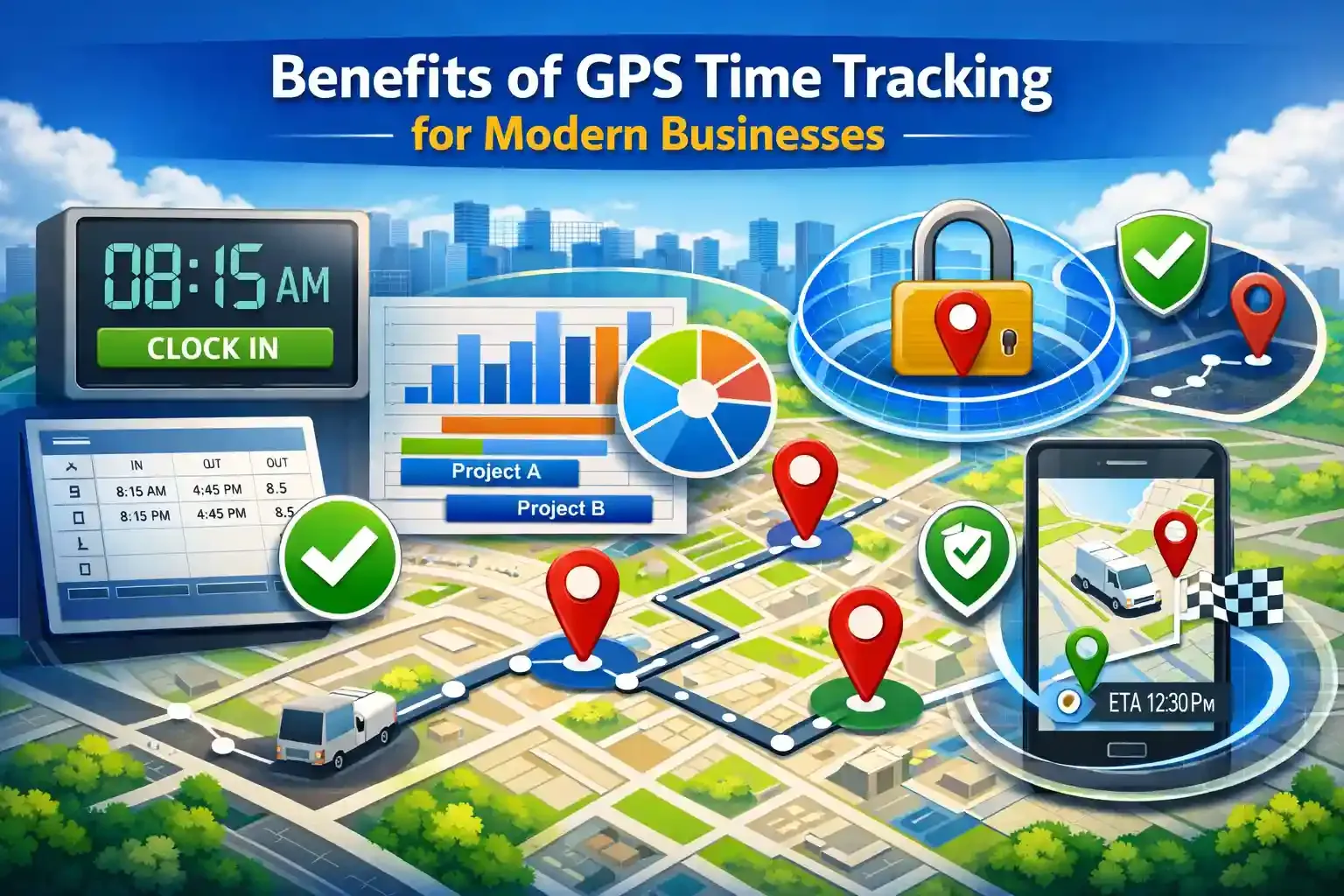
- Accurate time tracking and payroll: GPS time tracking records when employees arrive at a job site and when they leave. This removes manual timesheet errors and reduces payroll disputes.
- Improved job costing and project management: GPS-based time logs show how long workers spend on each project or task. Managers can use this data to estimate labor costs and plan future projects better.
- Better workforce visibility: GPS tracking gives managers a real-time view of where field employees are working. This helps dispatch the nearest worker to urgent tasks.
- Increased accountability without micromanagement: GPS confirms when employees arrive and leave job sites. Managers do not need constant calls or check-ins to verify work.
- Reduced time theft and buddy punching: GPS verifies the employee’s location during clock-in. This prevents buddy punching from the wrong place or by another coworker.
- Faster operations and better customer service: Real-time location data helps businesses optimize routes and reduce delays. Customers receive more accurate arrival times and faster service.
Improve project management and costing
Use GPS logs to plan labor and estimate project timelines efficiently
Best Practices for Implementing GPS Time Tracking
- Explain the purpose of tracking before launching the system. Employees respond better when they understand the goal is accurate payroll, safety, and job verification.
- Create a clear written GPS tracking policy. The policy should explain when tracking starts, what data is collected, and who can access it.
- Limit tracking strictly to working hours. GPS tracking should activate only after employees clock in and stop once the shift ends.
- Communicate how the data will be used. Managers should explain that GPS data helps with payroll accuracy, job-site verification, and route optimization.
- Train employees before rolling out the system. Short onboarding sessions help workers understand how to clock in, how location tracking works, and when it stops.
- Use GPS insights to improve operations, not micromanage people. Companies should focus on scheduling efficiency, dispatch optimization, and safety monitoring instead of constant supervision.
Field service teams often combine GPS tracking with scheduling and job management tools. Platforms like FieldServicely integrate GPS time tracking with dispatch, job tracking, and service management workflows. This approach helps companies organize field operations while keeping employee tracking transparent and practical.
Boost Efficiency Without Micromanagement
Use GPS insights to streamline scheduling, dispatch, and workforce safety.
Conclusion
The common myths of GPS time tracking often make the technology seem confusing or intrusive. In reality, most concerns come from misunderstandings about how GPS works. When you look at the facts, GPS time tracking becomes a practical tool for accurate time records, better workforce visibility, and smoother field operations for businesses.
Frequently Asked Questions
Is GPS time tracking legal for businesses to use?
Yes, GPS time tracking is legal in many regions when used for legitimate business purposes. Employers must inform employees about tracking and explain how the data will be used. Clear policies and transparency help ensure the system is used responsibly.
Can GPS time tracking work with payroll systems?
Yes, many GPS time tracking tools integrate with payroll software. The system automatically converts clock-in and clock-out records into timesheets. This reduces manual entry and helps payroll teams process employee payments more accurately.
Does GPS time tracking work indoors?
GPS signals can weaken indoors because buildings block satellite signals. However, modern smartphones often use Wi-Fi positioning and cell towers to estimate location when GPS signals are limited. This helps maintain general location tracking inside buildings.
How secure is the location data collected by GPS time tracking apps?
Most professional GPS tracking platforms store data in secure cloud servers. They typically use encryption and access controls to protect employee information. Only authorized managers can view or manage location data.
Can GPS time tracking help improve team productivity?
Yes, GPS time tracking helps managers understand how time is spent across job sites. This insight helps improve scheduling, reduce delays, and allocate workers more efficiently. Over time, businesses can identify workflow issues and improve overall productivity.


