
- GPS Tracking for Field Service
What Is GPS Time Tracking? Benefits, Uses & How It Works
Updated on 13 Mar 2026
Jump to
Summary

GPS time tracking records work hours with real-time location using mobile apps and GPS sensors.
Businesses use it to verify job-site attendance, prevent time theft, and improve payroll accuracy.
The system works through mobile clock-ins, GPS location capture, geofence checks, and manager dashboards.
Industries like construction, home healthcare, field services, sales, and logistics rely on it for workforce visibility.
Companies must address challenges such as privacy concerns, signal issues, and employee adoption.
GPS time tracking is a method that records an employee’s work hours with their real-time location using a mobile GPS app or a dedicated GPS device. It helps businesses verify job-site attendance, prevent time theft, and keep accurate payroll records for remote or field teams.
However, companies face challenges such as privacy concerns, signal issues, and worker adoption when implementing the system. In this blog, we will explain how GPS-based time tracking works, where businesses use it, and the benefits it brings to workforce management.
What Is GPS Time Tracking?
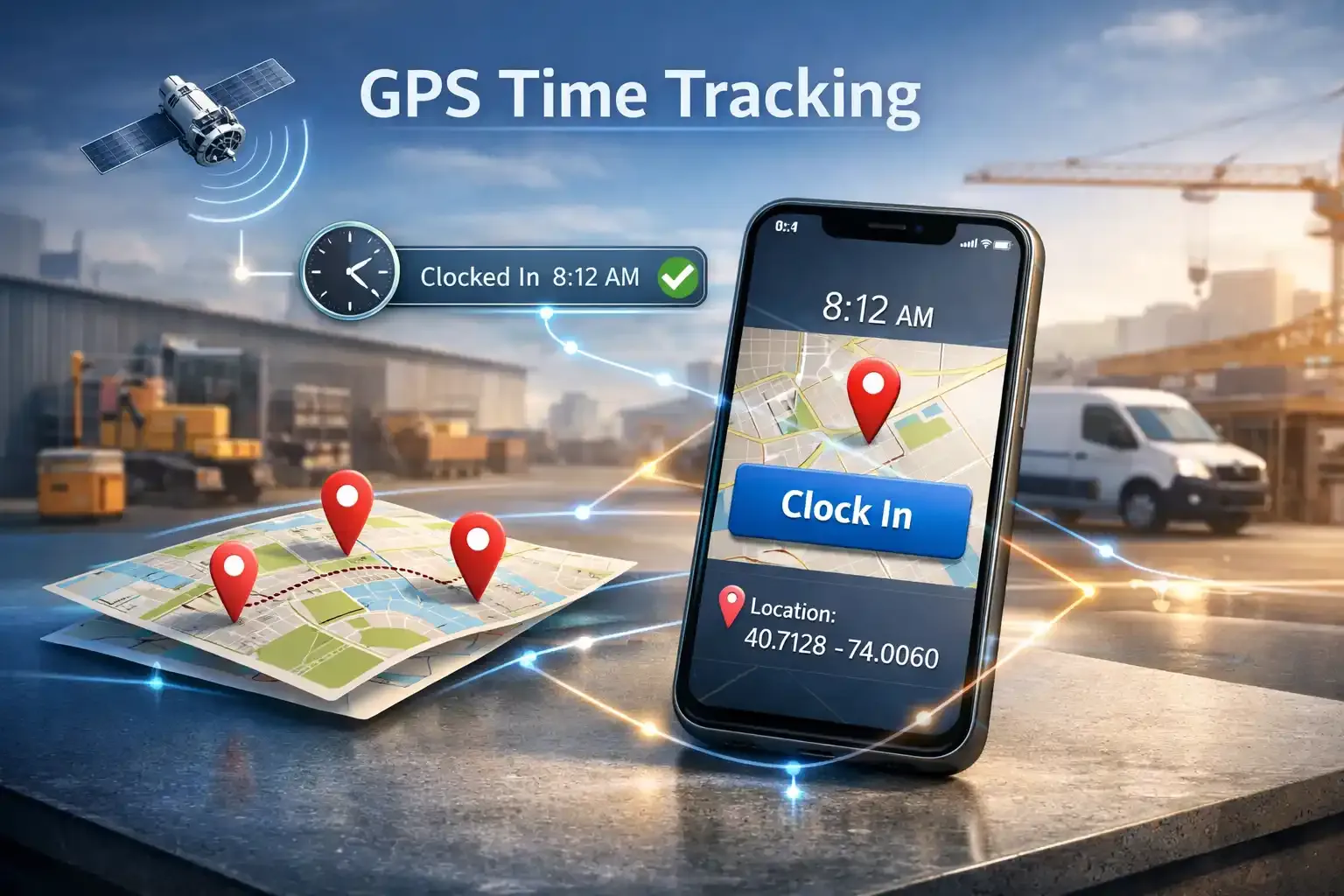
GPS time tracking is a way to record employee work hours and their locations. In simple terms, it connects a mobile time clock with GPS coordinates so managers know when someone started work and where it happened.
Instead of guessing from a paper timesheet, you get a clear record tied to the job site.
When I first tested GPS tracking for employees, the difference was obvious right away. A technician would arrive at a customer location, open the mobile app, and tap clock in. The system immediately saved the timestamp and the phone’s GPS coordinates.
This is what people call location-verified attendance. The record shows the employee’s clock-in time together with the job-site location, which removes most of the confusion around remote work.
GPS Mobile apps and sensors make the whole process simple. The employee only interacts with the clock-in button, while the software captures the location in the background.
Manual timesheets make job-site attendance difficult to verify
Record work hours and location with GPS clock-ins
Why Businesses Use GPS Time Tracking
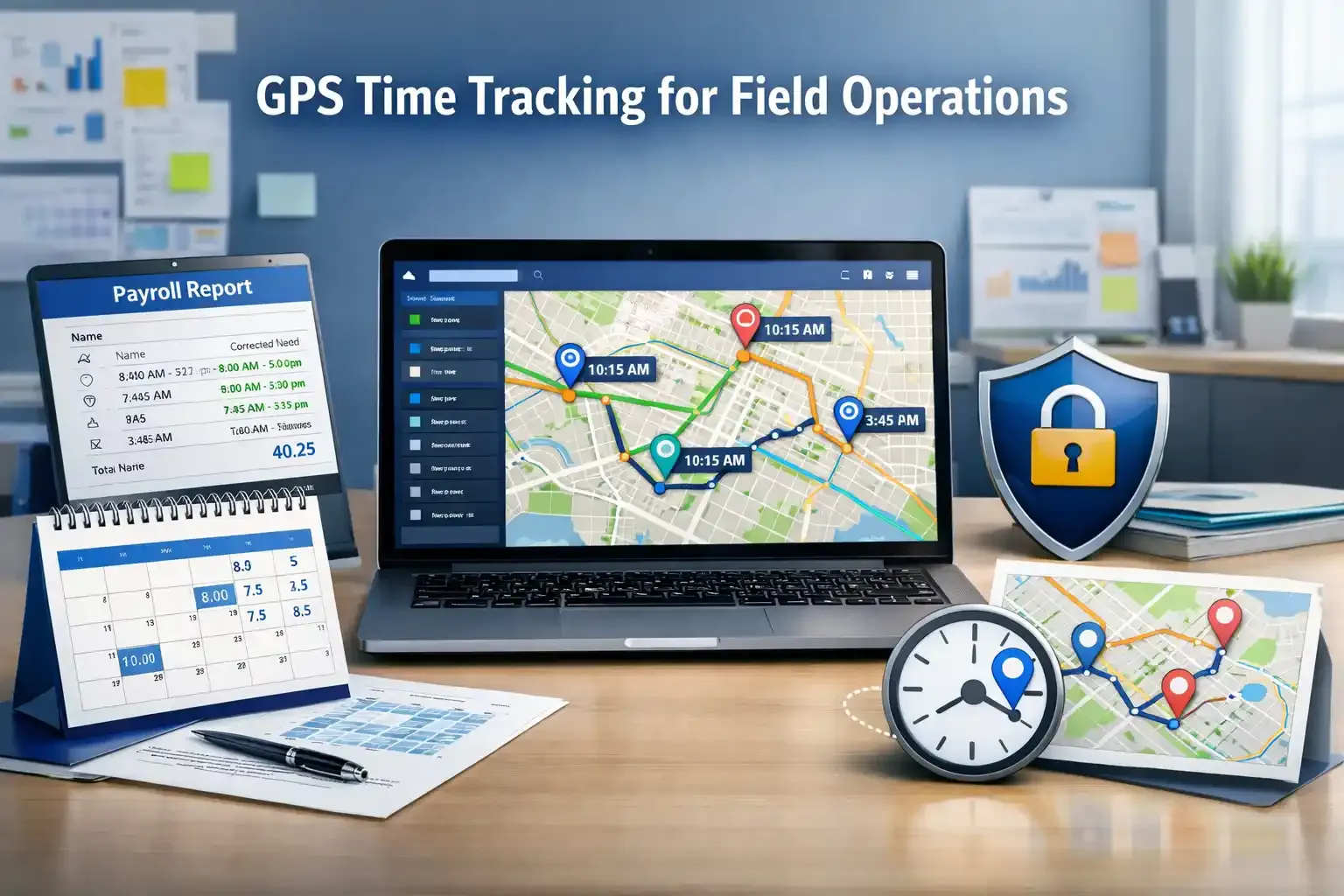
Businesses use GPS time tracking because they often cannot see what field employees actually do during the day.
When I managed remote technicians, I realized phone calls and manual updates never showed the full picture. According to the U.S. Bureau of Labor Statistics, millions of workers operate outside a fixed office, which makes location-based time tracking increasingly necessary.
Companies also adopt it because payroll mistakes happen more often than you expect. When you rely on manual timesheets, small entry errors quickly turn into inaccurate payroll reports. Even automated time capture can reduce payroll discrepancies by around 30% in service companies.
Another reason businesses turn to it is simple: to stop time card fraud. I have seen employees clock in early from home or ask someone else to punch in for them. That’s why more and more businesses are turning to GPS time tracking.
Managers often lack visibility into field teams
Track employee clock-ins and job locations instantly
How GPS Time Tracking Works
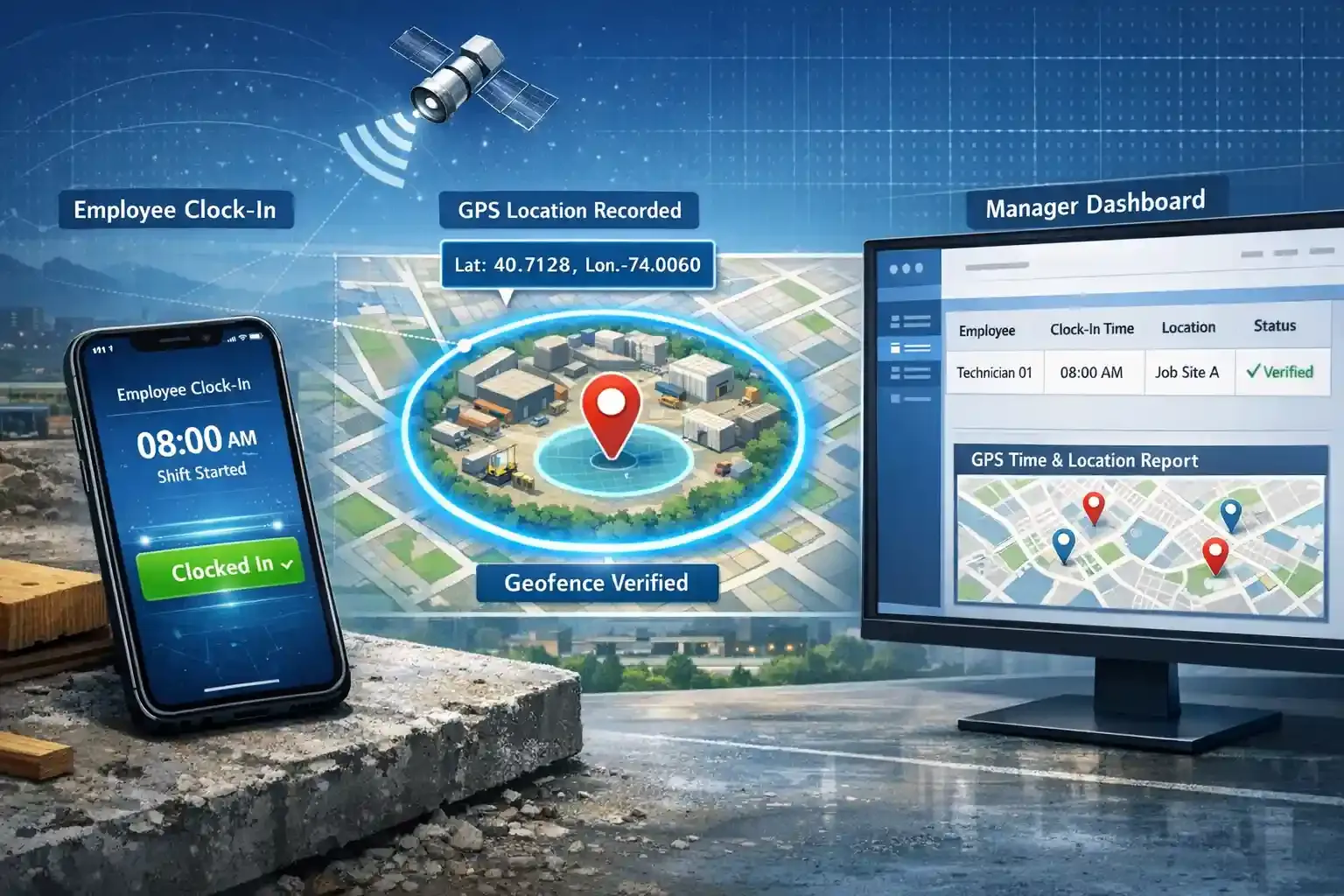
Employee Clock-In
You open the mobile time tracking app and press the clock when you reach the job site. The system immediately records the start time of the shift. Thanks to the mobile timesheet app, it replaces manual input and gives you a clear record of when work actually begins.
GPS Location Capture
The app captures your phone’s GPS coordinates the very moment you clock in. The system stores the exact latitude and longitude with the time entry. Note that civilian GPS positioning typically achieves an accuracy of approximately 4.9 meters.
Geofence Verification
The system then checks whether the clock-in location matches the assigned job site. Managers create a virtual boundary around the work location, known as a geofence. If someone clocks in outside that boundary, the system flags the entry or blocks it.
That said, many people still confuse geofencing and GPS. But in reality, both have distinct uses to solve totally different problems.
Manager Dashboard
The recorded data appears in a manager's dashboard as a time and location report. You can instantly see who clocked in, when they started, and where the shift began. Platforms like FieldServicely connect this workflow by combining GPS clock-ins, geofence verification, and workforce reports for field teams.
Tracking field teams becomes difficult without live reports
View employee clock-ins and job locations in one dashboard
Benefits of GPS Time Tracking
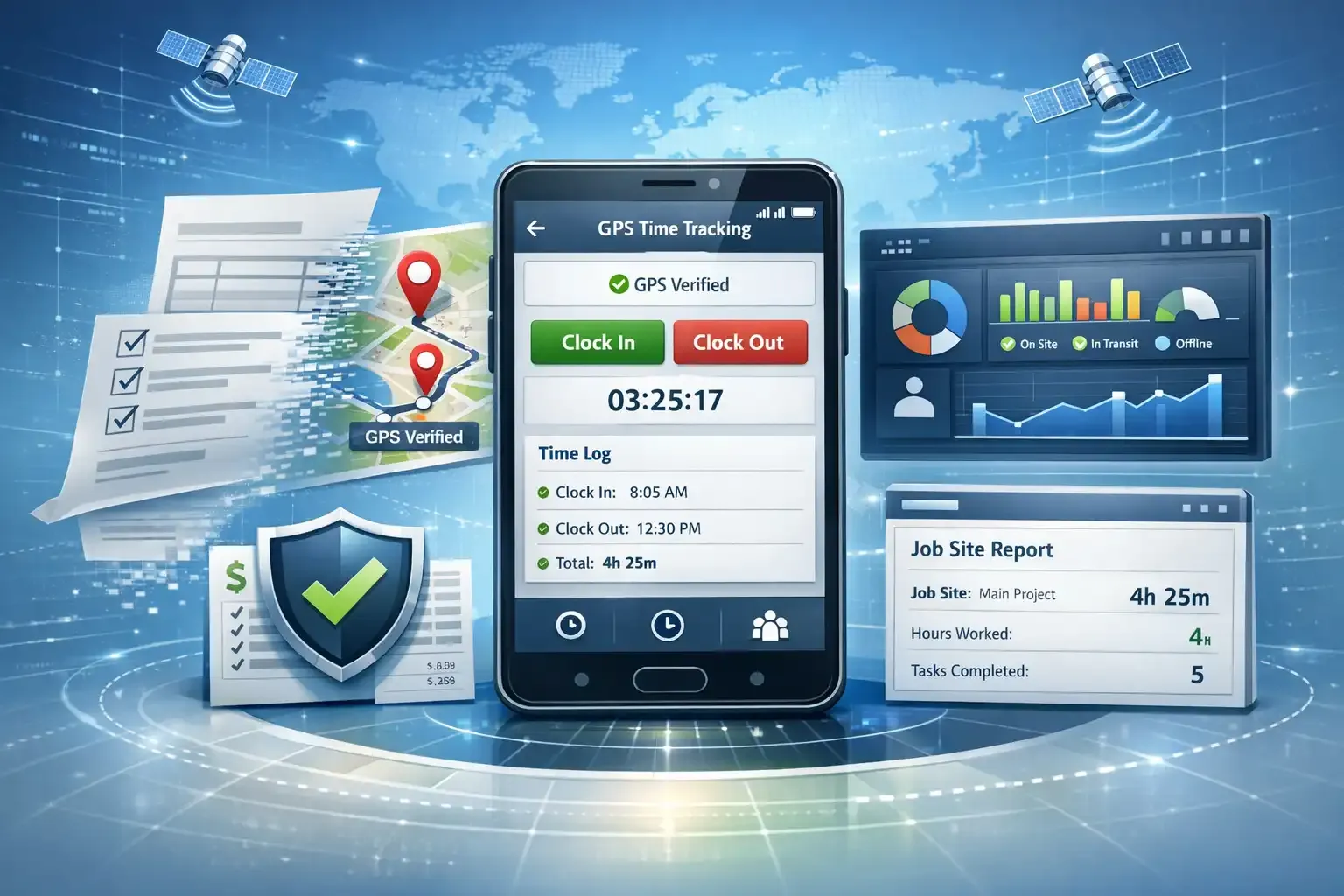
GPS time tracking helps businesses manage remote and field workers with verified time and location data. When you combine time tracking with GPS verification, you remove guesswork from attendance, payroll, and job-site reporting.
Eliminates Paper Timesheets
GPS time tracking removes the need for paper timesheets because employees record work hours directly in a mobile app. You simply open the app and clock in, and the system logs the time automatically.
According to research, companies that switch to automated time tracking significantly reduce manual time entry errors.
Prevents Buddy Punching
GPS time tracking prevents buddy punching because employees must clock in from the actual job location. If someone tries to clock in for a coworker from another place, the system detects the mismatch. According to research, location-verified attendance systems help mitigate attendance fraud and proxy clock-ins
Improves Payroll Accuracy
GPS time tracking improves payroll accuracy by recording exact clock-in and clock-out data. You no longer rely on estimated hours or manual entries at the end of the week.
Organizations using automatic payroll systems reported higher accuracy and reduced payroll calculation errors compared with manual payroll processes. [Source: Computer Science Journal]
Provides Workforce Visibility
GPS time tracking gives managers clear visibility into remote teams and field employees. You can see where work begins and how long the job takes without visiting every location. According to research, integration of advanced workforce management tools into field operations has become a strategic requirement for organizations.
Supports Job-Site Reporting
GPS time tracking also improves job-site reporting because every shift includes location-verified records. You can review which employees worked at a specific site and how many hours they spent there. These location-based reports help companies calculate labor costs, verify service visits, and prepare accurate billing records.
Paper timesheets create errors and slow payroll processing
Replace manual timesheets with automated GPS time tracking
Industries That Use GPS Time Tracking
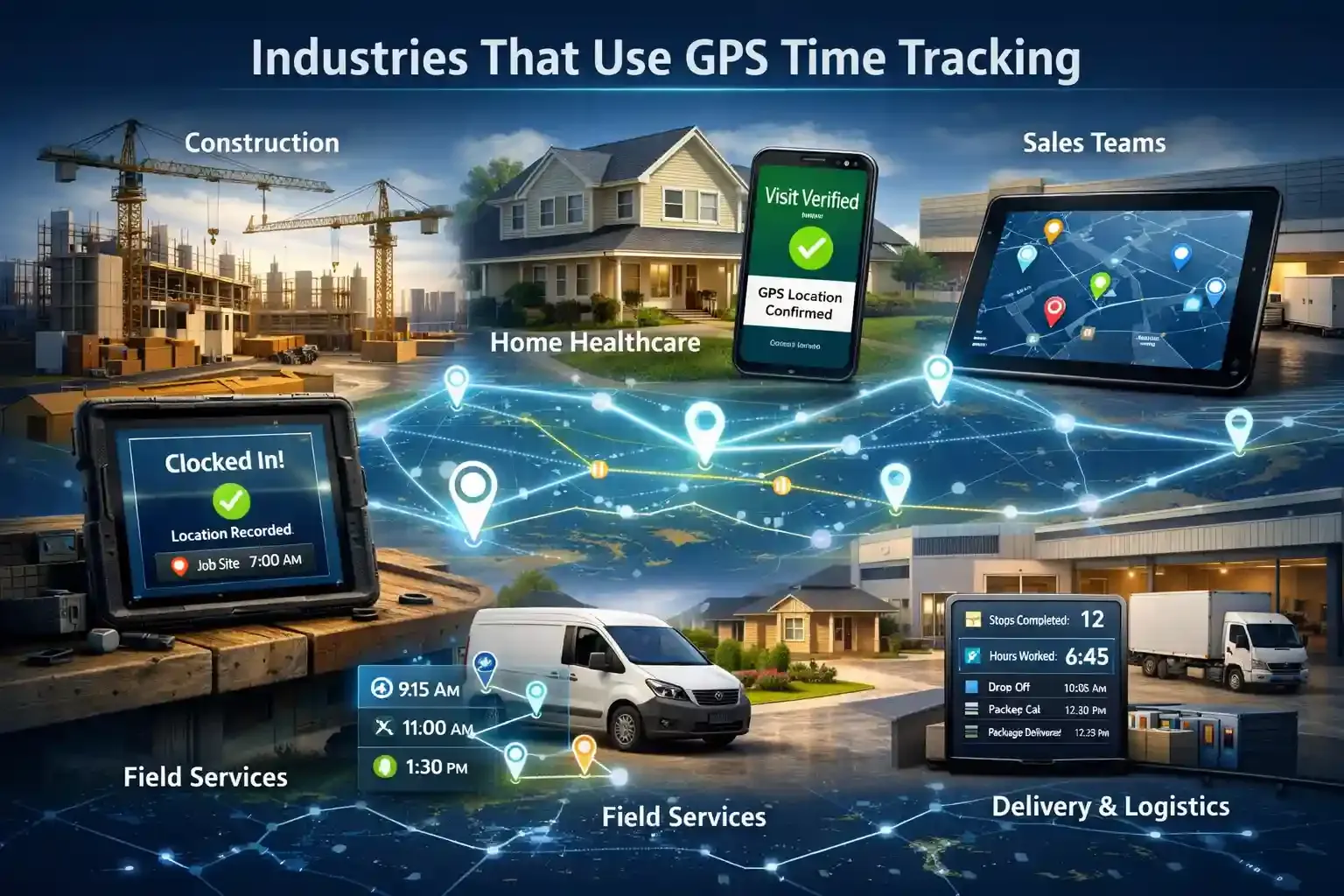
These are the industries that use GPS in their regular working days:
Construction
Construction projects run across several job sites at the same time. Workers arrive at a site, open the mobile app, and clock in so the system records the location and shift start. Project managers later use those records to calculate labor hours for each phase of the build.
Home Healthcare
Home healthcare focuses on verifying patient visits rather than tracking office attendance. A caregiver clocks in when they arrive at a patient’s home, which creates a location-verified visit record. Care coordinators then use that record to confirm the visit actually happened.
Field Services
Field technicians rarely stay in one place during the workday. An HVAC or plumbing technician may visit four or five customer locations before the day ends. GPS time tracking builds a timeline of those service calls so managers understand job duration and travel time.
Sales Teams
Sales work happens on the road, not behind a desk. A representative can start the day by clocking in and then recording client visits across different territories. Sales managers later review those logs to understand where meetings happened and how territories are covered.
Delivery and Logistics
Delivery operations depend on accurate shift records across multiple stops. Drivers clock in before leaving the warehouse, and the system records work hours as they complete deliveries throughout the route. Operations teams later analyze these records to evaluate route efficiency and driver productivity.
Field workers visit several locations every day
Record job-site visits with GPS time tracking
GPS Time Tracking vs GPS Employee Tracking
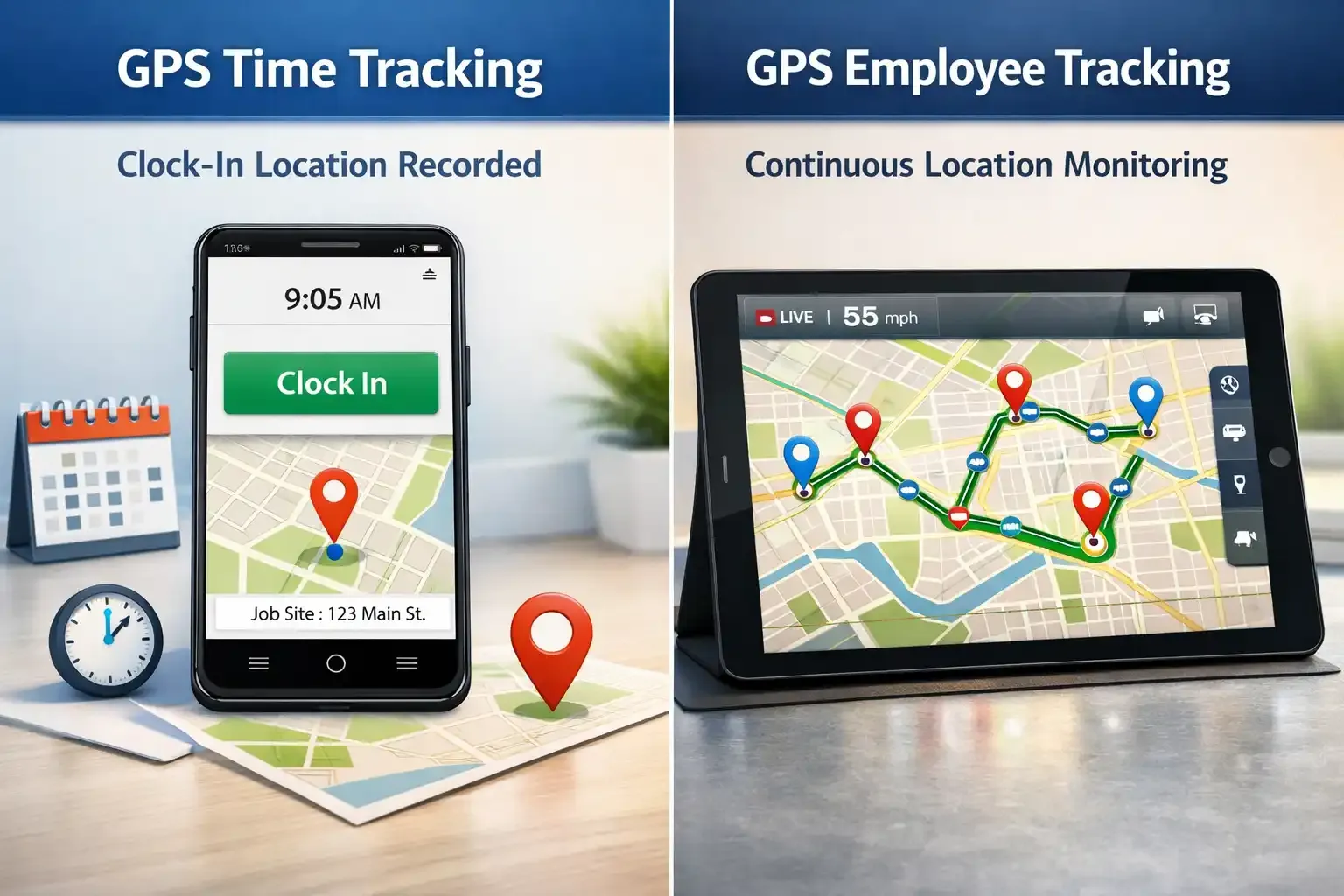
People often mix up GPS time tracking and GPS employee tracking. Not to mention the myths that spiral around GPS tracking in general. I did the same at first. However, the difference becomes clear once you see what each system actually records during the workday.
Clock-In Location Tracking
GPS time tracking focuses on attendance verification, not full-day surveillance. When you arrive at a job site and press clock-in in the mobile app, the system records the exact time and location of that moment. In my experience managing field teams, this simple step removes most disputes about where work actually started.
Continuous GPS Monitoring
GPS employee tracking works very differently because it records location throughout the entire shift. Delivery drivers, fleet operators, and logistics teams often use this system so dispatchers can see where vehicles move during the day. The app keeps running in the background and continuously logs location updates.
Privacy Differences
This difference is exactly where privacy concerns appear.
GPS time tracking records location only when you start or end a shift, which limits tracking to attendance verification. Continuous GPS monitoring follows movement during the whole workday. S companies usually need clearer policies and employee consent before using it.
Continuous tracking can create employee privacy concerns
Verify attendance with clock-in location tracking instead
Challenges of GPS Time Tracking
- Privacy concerns appear first, because employees worry the company may monitor their location beyond working hours.
- GPS signals sometimes weaken, especially inside buildings, tunnels, or dense urban areas with tall structures.
- Battery usage increases since GPS sensors and mobile apps continuously access location services.
- Workers may resist new systems, particularly when they previously relied on paper timesheets or manual punch cards.
- Location accuracy can fluctuate because of weather, network conditions, or weak satellite signals affect positioning.
- Technical setup can become complex, especially when companies integrate GPS time tracking with payroll or scheduling systems.
- Managers may face data overload, as GPS systems generate detailed logs for every clock-in, location point, and shift activity.
Legal Considerations for GPS Time Tracking
- Employers must notify employees before enabling GPS tracking.
- Companies should obtain clear employee consent for location monitoring.
- Businesses should track location only during working hours.
- Organizations must keep accurate time and attendance records.
- Employers must secure and protect employee location data.
- Companies should track only work-related activity or company assets.
Conclusion
GPS time tracking gives businesses a clearer way to manage teams that work across different locations. Instead of relying on manual timesheets, companies can verify when employees start work and where it happens.
At the same time, organizations should handle privacy, signal reliability, and employee communication carefully. When implemented properly, GPS time tracking becomes a practical tool for managing modern field teams and maintaining accurate workforce records.
Frequently Asked Questions
Is GPS Time Tracking Legal?
Yes, GPS time tracking is legal in most regions when employers inform employees and use the data only for work-related purposes. Companies usually include location tracking policies in employment agreements to ensure transparency and compliance with labor and privacy laws.
How Accurate Is GPS Time Tracking?
GPS time tracking is generally accurate within a few meters when employees clock outdoors using a smartphone. Accuracy may decrease indoors or in areas with weak satellite signals, but it still provides reliable job-site verification for most field operations.
Can GPS Time Tracking Work Without Internet Access?
Yes, many GPS time tracking apps store time and location data locally when there is no internet connection. Once the device reconnects to the network, the system automatically syncs the saved records to the dashboard.
Do Employees Need Special Devices for GPS Time Tracking?
No, most systems work directly on smartphones through a mobile time tracking app. The app uses the phone’s built-in GPS sensor to capture location and record clock-in and clock-out times.
Can GPS Time Tracking Integrate With Payroll Systems?
Yes, many GPS time tracking tools integrate with payroll and workforce management software. This integration automatically transfers verified work hours into payroll reports, reducing manual data entry and calculation errors.


